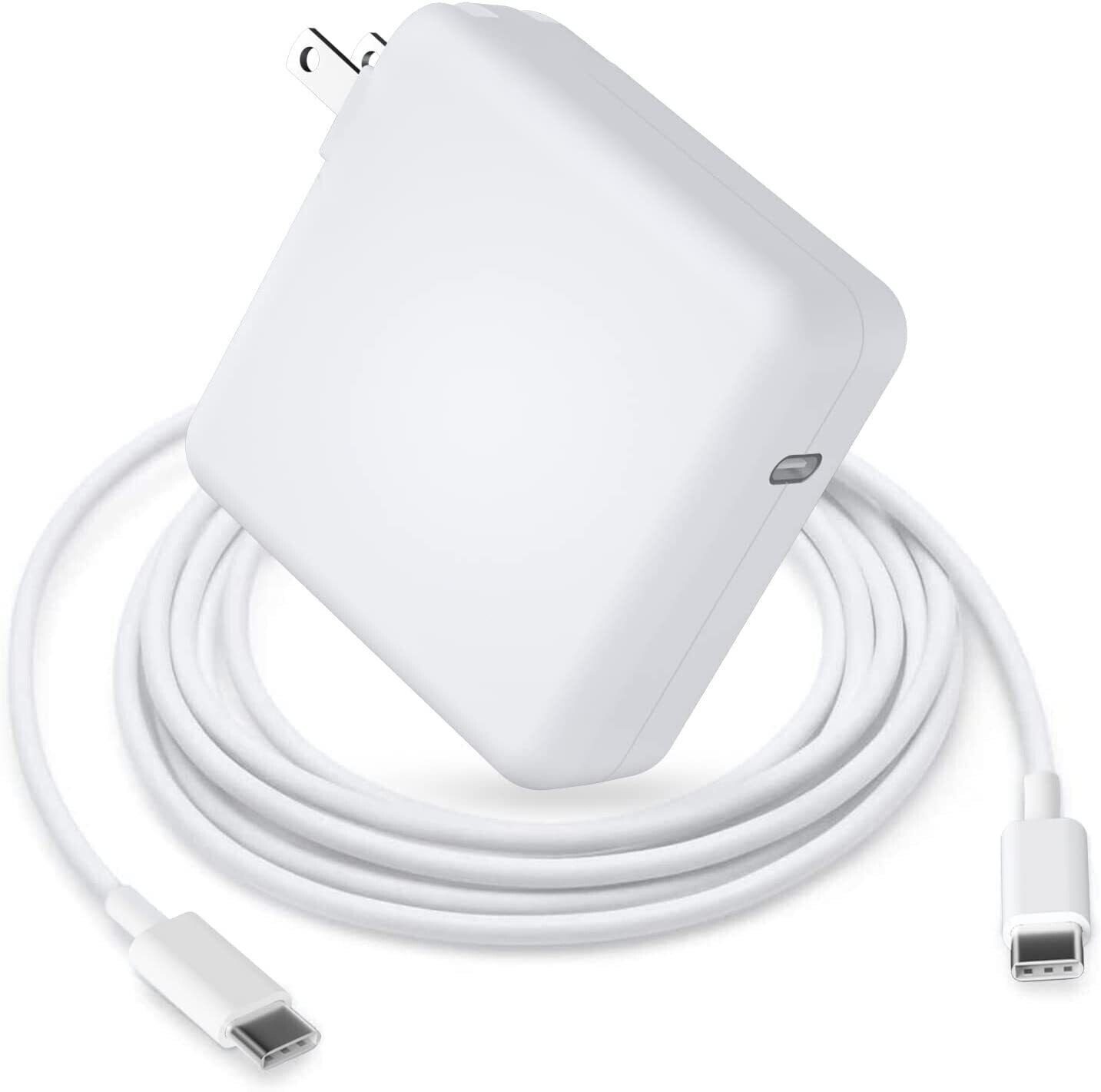
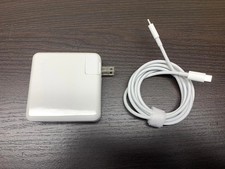
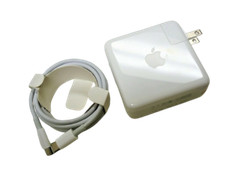
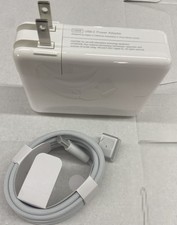
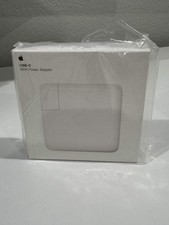
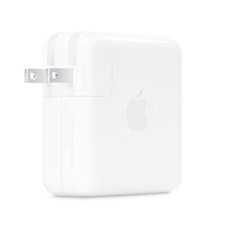
✅96W USB-C Power Adapter Charger For Apple MacBook Pro 16" 15" W/Cable A2166 New
Product Specifications
Power Supply: 96W (Max 96W)
Input: 100-240V ~ 1.5A 50~60Hz
Output: 20.5V=4.7A, 20V=4.35A, 15V=3A, 9V=3A, 5V=3A
Connector: USB Type-C
Cable: 6.6 ft (2 meters)Package:
1 x 96W USB-C Power Adapter
1 x Free USB-C Charge Cable
Compatible Models
Laptops and iPads:
MacBook Pro 16 inch 2019
MacBook Pro 15 inch 2016–2019 (A1707,A1990)
MacBook Pro 13 inch 2016 and later (A1706, A1708, A1988, A1989)
MacBook Pro (13-inch, 2016) Pro (13-inch, 2017) Pro (13-inch, 2018) Air (Retina, 13-inch, 2018 and later): (Retina, 12-inch, early 2015–2017)
Other Loptop which has USB-C Charging Port, such as Lenovo X1Carbon, Dell XPS and MoreiPad Pro 12.9-inch 2020 Gen 4
iPad Pro 12.9-inch 2018 Gen 3
iPad Pro 11-inch 2020, 2018
Other pads with USB-C Charging PortCellphones:
Samsung Galaxy, Google Pixel, LG, Moto and other phones with Type C Charging Port
Tips for Battery Usage
1.Do not unplug the power while charging.
2.When the battery is low to 10% during normal operation, it must be shut down or recharged. Do not discharge the battery to 0%, as this can easily damage the battery and accelerate its decay.
3.Avoid artificial impacts, disassembly, falling, heating, or short circuits.
4.Use dedicated equipment for charging.
5. Try to avoid using in environments that are too hot or too cold.
Can New battery not be charged?
When the device charges the battery for the first time, the unstable voltage and current may cause the device to stop charging the battery when it is half charged (sometimes more or less). If this happens, there is no need to worry, just remove the battery from the device and charge it again. The new battery charged for the first time may require several repeated processes, but please rest assured that this is a normal phenomenon.
Charging and Maintenance of New Batteries
1.We recommend that the first charge should not be less than 12 hours. Usually, new batteries are not fully charged and must be charged before use. To achieve the highest efficiency, the battery needs to be cycled three to four times before use or after a period of non-use.
2.Sometimes, when charging a new battery for the first time (after 10-15 minutes of charging), the device indicator light may indicate that the battery is fully charged. This is a normal phenomenon for "charging batteries", and the battery just needs to be removed from the device and recharged.
3.Regular charging and discharging is recommended. It is recommended to do this once a month to facilitate the system's measurement of battery capacity. For example, use up to 20% and then recharge to full.
Note:
1. Please check item before placing an order.
2. Do not Separation, extrusion, and impact.
3. Keep away from usNote
1. Please confirm whether it fits your vehicle before purchasing.
2. Please review the notes in the description and Compatibility.
Payment
We offer all payment methods accepted by and all payments are made through .
You don't need to worry about giving out money or personal information.
Shipping
1. Continental U.S. 48 States - Free Standard Shipping.
2. USA average transit time is from 2 ~ 5 business days.
3. Tracking numbers will be sent to you once your order has been shipped.
Return
1.Defective products can be returned for exchange or full refund within 30 days from the date you receive the item.
2. The item price and shipping fee will not be refunded when a bad address leads to a package being lost or abandoned.
Contact usPlease feel free to contact us anytime and we will give you a reply within 24 Hours. Country of OriginUnited StatesBrandUnbrandedCompatible BrandFor AppleTypePower AdapterUnit TypeUnitManufacturer Warranty1 YearVoltage9V, 5.2V, 20.5V, 15 VColorWhiteOutput Current3ACompatible ModelFor Apple MacBook, For Apple MacBook Air, For Apple MacBook Pro, A2166MPNDoes not applyCompatible Product LineFor Apple MacBook, For Apple MacBook Air, For Apple MacBook Pro, For Apple MacBook Pro