You may also like
6sets Pickup Feed Roller RM1-4425 Fits For HP CP1215 CP2025 CM1415 CM2320 CM1312
22.99 USD
Free shipping
Pickup Feed Roller RM1-4425 Fits For HP CM1415 CP1215 CM1312 CP2025 CP1515
2.99 USD
6.0 USD
Duplex Tray CP2025 RC2-3383 Fits For HP cm2320fxi cm2320n CP2025n CP2025x
31.99 USD
10.0 USD
10PCS Fuser Film Sleeve RM1-1821 Fits For HP CP1515 CP2025 M475 M351 CP1215 M375
61.01 USD
Free shipping
Drum Blade Fits For HP Color LaserJet CP1025 CP2025 CM1415fnw 312A Printer Parts
12.43 USD
Free shipping
6pcs Separation Roller RM1-4425 Fits For HP CP2025x cm2320n CP2025 1518 CM2320
15.99 USD
Free shipping
5PCS Fuser Film Sleeve Fits For HP M177 CP2025 M176 M175 M275
44.06 USD
Free shipping
Cooling Fan CP2025 RK2-2276 Fits For HP cm2320n cm2320fxi CP2025dn cm2320nf
19.99 USD
Free shipping
Pickup Feed Roller RM1-4425 Fits For HP CP1215 CP1515 CM1312 CM2320 CP2025
2.99 USD
6.0 USD
FUSER MOTOR ASSEMBLY CP2025 RM1-5417 Fits For HP cm2320n cm2320fxi CM2320
20.99 USD
Free shipping
Separation Roller CP2025 RM1-4425 Fits For HP CM2320 M251 CP2025dn 1515 CP2025x
1.99 USD
6.0 USD
Fuser Film Sleeve Fits For HP M176 M175 M275 M177 CP2025
14.68 USD
Free shipping
10PCS Fuser Film Sleeve Fits For HP M275 CP2025 M175 M177 M176
61.01 USD
Free shipping
Duplex Tray CP2025 RC2-3383 Fits For HP CP2025x CP2025n cm2320nf CP2025dn
97.17 USD
Free shipping
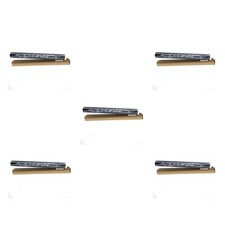
5PCS Fuser Film Sleeve RM1-1821 Fits For HP M451 CP2025 M375 CM1312 MFP CM2320
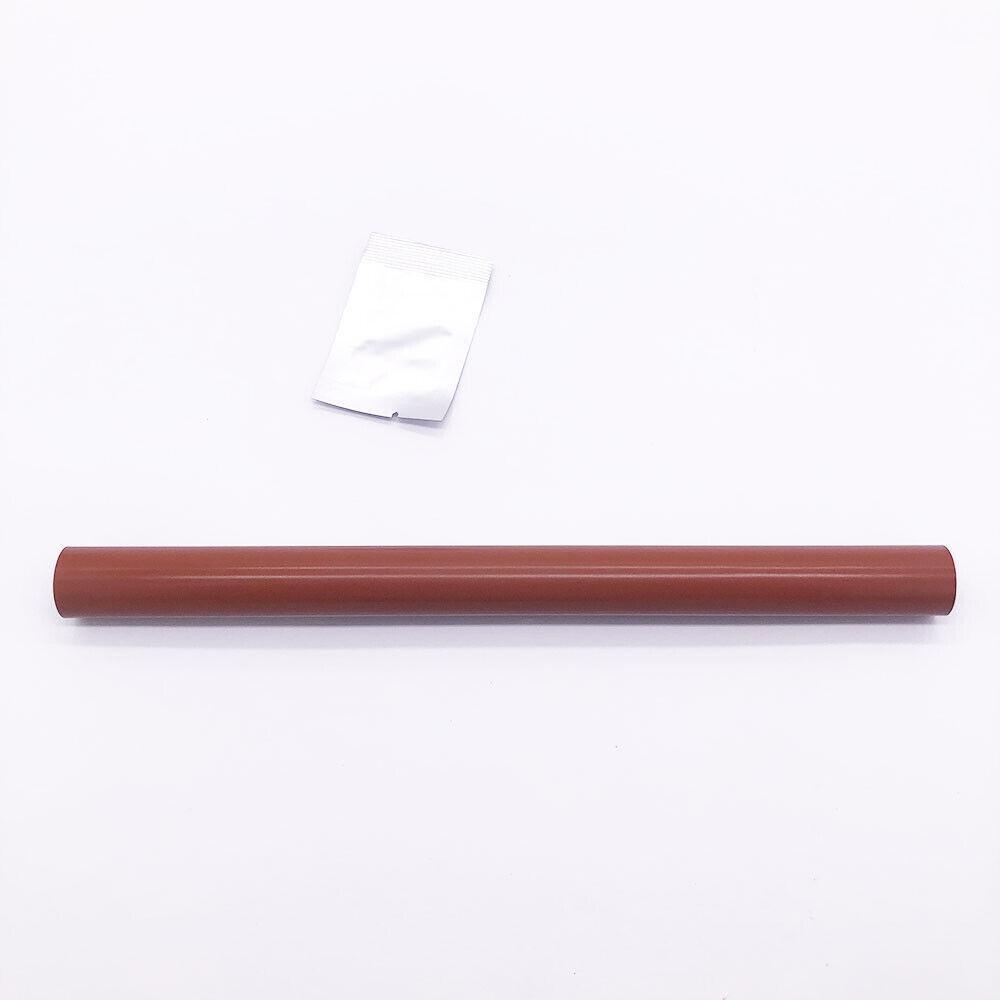
The need to replaceFuser Film sarises primarily due to the following reasons:
Aging:Fuser Film snaturally undergo aging over time. Aging can lead to changes in the material properties of the film, such as increased hardness or brittleness, thereby affecting the quality of images. Additionally, aging may result indiscoloration or color changes, subsequently impacting image contrast and clarity.
Physical Damage:Fuser Film sare susceptible to physical damage, including bending, scratching, tearing, and other forms of physical trauma. These damages directly influence the readability of images and may cause artifacts or other anomalies in theprocess.
Expiration:Fuser Film stypically have a specified lifespan. Once this designated period expires, the film's performance may decline. ExpiredFuser Film smay fail to produce clear and accurate images, necessitating regular replacements to ensure the quality of medical imaging.
Replacing the fuser film is typically a relatively complex task that requires careful handling to avoid damaging other components and ensure optimal performance after replacement. Here are the general steps commonly followed in the process:
1.Preparation:
Turn off the printer or copier and wait for the fuser to cool down. Ensure you have the correct replacement fuser film.
2.Open the Printer or Copier:
Open the corresponding door or cover to access the fuser unit.
3.Remove the Old Fuser Film:
It may be necessary to remove or reposition certain components, such as the protective cover or housing for the fuser film.
Unscrew or unclasp to release the old fuser film.
Carefully remove the old fuser film, ensuring not to damage surrounding components.
4.Clean:
Before installing the new fuser film, ensure the fuser unit is clean. Use a lint-free cloth or compressed air to remove dust and impurities.
5.Install the New Fuser Film:
Carefully place the new fuser film in the correct position.
Ensure one end of the film aligns with the fixing mechanism, and any guiding elements are correctly inserted.
6.Re-Fasten:
Reinstall the screws or fasteners to secure the new fuser film. Ensure the film is securely fixed to the fuser unit.
7.Replace Components:
If any components were moved or removed in the first step, place them back in their correct positions.
8.Close the Cover:
Close all doors and covers on the printer or copier.
9.Power On Test:
Turn on the printer or copier and perform a test print to ensure the new fuser film is operating correctly, without any unusual noise or issues.
Please note that these are general steps, and actual procedures may vary based on the device model and manufacturer. Before replacing the fuser film, it is recommended to consult the device's user manual or refer to detailed replacement guidelines provided by the manufacturer to ensure accurate and safe execution.
Installation Notes and How to Use Silicone Grease
1、Clean the Printer Heating Plate:
External impurities can directly affect the printing quality and expected lifespan.It is recommended to use alcohol to clean the cotton on the heating plate.
2、Old Heating Plate Treatment:
If the surface of the heating plate has bubbles or irregularities, it is recommended to use sandpaper to polish it for better results and longer lifespan.
3、Apply Silicone Grease:
Apply silicone grease evenly on the heating film. The ends of the fixing film that contact the plug should also be greased. This will prevent abnormal noises and ensure smoother rotation.
4、Install the Fixing Film:
After installing the fixing film, rotate it evenly a few times to distribute the grease evenly inside the new fixing film. You can use it when the fixing film rotates style="text-wrap: wrap; width: 1192px; padding-top: 20px; font-family: "Times New Roman"; text-align: center;">Special statement
All the items we are selling have enough number.If you need more of them, please contact us. And if you need other parts not in our listing, please contact us too.We have a large variety printer accessories, and some of them are not listed.Just send a message to contact us, we will help you to find the item you need.
SHIPPING & HANDLING
1.Int'l Post Airmail:
Fixed fee for Shipping & Handling, including packing, warehouse, distribution, order handling and processing costs. Item will be shipped to winning Buyers within 24 hours upon receiving the payment. The parcel with item will be shipped from Hong Kong by Flat Air Mail or Registered Air Mail.
The delivery time usually takes 1-3 weeks (max 4 weeks), depending which country & location.Buyers are responsible for additional COD charges, VAT, Customs fees, and import duty (if any).
Please understand the shipping charge covers many other costs besides actual shipping cost, like stock fees, human resources, paypal fees, final value fees, listing fees, insurance fees, packaging material fees, handling fees and ect.Please give us a high rate on shipping charge so our business can continue.
2. Combined Shipping:
Worldwide1st itemCombined Shipping
Airmail 1-2 Weeks
Shipping freeShipping free
You can combine all your itemswithin 14 daysof first won item. One payment must be made for all items at one time, so that shipping & handling discount may be given.
PAYMENT METHODS
Payment should be madewithin 14dayssince the winning of the first item.
Non-paying winners will be reported to .Serious buyers only please. Please email us with any questions you may have during the transaction.
TERMS OF SALES
Customer satisfaction is our top goal. All products are quality checked. They are in good condition when shipped to our customers. If product is defective or damage upon arrival, or wrong product shipped, please contact us immediately. Returns accepted within 30 days of delivery date and item must be in original new condition, not worn or altered in any way with attached tags & wrap. Otherwise deal is final. Return shipping must be paid by buyer.
Please contact us first if you have any problems/questions/concerns.We will be happy to resolve any issues you may have in a cordial and friendly manner.
We appreciate your Postive response, and will do the same in return.DO NOT leave negative response without communication with us.Please allow max 2 business days for us to response.
Drum Blade Fits For HP Color LaserJet CP1025 CP2025 CM1415fnw 312A Printer Parts
12.43 USD
Free shipping
5PCS Fuser Film Sleeve Fits For HP M177 CP2025 M176 M175 M275
44.06 USD
Free shipping
Pickup Feed Roller RM1-4425 Fits For HP CM1415 CP1215 CM1312 CP2025 CP1515
2.99 USD
6.0 USD
6pcs Separation Roller RM1-4425 Fits For HP CP2025x cm2320n CP2025 1518 CM2320
15.99 USD
Free shipping
Duplex Tray CP2025 RC2-3383 Fits For HP cm2320fxi cm2320n CP2025n CP2025x
31.99 USD
10.0 USD
10PCS Fuser Film Sleeve RM1-1821 Fits For HP CP1515 CP2025 M475 M351 CP1215 M375
61.01 USD
Free shipping