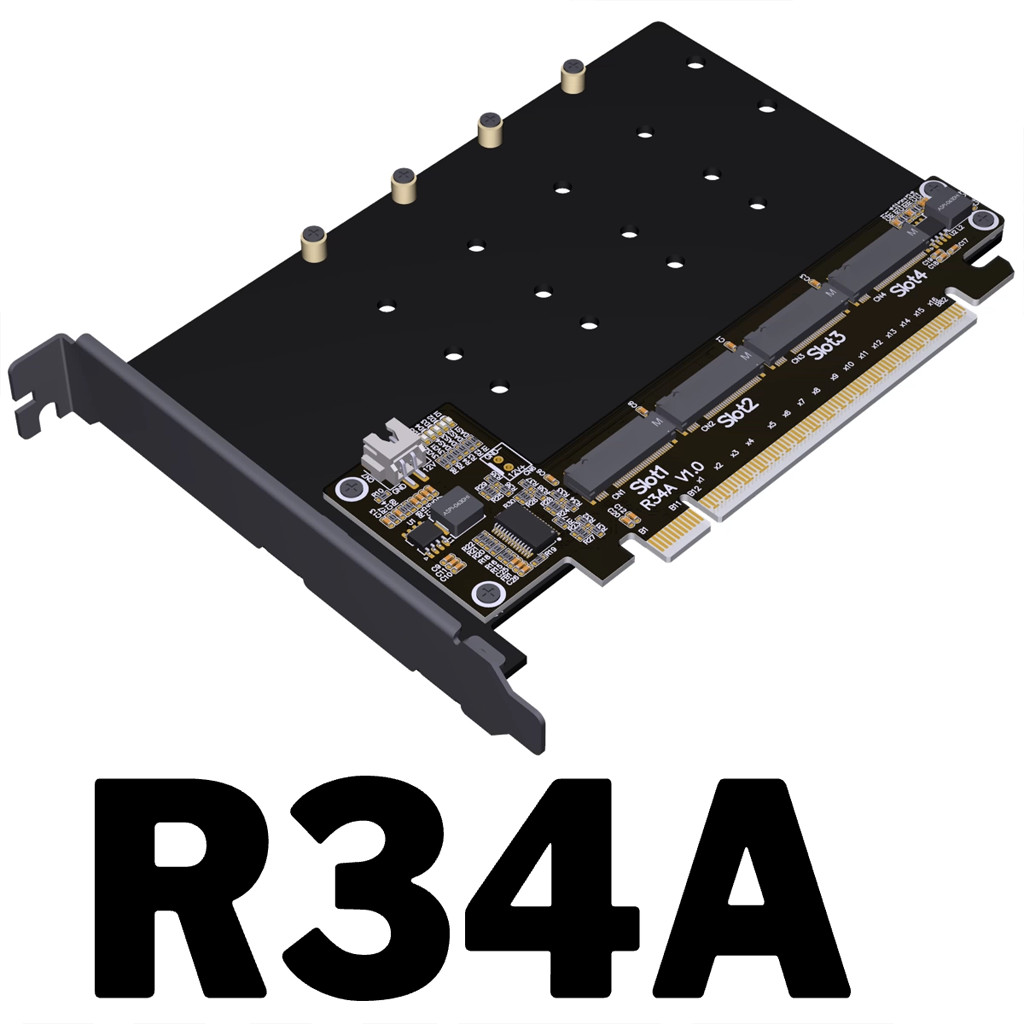
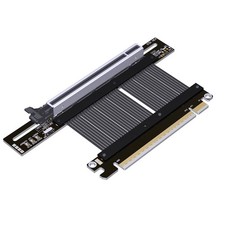
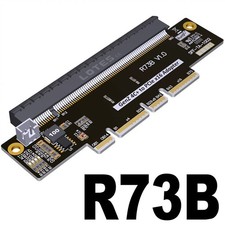
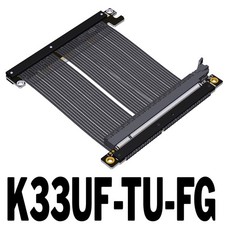
(ADT Link) PCIe 5.0 x16 to 4-Port M.2 NVMe Hard Drive Split Adapter Expansion Card (R34A)
Brand:ADT
Product Model:R34A
Product Name:PCIe 5.0 x16 to 4-Port M.2 NVMe hard drive split adapter expansion card can be a drag four
Speed bandwidth: PCIe 5.0 x16 4x128Gbps
Purchase Tips: Be sure to buy 1~2 samples to test and verify the correctness before purchasing large quantities. The store can open the invoice, if you need to open the invoice, please contact customer service when submitting the order.
Product Size: Size data are maximum values
R34A:Length 167.2mm*Height 121mm*Thickness 21.6mm
Product weight: R34A(105g)
Appearance Color: Black
Working Temperature: -40℃~80
Flame retardant grade: 94V0
Product Model Description:
ModelContent DescriptionSpeed BandwidthR34APCIe x16 to 4-Port M.2 NVMe Hard Drive Split And Adapter Expansion CardGen5 x16
Product Advantage:
1. Support PCIe 5.0 x4 full-speed transmission, compatible with Gen3/Gen4/Gen5
2. Voltage regulator circuit design, to ensure stable voltage during hard disk operation, to ensure the release of hard disk performance
3. Exclusive design of the bottom plate, can be installed with additional cooling fan, to reduce the risk of overheating performance of the hard disk.
4. Gold-plated gold fingers, gold thickness up to 10U, in line with IPC level 1 international standards.
5. high-frequency, low resistance, high-temperature resistant and anti-oxidation PCB boards, non-deformation of the color yellow crystal semi-transparent and non-white and non-black.
Dimension drawing of R34A:
Does model R34A support PCIe5.0?
The R34A is tested up to PCIe5.0x4.
Why the motherboard can only recognize one disk after setting split?
Please check whether the motherboard split is set to x4x4x4x4x4, if it is set to x8x8 or x8x4x4, four disks can not be recognized; secondly, please make sure the slot where the adapter card is located supports PCIe x16 full bandwidth operation, please refer to the motherboard manual for details.
How to confirm whether the motherboard supports Bifurcation PCIE split?
Please refer to the motherboard manual, the manual or BIOS option will explain the Bandwidth PCIE channel split or Bifurcation option, if it is not mentioned, then it is not supported.
For options please select 4x4 or x4x4x4x4x4
ASUS Motherboard Supported Models and Split Technical to read the indicator lights on the product?
D1-D4 represent the hard disk read/write lamps of port 1-4 respectively, which are blinking when reading/writing normally; D5 is the power indicator of port 1-2, and D6 is the power indicator of port 3-4, and the D5 and D6 lamps are always on under the normal state of the link:
Open 3D PDF files. Please use Adobe Reader DC software.
3D Step & 3D PDF files download:
Specificationfiledownload: