GENERIC PORTABLE PRINTERS WIRELESS FOR TRAVEL, A285M SMALL INKLESS THERMAL PRINTER, BLUETOOTH MOBILE PRINTER SUPPORT 8.5" X 11" LETTER & A4 THERMAL PAPER, COMPATIBLE WITH IPHONE LAPTOP - BLACK
Product Details Condition The item is professionally inspected & cleaned with excellent cosmetic condition. The item fully functions and comes with its essential accessories. It is backed by a 30 days warranty.
• Portable Printers Wireless for Travel [Compact & Space-saving]: The portable printer Weighs only 1.5lb and is small in size. This inkless portable printer fits easily into a backpack or briefcase! Ideal for on-the-go printing during business travel, in car or truck, small office, construction site,
• Wireless Bluetooth Printer [High Compatibility]: The portable thermal printer compatible with iPhone, Android Phone, iPad, Tablet via Bluetooth. Print documents, picture, web pages from your phone anytime, anywhere.
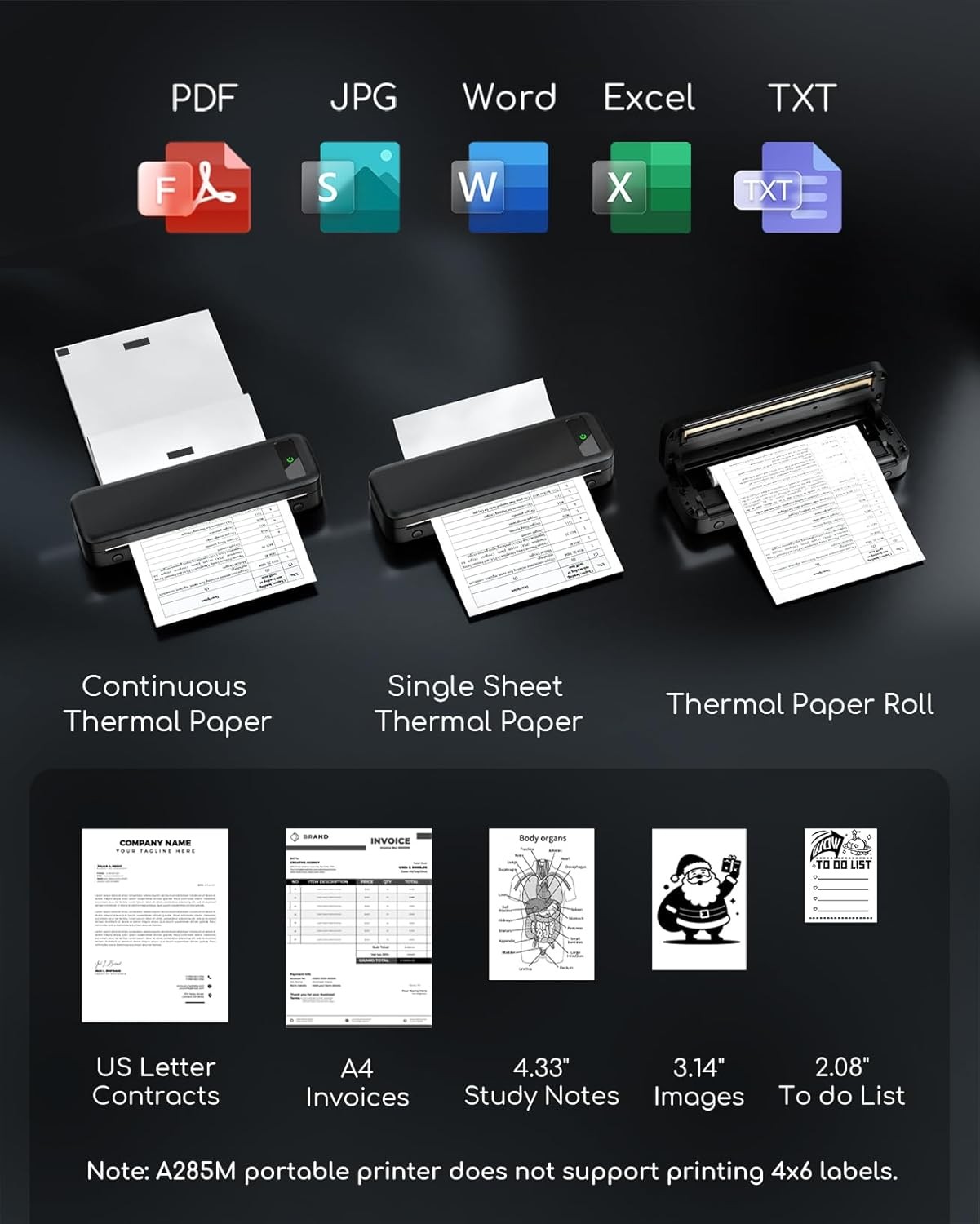
• Thermal Printer [Multi-Size Printing]: The wireless portable printer with built-in paper bin, support thermal roll paper, continuous and single sheet thermal paper. A285M small wireless printer also supports 5 sizes of thermal paper: 8.5“ X 11” US Letter, A4
• Inkless Printer [Cost-Effective & Inkless Printing]: The Bluetooth mobile printer adopt advanced thermal technology, no ink, toner, or ribbon required during printing, no clogging and cleaning problems!
• Mobile Printer [High Quality Printing]: The compact printer designed for people who work outside. A wireless inkless portable printer good for mobile notaries, truck drivers, business travelers, office workers, teachers and students.
• How to Connect Phone or Tablet to Print: 1) Download the APP according to the user manual. 2) Turn on the printer and enable Bluetooth on your phone. 3) Click the "Connect" icon in the App to search for the A285M printer, connect printer via Bluetooth in the App, and select thermal paper size