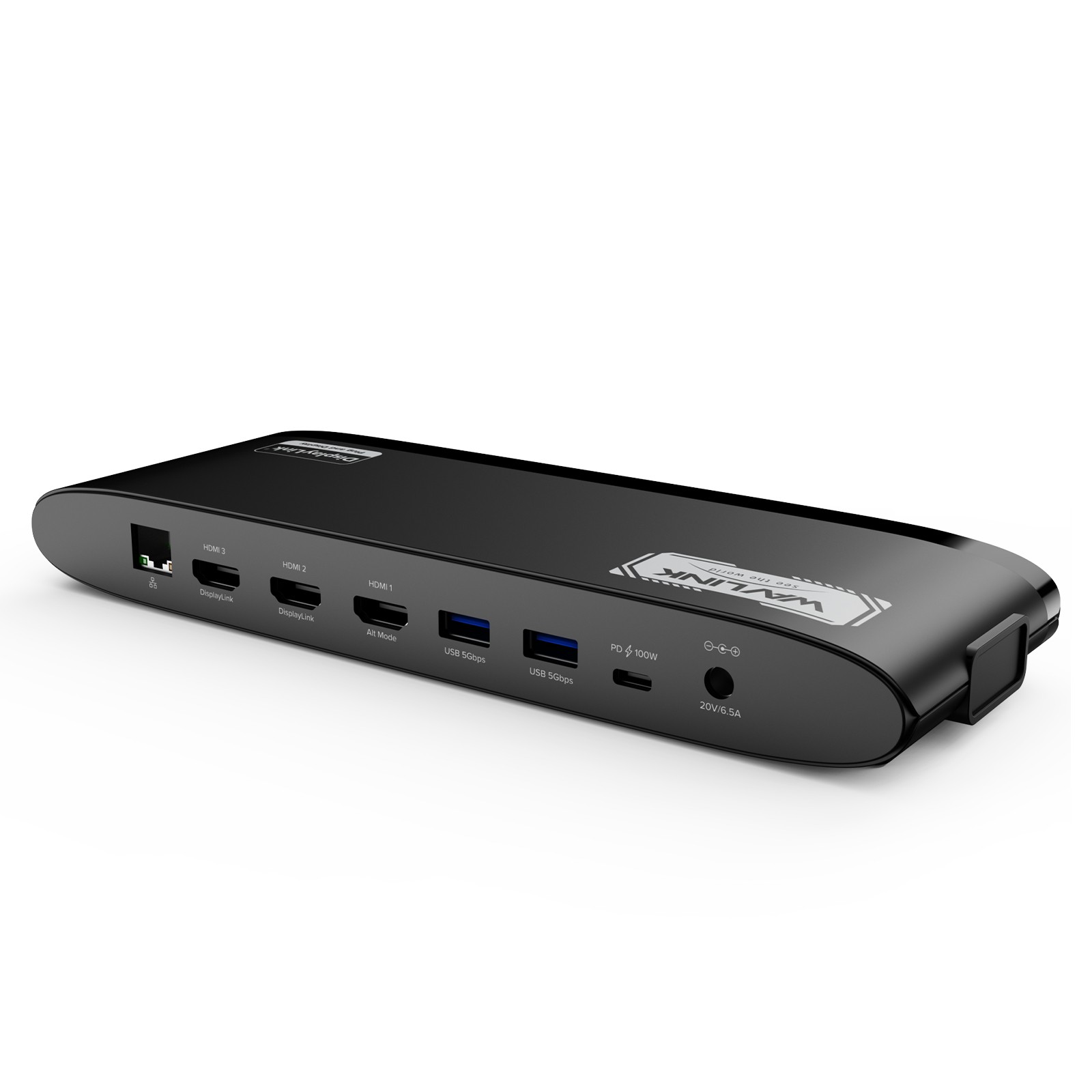
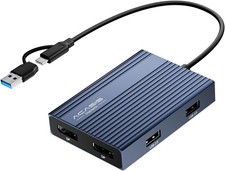
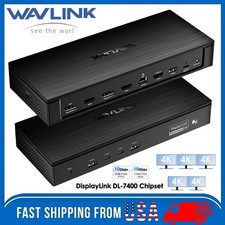
3HDMI/100w Charging/LAN/5 USB-A(5Gbps) Features
- Three HDMI ports support video output simultaneously: one HDMI port can support the resolution up to 4K@60Hz and the other two support up to 2K@60Hz.
- Extend/Mirror video modes are available for multiple tasks.
- 130W Power Supply delivers maximum 100W power upstream to charge your laptop.
- A Gigabit Ethernet port offers fast and stable network connection.
- Five USB-A ports with transfer speed up to 5Gbps, backward compatible with USB 2.0; one of USB-A ports supports 7.5W downstream charging.
- 3.5mm audio out and mic in ports for earphone, mic, and speaker connection and playing.
- SD/Micro SD v4.0 supports SDXC UHS-II and transfers speed up to 312MB/s.
Multiple Display Resolution (Max. Resolution)
1)Single Display:
Under DP1.2 Source: HDMI 1 (Alt Mode): 3840x2160@30Hz; HDMI 2/ HDMI 3: 2048x1152@60Hz;
Under DP1.4 Source: HDMI 1 (Alt Mode): 3840x2160@60Hz; HDMI 2/ HDMI 3: 2048x1152@60Hz.
2)Dual Display:
a. HDMI 1 (Alt Mode) + HDMI 2/3:
Under DP1.2 Source: 3840x2160@30Hz + 2048x1152@60Hz;
Under DP1.4 Source: 3840x2160@60Hz + 2048x1152@60Hz.
b. HDMI 2 + HDMI 3:
Under DP1.2/1.4 Source: 2048x1152@60Hz + 2048x1152@60Hz.
3)Triple Display:
HDMI 1 (Alt Mode) + HDMI 2 + HDMI 3:
Under DP1.2 Source: 3840x2160@30Hz + 2048x1152@60Hz + 2048x1152@60Hz;
Under DP1.4 Source: 3840x2160@60Hz + 2048x1152@60Hz + WL-UG39PD11
2.Ports: Side 1: Power LED; 3x USB-A 5Gbps; 1x 3.5mm Earphone; 1x 3.5mm Mic; SD/TF Card Reader(312MB/s)
Side 2: 1x RJ45(10/100/1000Mbps); 2x HDMI (2K@60Hz); 1x 4K HDMI(Alt. Mode); 2x USB-A 5Gbps; 1x USB-C Upstream (Host, PD100W); 1x DC IN(20V)
3.Unit Size: 24.0x8.3x3.0cm/9.4x3.3x1.2in (L x W x H )
4.USB-C Cable Length: 100cm/39.4in
Power Adapter Cable Length(plug end): 150cm/59in
Power Adapter Cable Length (round port end): 110cm/43in
5.Unit Weight: 363g/12.8oz
6.Housing Material: ABS Plastic
7.Power LED: Blue
Warm Tips:
1.The dock is self-powered and needs to be connected to the power adapter to work normally.
2.Please confirm that the type-c port of your laptop supports charging and video output,
or the docking station's host charging function and HDMI (Alt. Mode) port may not work.
3.Does not support plug and play; driver installation is required. Please visit the website to download the latest driver.
4.Not for Linux, Unix, iOS or iPadOS systems. Does not support Steam Deck.
5.Windows/Mac OS(12.x or above)-based devices support rotation and clamshell modes.
6.Not recommended for gaming/video editing via HDMI 2/3 ports (only HDMI 1 in Alt. Mode suitable).
7.To get 4K@60Hz on HDMI(Alt.Mode), your laptop's USB-C port must support DP1.4; if it supports DP1.2, you'll be limited to 4K@30Hz.
8.Does not support HDCP, will not playback encrypted or copy-protected content from Netflix, Hulu, iTunes, Amazon Prime, etc.
9.For Mac users, it is necessary to grant permission to the DisplayLink Manager to record your screen.
In the Box
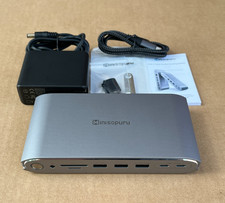
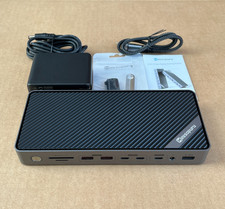
1x USB-C Triple Display Universal Docking Station
1x 2-in-1 USB-C to USB-C Cable with USB-A Converter
1x 130W Power Adapter
1x Quick Start Guide
3HDMI+2DP/100W Charging/LAN/4 USB-A(10Gbps)
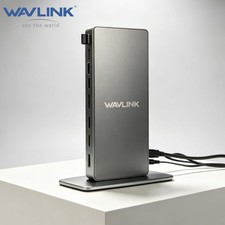
Wavlink 15-In-1 Triple 4K Display Universal DisplayLink Docking Station with Elegant Shell Design
This Universal Displaylink Triple 4K Display Docking Station works seamlessly with your full-function type-c laptops,
supports mirroring/expanding up to three external displays, and enables connectivity to your wired network and other accessories.
You can easily add triple 4K@60Hz displays with 2x DisplayPort and 3x HDMI ports. Supports 100W charging your laptop and
features full 6xUSB3.1 Gen2 ports which support high speed up to 10Gbps. Thanks to a 160W power adapter that can be fully
sufficient for docking and laptop charging, you can reduce the clutter of your workstation and no longer need to carry an
extra power adapter when traveling or in the office.
Multiple video interfaces make the dock a versatile and powerful tool for users in various industries.
Whether you're working with graphics-intensive applications or simply need a reliable docking station for
day-to-day computing tasks, the Wavlink docking station is an excellent choice:
①HDMI( Alt.Mode) Port for Video Editing/ Online Gaming:
--The HDMI(Alt.Mode) allows for high-intensive tasks processing, is particularly well-suited for video editing and
online gaming, making it ideal for large software applications.
②Display 1/2(Chipset: DisplayLink 6950): HDMI /Displayport for Document Processing & Web Browsing
--For document processing and web browsing, DisplayLink 6950 chipset-based interfaces, such as HDMI 1/Displayport 1 and
HDMI 2/Displayport 2, are recommended. These interfaces provide high-quality graphics and a smooth user experience,
even when working with multiple windows or applications simultaneously.
Unlock the Full Potential of Your MacBook Neo
Native support for just one external monitor can hold your MacBook Neo back—but with the WAVLINK DisplayLink Docking Station,
that limitation disappears. Expand your view with dual 4K displays, giving you a sprawling workspace for seamless multitasking and
a dramatically smoother workflow. And the upgrade doesn’t stop there. Loaded with a full suite of high-speed ports,
WAVLINK transforms your MacBook Neo into a true productivity powerhouse—more connections, more flexibility,
and an all-around elevated experience.
USB-C Power Delivery
With included 160W power adapter, USB-C(host) supports up to 100W charging your laptop and 60W for
powering all downstream devices as well as other peripherals.
1000/100/10Mbps Ethernet
RJ45 Gigabit Ethernet port provides high-speed and stable wired networks, backwards compatible with 10/100/1000Mbps,
allowing you to connect to faster networks, routers, and NAS devices.
Transfer Files in Seconds
Connect to either of the USB 3.1Gen2 Type-A ports and Type-C ports for different needs, support file transfer speed at
up to 10Gbps, ultra time-saving and efficient for data transmission.
2-In-1 Audio & Mic
Connect a microphone, headphones or mini stereo to this audio out & mic in port when accessing audio files or needing to speak,
which can make listening, talking or recording a breeze.
Security Lock Hole
Supports the connection of Kensington lock, which secures the devices and important data from theft to
keep your properties/data safe. (Kensington lock is not included).
Anti-slip Pads Protection
The non-slip rubber pads on the bottom help the docking station stay stable in place and free from any sliding effects,
quite thoughtful to provide you with a better experience.
Compatible Systems
-Windows 11/10/8.1/8/7/XP/Vista
-Mac OS 10.14-13.x and latest
-Chrome OS, Ubuntu, Android and Harmony OS
Specification
1.Model: WL-UG69PD25Pro
2.Ports: 1x DC Jack, 1x USB-C(upstream), 2x Displayport, 3x HDMI, 1x RJ45, 1x 4-Pole Phone Jack, 2 x USB-C 3.1, 4 x USB-A 3.1
3.Unit Size: 22.3x9.1x2.9cm/8.7x3.6x1.1in( L x W x H )
Package Size: 28.1x13.7x7cm/11x5.4x2.8in( L x W x H )
4.USB-C to C Cable Length: 100cm/39.4in
Power Adapter Cable Length(plug end): 150cm/59in
Power Adapter Cable Length (round port end): 110cm/43in
5.Unit Weight: 378g/13.3oz
6.Housing Material: Plastic
7.Shell Color: Black
8.LED Indicator Color(Docking Station): Blue
LED Indicator Color(Power Adapter): Blue
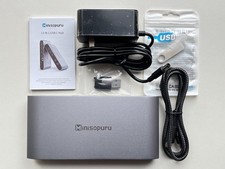
In the Box
1x USB-C Triple 4K Display Universal Docking Station
1x USB-C to C Cable (E-Mark Chip)
1 x 20V/8A 160W Power Adapter
1 x Quick Start Guide
1 x Driver Link Card
Multiple Display Resolution
①Single Display(Max. Resolution)
Under DP1.2 Source: HDMI(Alt Mode): 3840x2160@30Hz ; Display1/2(HDMI/DisplayPort): 3840x2160@60Hz;
Under DP1.4 Source: HDMI(Alt Mode): 3840x2160@60Hz ; Display1/2(HDMI/DisplayPort): 3840x2160@60Hz.
②Dual Display(Max. Resolution)
a. HDMI(Alt Mode)+ Display1/2(HDMI/DisplayPort):
Under DP1.2 Source: 3840x2160@30Hz+ 3840x2160@60Hz;
Under DP1.4 Source: 3840x2160@60Hz + 3840x2160@60Hz.
b. DP1.2/1.4 Source: 3840x2160@60Hz+ 3840x2160@60Hz.
③Triple Display(Max. Resolution)
HDMI(Alt Mode) + Display1(HDMI/DisplayPort) + Display2(HDMI/DisplayPort):
Under DP1.2 Source: 3840x2160@30Hz+ DP1.4 Source: 3840x2160@60Hz+ Tips
- Please confirm that the type-c port of your laptop supports charging and video output,
or the docking station's host charging function and HDMI (Alt. Mode) port may not work.
- Please follow the instructions to download the latest DisplayLink driver from the official website before use.
ONLY plug and play for Chrome OS, Windows 10/11.
- Please keep connected to the power supply when using this docking station (power adapter included in the package).
- Only one video port can be used in the same video stream (Display1/Display2), either a "DisplayPort" or a "HDMI".