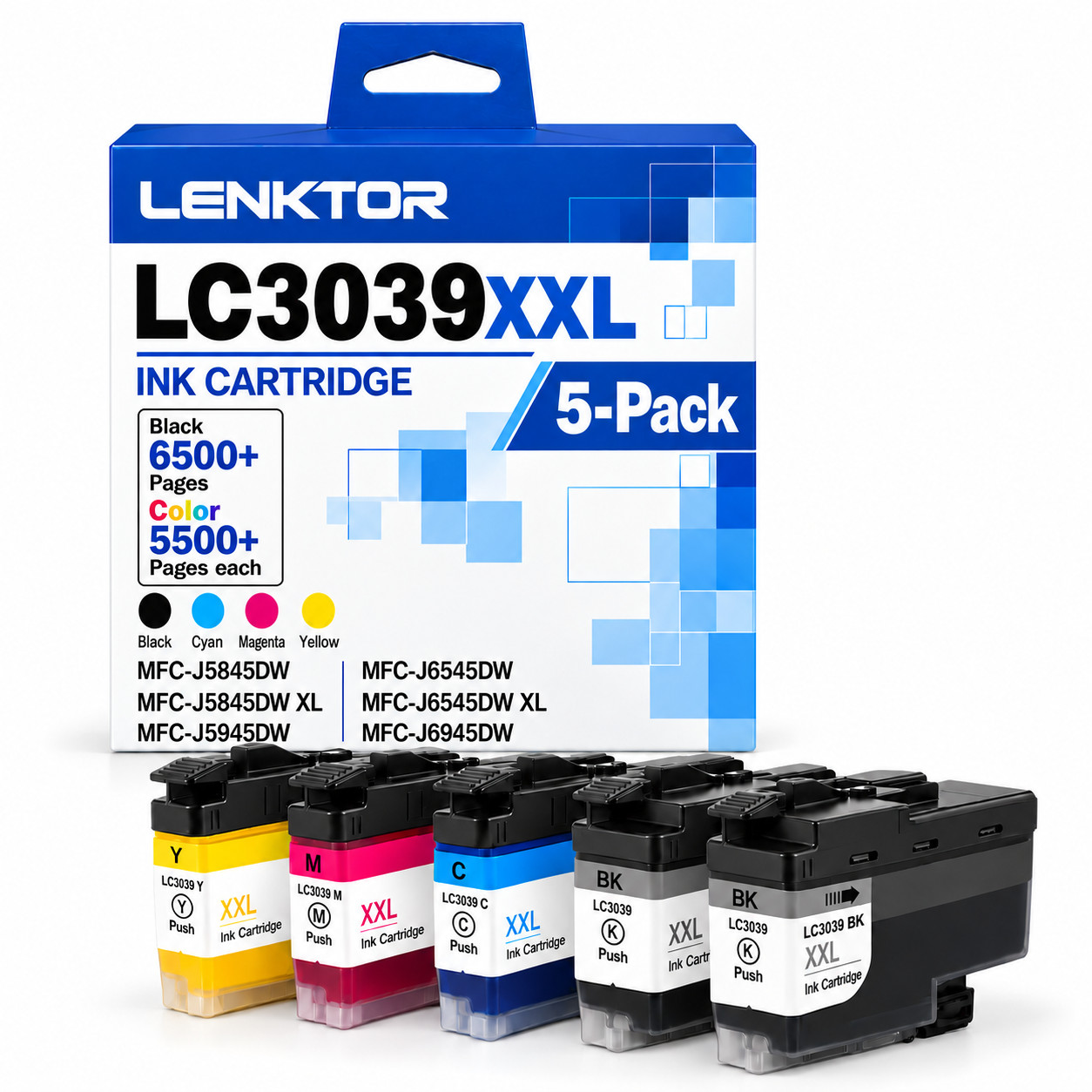
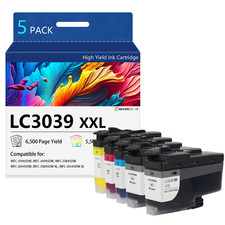
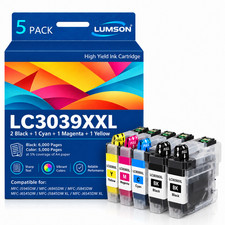
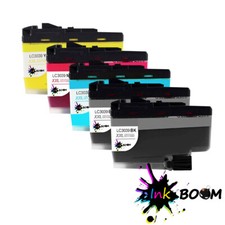
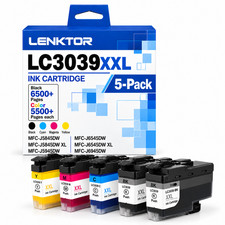
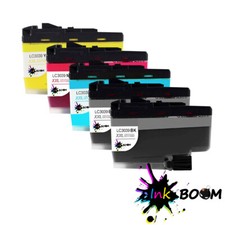
Work as OEM, Cheaper than 5 Pack LC3039XXL Super High Yield Ink Cartridge Set (2 Black + 1 Cyan + 1 Magenta + 1 Yellow):
• 2 x LC3039XXL Black Ink Cartridge
• 1 x LC3039XXL Cyan Ink Cartridge
• 1 x LC3039XXL Magenta Ink Cartridge
• 1 x LC3039XXL Yellow Ink Ink Cartridge (Super High Yield, 5 Pack)
Condition: Brand New (NON OEM)
Chip: With New Chip
Print Technology: Inkjet
Color: 2 × Black, 1 × Cyan, 1 × Magenta, 1 × Yellow
Features: Premium 5-cartridge super high yield value pack — engineered for Brother MFC-J5845DW, MFC-J5845DW XL, MFC-J5945DW, MFC-J6545DW, MFC-J6545DW XL, MFC-J6945DW INKvestment series color inkjet all-in-one printers — delivers bold, crisp black text and vivid color graphics for high-volume home and office Printer model compatible with ink:✅ Core Compatible Models:
MFC-J5800 Series: MFC-J5845DW, MFC-J5845DW XL
MFC-J5900 Series: MFC-J5945DW
MFC-J6500 Series: MFC-J6545DW, MFC-J6545DW XL
MFC-J6900 Series: MFC-J6945DW📌 Also Compatible Models:
HL-J Series: offers ongoing deals and brand new Why Choose us?
✨ [Superior Printing Quality]
Our products are manufactured with advanced equipment to maintain the highest standards, providing clear and vivid content for your pages.🔍 [Strict Quality Control]
We always strive to provide you with the best products. We scrutinize our entire product line to ensure compatibility and reliability.📦 [Safe Packaging]
We use separate vacuum sealed packaging to avoid damaging the items during transportation.
It is worth mentioning that there are some differences between the product packaging in the pictures and the actual products, because we have some batches of products changed the manufacturer. Therefore, all products are subject to the actual goods received.🚚 [Reliable transportation]
Once we receive your payment, your order will be shipped within 2 business days.
All items ship out as fast as possible from multiple warehouses around the country. We offer free shipping and free returns for most Important Compatibility Note:
This 5-pack contains 2 × Black + 1 × Cyan + 1 × Magenta + 1 × Yellow — five cartridges in total, two black and one of each color, not five black cartridges. This set is designed for high-volume printing, which is why it includes an extra black cartridge.Page Yield: up to 6,500 pages per Black cartridge and up to 5,500 pages per Cyan / Magenta / Yellow cartridge (at 5% coverage on A4 / Letter paper). Actual yield varies with your print content, coverage, paper type and print habits.LC3039XXL and LC3039 are the same cartridge. "XXL" is the super high yield label commonly used for this model — the official part numbers are LC3039BK, LC3039C, LC3039M and LC3039Y. Both names refer to exactly the same cartridge, so if the cartridge you receive is printed with LC3039, that is correct and expected.This cartridge is equipped with a new chip for reliable recognition by your printer. After installation, if the printer displays a cartridge error, please follow the reset steps below to resume normal printing.This is a NON-OEM replacement product, not manufactured by Installation Notice:
• Turn on the printer and open the ink cartridge access cover.
• Remove the used cartridge of the corresponding color.
• Unpack the new cartridge and remove the protective film and sealing tape. Do not touch the ink nozzle or the chip contacts.
• Insert the cartridge into its matching color slot until it clicks into place.
• Repeat for each color, then close the access cover. The printer will recognize the new cartridges automatically.🔧 Chip / Firmware Notice:
• This cartridge is equipped with a new chip for reliable recognition, so your printer can identify the cartridge properly.
• Upon installation, your printer may display a "Non-Brother" or similar message. This is completely normal for a compatible cartridge — simply press OK / Continue / Accept to proceed and start printing.
• If a cartridge is not recognized, remove it and reinstall it firmly until it clicks. Do not touch the chip contacts.
• Brother periodically releases firmware updates that may cause aftermarket cartridges to no longer be recognized. To continue using compatible cartridges, we recommend turning OFF automatic firmware updates on your printer.Please verify your exact model is one of the Brother MFC-J5845DW / J5945DW / J6545DW / J6945DW series inkjet printers listed above before After sales service:
We promise to provide 100% quality and satisfaction! No matter If you have any questions or encounter a defective product, Before taking any action, please contact us through , Our customer service team is committed to promptly answering all your questions.