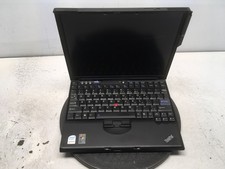
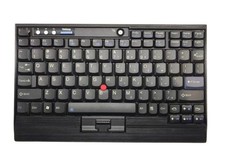
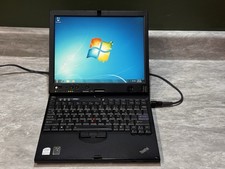
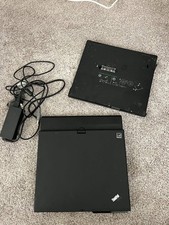
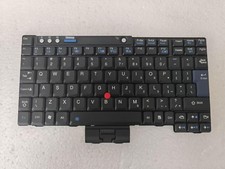
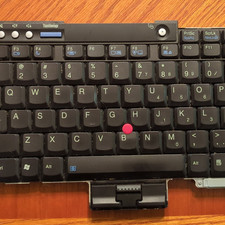
Lenovo ThinkPad X61 BT4.0 & 2.4G Wireless Keyboard Upgraded DIY 3D Printed name: 100% Original Lenovo Thinkpad Wired keyboard
Connection method: USB wired
Language: US English
Base Frame Materials:PLADual-mode Keyboard Usage Instructions:1. Connect the data cable directly to the computer; the default mode is wired
2. Without connecting the cable, press Fn+Ctrl+number (1-4 for Bluetooth, 5-8 for receivers, 9 for wired) to switch to the corresponding channel. If a receiver is purchased, it defaults to pairing with channel 5. After switching to the Bluetooth channel, you can search for Bluetooth on the device, typically named XXX Keyboard. If multiple devices are paired, allow about 5 seconds for the keyboard to respond before switching. Press Fn+Ctrl+S to clear the current channel pairing.
Packing List:
1PC *Lenovo Keyboard and 1*Pc 2.4G Receiver