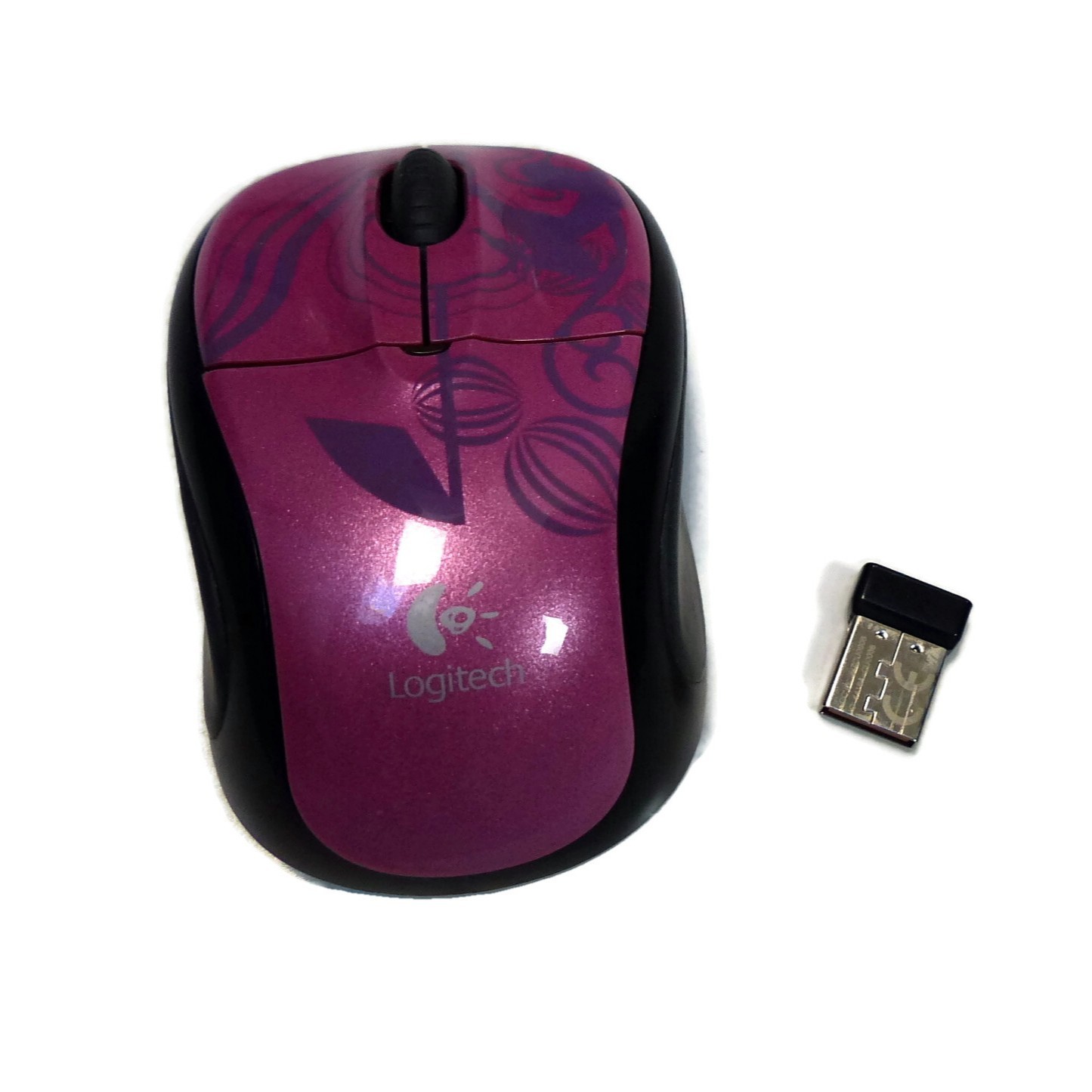
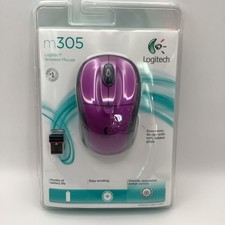
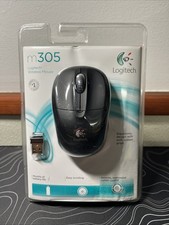
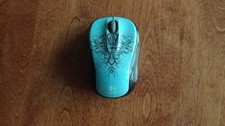
This popular Logitech wireless mouse is in very good used condition, with just a few scratches on the side grips. It features the "Pink Balance". The button and scroll wheel action are crisp. It comes with the a Logitech Unifying Nano USB receiver and battery. It is compact, very comfortable in either hand, and a good choice for everyday work, yet small enough to use as a travel mouse.The mouse works in Windows XP through Windows 11 and in Mac OS X 10.8 or later. No added drivers are necessary to use the mouse in Windows 10 or 11 -- it has been tested on a Windows 11 64-bit laptop and a Windows 10 desktop PC and all mouse functions work without additional drivers. However, customization of button functions and mouse operation will be improved by installing the free Logitech SetPoint Software (or Logitech Control Center for Mac OS X). Both include the Unifying Software utility, which is used to establish the initial connection with the Nano USB receiver.Functions: Left click, right click, scroll, middle button (scroll wheel) click, left and right scroll tilt.Runs on 1 AA battery (included)SetPoint and the Logitech Unifying Software (or Logitech Control Center for MAC OS) may be downloaded from the M305 support page. To find it, go to the Logitech support site (support.logi.com) and search for "wireless mouse M305". Note that if the SetPoint Software is installed, the middle button (scroll wheel click) function may default to the "zoom" function. Without SetPoint, the default function is autoscroll. The default action for this button, and any other, may be changed via SetPoint or Logitech Control Center.To install: Open the battery cover and remove the Nano USB receiver from its slot, then reattach the battery cover. Plug the USB receiver into an available USB port, then wait a moment for it to be sensed and installed. Turn on the mouse. The mouse may connect automatically; if it doesn't, run the Unifying Software from within SetPoint for Windows or Logitech Control Center for MAC OS X, and follow the instructions for pairing the mouse to your computer."Delivery" date is 's estimate and depends on carrier. Measurements are approximate to the best of our ability. Colours vary on different monitors/devices. Our premises are smoke-free. If you want to purchase more than one item, please go ahead and purchase and pay. I combine shipping and will promptly refund your shipping overage. Please use the shopping cart for combo shipping.