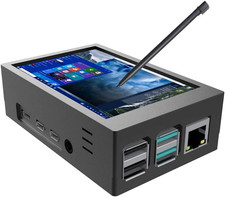
Compatible Devices & OSWhen worked with Raspberry Pi
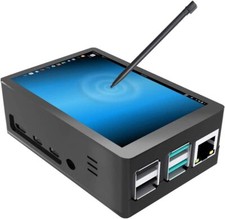
Supports Raspberry Pi, BB Black, Banana Pi and other mainstream mini PC.Used as a Raspberry Pi display that supports Raspbian, Ubuntu, Kali-Linux, Kodi, win10 IOT, single-touch, free drive.When worked with PC
Supports PC with HDMI port.
Used as a small second monitor for laptop which has Win7, Win8, Win10 system, 5 point touch (XP and older version system: single-point touch), free drive.Specification Size:10.1 inch
Display mode:Normal interface:40pin LVDS
CTP:capacitive touch panel single touch
CTP interface:30 COB
controller board interface:1 USB interface(power and supply function 2 in 1)
1 HDMI interfaceKit Includes:
1 x Raspberry Pi Touchscreen monitor
1 x Standard HDMI Cable
1 x Micro USB Cable
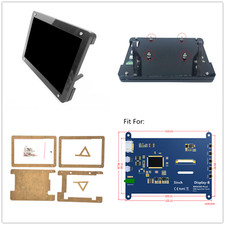
1 x Bracket
1 × Manual
6 × ScrewsPlease pay attention to the following problems:Q: How to connect Raspberry PI 4?
A: When using with PI 4, you need to prepare Mirco HDMI to HDMI cable. The package comes with a standard HDMI cable, which cannot be used with PI 4. Q: The screen cannot be displayed?
A: Please try to replace the USB cable. The power supply of some devices is insufficient due to too much power.Q: No touch, or the message shown in device manager is "Unknown USB Device (Device Descriptor Request Failed)
A: Try replacing the USB cable, and then check the USB port of the device you are using for damage.Q: When used with window 10 system, the resolution is 1024 * 768 instead of 1024 * 600?
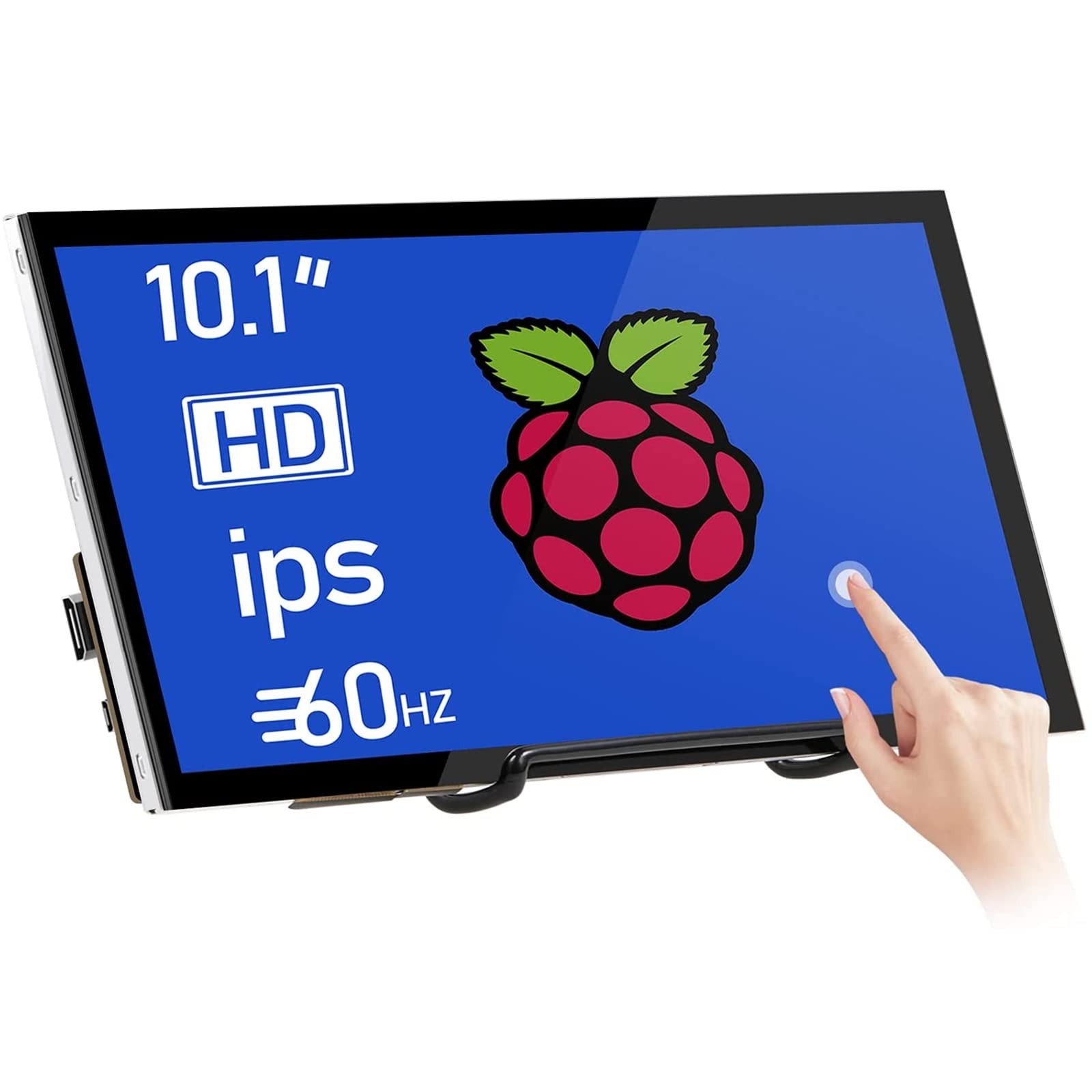
A: The panel is 1024 * 600 resolution. On window 10, if there is no option of 1024 * 600,you can add it manually or select different resolutions on the device according to your own requirements, up to 1920 * 1080.Raspberry Pi Touchscreen Monitor -- 10.1 inch Raspberry Pi monitor equip with IPS screen and HD 1024*600 high resolution, ensure the touch monitor more precise color restoration exquisite picture quality and more rich color. 178° viewing angles is more ideal for work and for reviewing on-screen with multiple people in the room.The monitor adopts tempered glass and full bonding process.
Easy-use for Touch Screen -- Excellent sensitivity capacitive technology and multi-touch capability allows you to swipe, scroll, select, zoom in, zoom out, and move a cursor about in just 3-5 ms. Touchscreen drivers with support for 5-finger touch and an on-screen keyboard are integrated into the Raspberry Pi OS for full functionality without a physical keyboard or mouse.
Plug-n-play Raspberry Pi Display -- Simply connect the screen to device via HDMI interface and power the USB touch port to achieve touch function and no need to install any driver. The monitor is fairly standard in size and shape without manual calibration. The screen resolution can also be adjusted setting according to the user's requirements.
Three Display Modes for Laptop -- Duplicate mode, extend mode and second screen mode. Each mode has different use effects, bringing convenience and leisure to your work and life. Right click display settings on your laptop desktop, and then select three different usage modes in the multi display settings bar according to your needs. Go and get a portable laptop monitor now and feel a different experience. Note: Do not support all Macbook model.
More Application HDMI Monitor -- Broadly you can use it with your Raspberry Pi 4/3/2/1/3B+/BB,Banana Pi. Windows 7/8/10 PC, Microsoft, TV. Video game console like NS Switch/XBOX. Other devices or systems like Retro Pi, NOOBS, Debian, Ubuntu and Kodi are all supported. Note:The attached HDMI cable is only applicable to devices with standard HDMI interface. If you need to use it for Raspberry Pi 4, please buy an Micro-HDMI-HDMI Cable. This screen does not come with a case, but with a bracket.