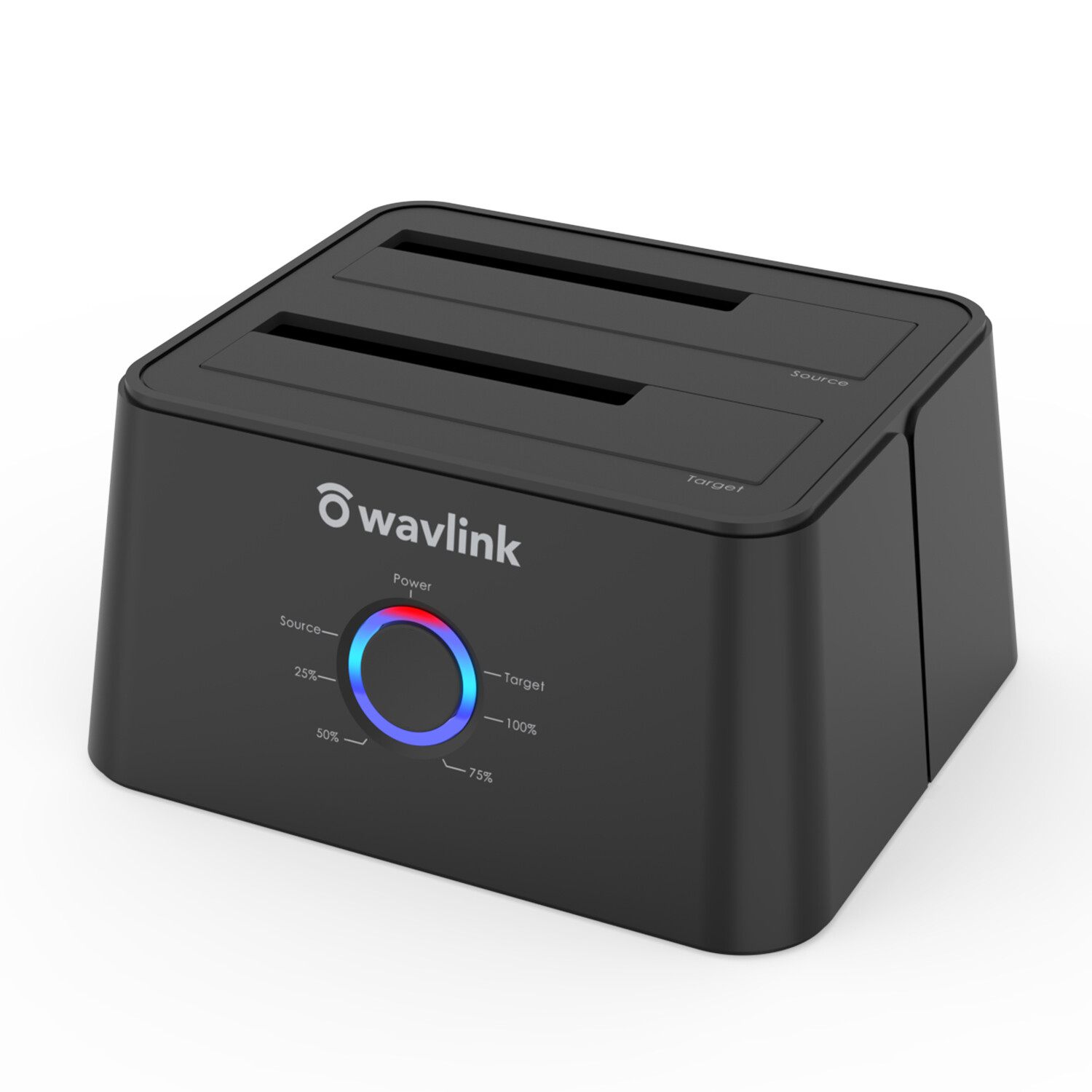
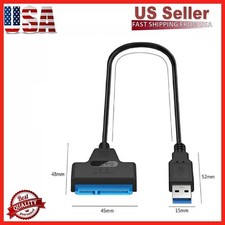
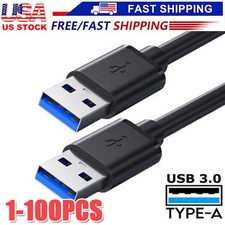
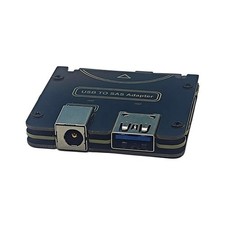
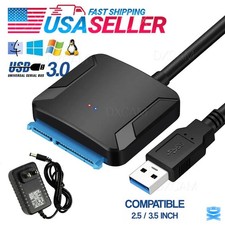
✅Supports USB 3.0 external, SATA-III internal; Works great with 2.5 inch and 3.5 inch SATA HDD/SSD USB 3.0 super speed supports UASP for even faster data transfers.✅Support 2x 10TB hard drive; Supports 2.5" & 3.5" SATA (SATA I/ II/ III) HDD and SSD.Compatible with Windows,Mac Os,Linux.✅Offline data copy between two hard drives with no computer involved. A competent assistant for data backup. Tool-free, no driver needed. Hot-swappable, plug and play!✅Built-in Power Control Switch; Highly efficient (12V, 3A), stable and reliable DC power source a steady supply of energy; Automatic sleep mode after 30 minutes of inactivity saves energy.✅Package Includes: 1x USB 3.0 HDD SATA Docking Station; 1x USB 3.0 Cable; 1x 12V/3A Power Adapter; 1x Manual.FunctionsST334U provides an ideal solution to duplicate/clone your 2.5”/3.5” hard drive without connecting a PC, or simply as external storage to transfer data between a hard drive and your PC.FeaturesSupports 2.5" & 3.5" SATA (SATA I/ II/ III) HDD and SSDSupport 2x10TB Hard DriveSuper speed up to 6GB/s with UASP protocolSupport backup and offline clone functionTool-free, no driver needed. Hot-swappable, plug and playLED: Power*1 HDD*2 Clone*4 (25% 50% 75% 100%)Chipset: JMS561UUASP Faster SpeedUASP is a new transport protocol developed by USB-IF, which can increase data transfer speed, up to 70% faster than conventional USB 3.0(BOT). Transfer 1G files only within 10 seconds!Plug and PlayUSB3.0 HDD SSD Docking Station allows you to install and access SATA drives quickly without the need of an enclosure. plug and play, no drivers needed, fast installing SATA hard disk.Systems CompatibleNo drivers are required for the disk dock itself as it uses the standard USB Mass Storage classSupport already provided in Windows 10 through XP, Mac OS X, and Linux / UnixAttention✅Please make sure that there aren't any bad sectors on the drives in use, as to avoid data transfer errors, overheating and damage to the station.✅Please check if the capacity of Target disk is larger or equivalent to that of Source disk.✅Do not insert or withdraw HDD or SSD when another hard drive running.✅Please backup files in the target hard drive before cloning. Any files in target hard drive will be overwritten when offline cloning occurs.✅To avoid data loss, do not remove or insert drives when one drive is working in the docking station. Please power off the docking station before removing.✅This 334U also supports cloning when connected to the computer, of course, offline cloning is also OK
✅The capacity of the source disk must be smaller than the capacity of the target disk. After cloning, the target disk will have the same capacity as the source disk. The remaining capacity of the target disk needs to be repartitioned to display✅A few hard drives may require more powerto start up than the usual disk, and you may need a adapterwith more powerto support two hard drives at the same time.Use Steps:1. Ensure the Power Switch on the rear is in the OFF Position and inserted properly.2. Insert the Source HDD in the rear near the power plug and the Target HDD in the FRONT.3. Power on the Dock and wait until the blue lights labeled Source and Target on the front of the unit are both on solid.4. Press the button until both the blue Source and Target HDD lights flash. Then release the button. (Cloning is now ready)5. Press the button again to start the cloning process. The progress will be shown on the front panel.6. When all the progress lights turn off, the cloning process is completed.7. Turn off the power button and then remove the drives.Product Specifications1. Voltage: 100~240V2. Operating Temperature: 0°C~40°C3. Storage Temperature: -10~70°C4. Power Plug: US5. Power Supply: 12V/3A6. Port: USB 3.0 SATA DC7. Processor: 2.0Ghz core2(HDD/SSD in the decription is only to present the enclosure and will not attached in the package)Packing Details✅1 x Dual Bay SATA HDD Docking Station✅1 x 12V 3A Power Adapter✅1 x USB3.0 Cable✅1 x User's Manual