 When you click on links to various merchants on this site and make a purchase, this can result in this site earning a commission. Affiliate programs and affiliations include, but are not limited to, the eBay Partner Network. When you click on links to various merchants on this site and make a purchase, this can result in this site earning a commission. Affiliate programs and affiliations include, but are not limited to, the eBay Partner Network.
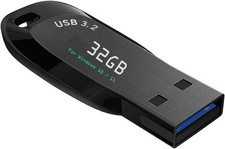
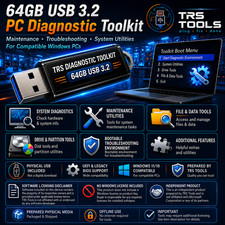
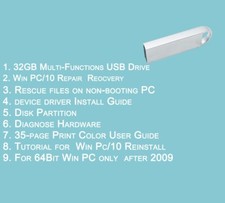
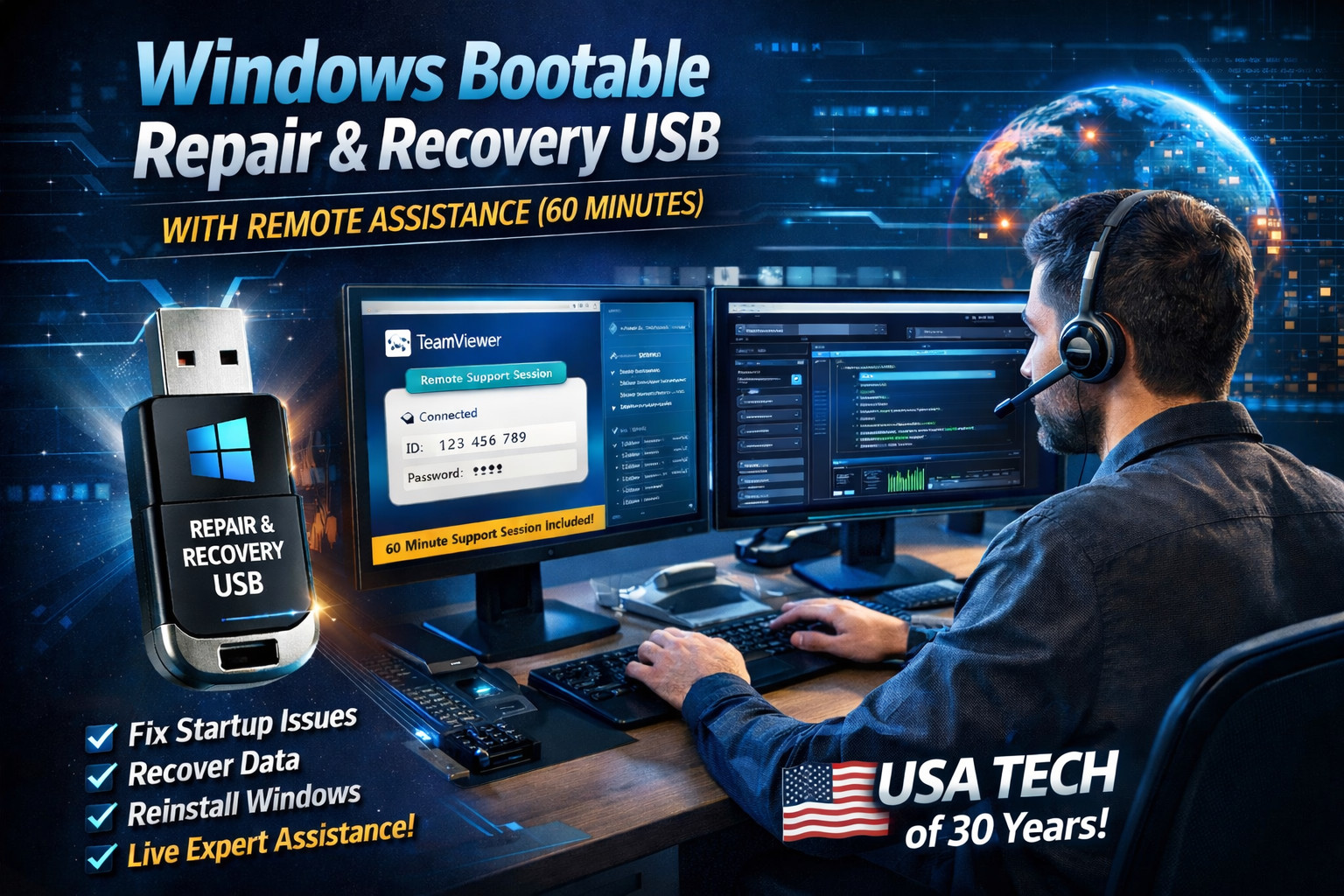
Windows Bootable Repair & Recovery USB with Remote Assistance (60 Minutes) Windows 11 • 10 • 8.1 • 7 | Professional Recovery Solution ⭐ BONUS INCLUDED Includes a 60-Minute Remote Support Session to help diagnose, troubleshoot, and attempt repair of Windows startup and operating system issues with live professional assistance. Buyer must be successfully connected to their Wi-Fi network for the remote session. What This USB Does This is a professionally prepared bootable USB flash drive designed to assist with recovery, repair, and troubleshooting of Windows systems that fail to start or operate correctly. It allows you to boot directly from the USB without installing anything on the computer’s internal hard drive. Key Features - Bootable USB for Windows repair and recovery
- One scheduled 60-minute remote assistance session
- Diagnose startup errors, boot loops, and system crashes
- Access files and assist with data recovery from non-booting systems
- Assist with Windows repair or reinstallation using your existing valid Windows license
- USB 3.0 compatible for fast performance
60-Minute Remote Support Session (Wifi connection is required) After purchase and once you receive the USB, you may schedule one live 60-minute remote assistance session using TeamViewer or AnyDesk. This session may be used to: - Guide you through booting from the USB
- Run diagnostic, repair, or recovery tools
- Troubleshoot Windows startup and operating system issues
- Assist with repair or reinstallation of Windows (license not included)
How Does This Work? - Schedule Your Remote Session
Once you receive the USB, contact us through Messages to schedule your 60-minute remote support session at a mutually convenient time. - Boot From the USB & Connect to Wi-Fi
Boot your computer from the provided USB. Once inside the boot environment, connect to your Wi-Fi network. After internet access is established, launch TeamViewer or AnyDesk. - Provide Remote Access Details
You will share the temporary ID and password generated by TeamViewer or AnyDesk so a secure remote connection can be established. - Diagnosis & Assistance (Up to 60 Minutes)
We will connect remotely to diagnose and attempt to resolve the issue during the 60-minute session.
Common Issues We Can Help Resolve ⚠️ Preparing Automatic Repair loop 🔄 Boot loop / endless restarting 💽 No Boot Device Found 🧩 Blue Screen (BSOD) errors ⬇️ Windows failed after an update 🛠️ Corrupted system files 🐢 Extremely slow or frozen startup 👤 User profile or login errors 📂 Accessing files from a non-booting PC 🪟 Windows reinstall assistance (license not included) Assistance is software-focused. Hardware-related failures (hard drive, memory, motherboard, etc.) may limit or prevent successful repair. WIFI COnnection must be established for the Remote session. ⚠️ Please Read Before Purchasing If you have any questions about compatibility, your issue, or whether this service is right for your situation, please contact us through Messages before making your purchase. We are happy to help clarify expectations in advance. Due to the nature of this product and service (custom-prepared media and time-based remote assistance), no returns are accepted on this listing. Please ensure this solution meets your needs prior to purchasing. Frequently Asked Questions (FAQ) Q: Does this include a Windows license or activation key?
No. This listing does not include a Windows license, activation key, or subscription. If Windows needs to be reinstalled, you must already have a valid license for your system. Q: Is the 60-minute remote session guaranteed to fix my computer?
No. While we will make a professional best effort during the 60-minute session, some issues are hardware-related or outside software control. Resolution cannot be guaranteed. Q: How many remote sessions are included?
One single remote assistance session is included, lasting up to 60 minutes. Additional time or sessions are not included. Q: Can you help me back up my files?
Yes, we can assist with backup attempts during the session. However, you must provide your own additional USB drive or external storage device. We are not responsible for data loss. Backup assistance wil be part of the 60 Minute session. Q: What if my computer has a hardware problem?
This USB and remote service focus on software-level diagnostics and recovery. Hardware failures (hard drives, memory, motherboard, etc.) may limit or prevent successful repair. Important Notes: Resolution of the issue is not guaranteed, as some problems may be hardware-related or outside software control. We are not responsible for data loss. While we can assist with backup attempts, you must provide your own additional USB drive or external storage device if backups are required. No Windows license, activation key, or subscription is included. Windows activation, if required, remains the responsibility of the end user. By proceeding, you acknowledge and accept these conditions.  |
|