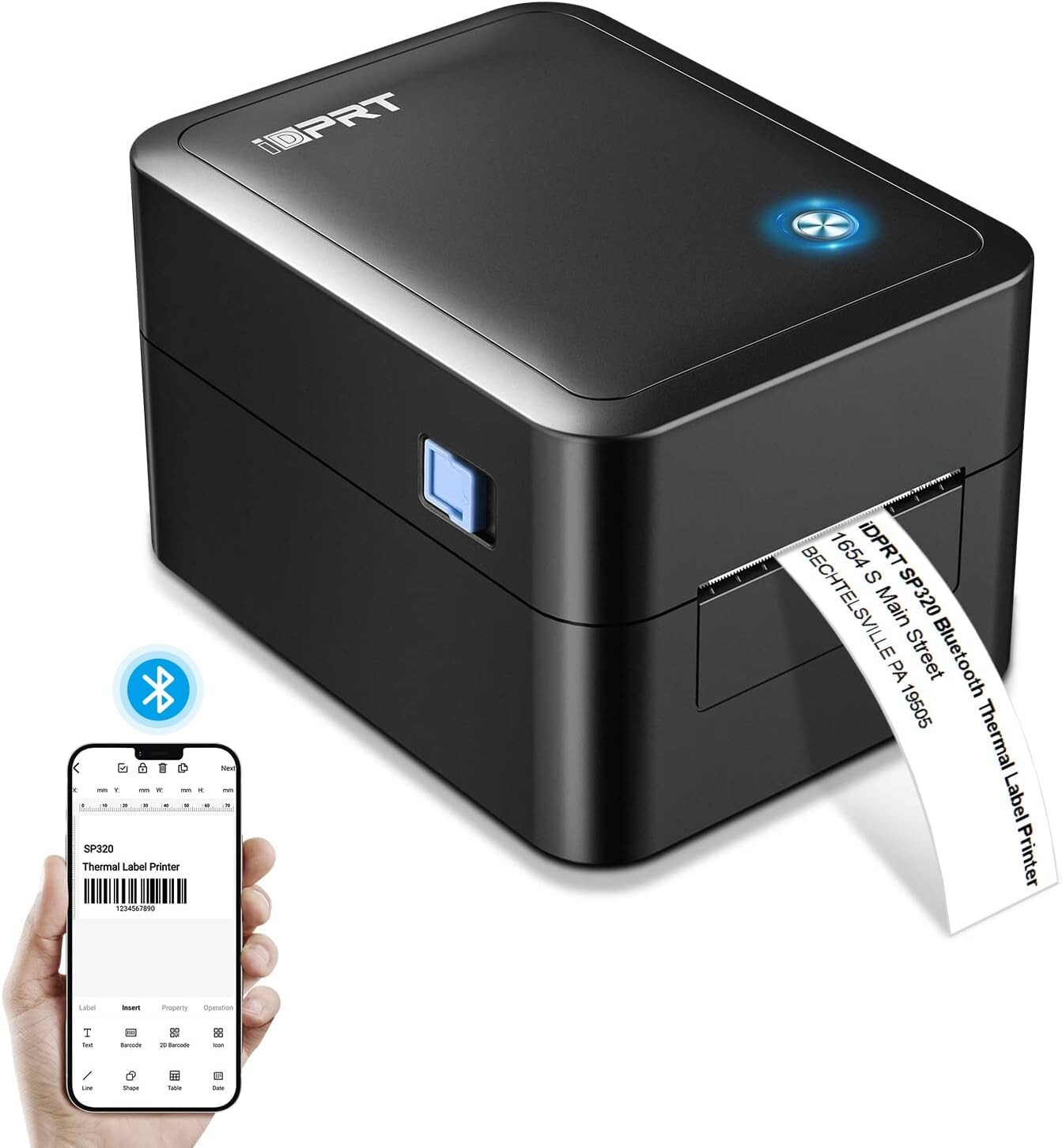
Weight: Lightweight and Description
You can find our link fromiDPRT official websiteto download the software driver.
Tips:
SP320 Pro Bluetooth Wireless Thermal Label Printer suits multiple systems: Windows, Mac and Linux. (Notethat the MAC cannot be connected through Bluetooth, but only through USB.)
The printer is not compatible with the Dev, Beta Release, or Preview version of Windows 11, but is compatible with the official version of Windows 11.
Free & DIY Label Editing Software
Let's print our special personal labels!
With the Free label editing tool Herelabel for macOS and Android, and Label Designer for PC, SP320 Pro label maker gives you professional label templates to choose from with customizable text and graphics.
(Note: If you don't know where to download the label editing software and don't know how to use it, please tell us via Amazon.)
You can get Herelabel from the APP store and Label Designer from the iDPRT official website.
7IPS High Speed Printing
Ideal for Multiple Scenarios
iDPRT SP320 Pro Bluetooth Wireless thermal label printer is for a variety of small labels: Barcode, Addresses, Marking, Storing, Commodity Tag, DIY Label, and more.
With a light and portable design, you can print your label in multiple scenarios.
Support Multiple SystemsSP320 Pro Bluetooth label printer is compatible with windows, MAC and Linux systems, and can print wirelessly through smartphones (including iPhone, Android, and PC), which will greatly facilitate your printing process! (Notethat the MAC cannot be connected through Bluetooth, but only through USB.)