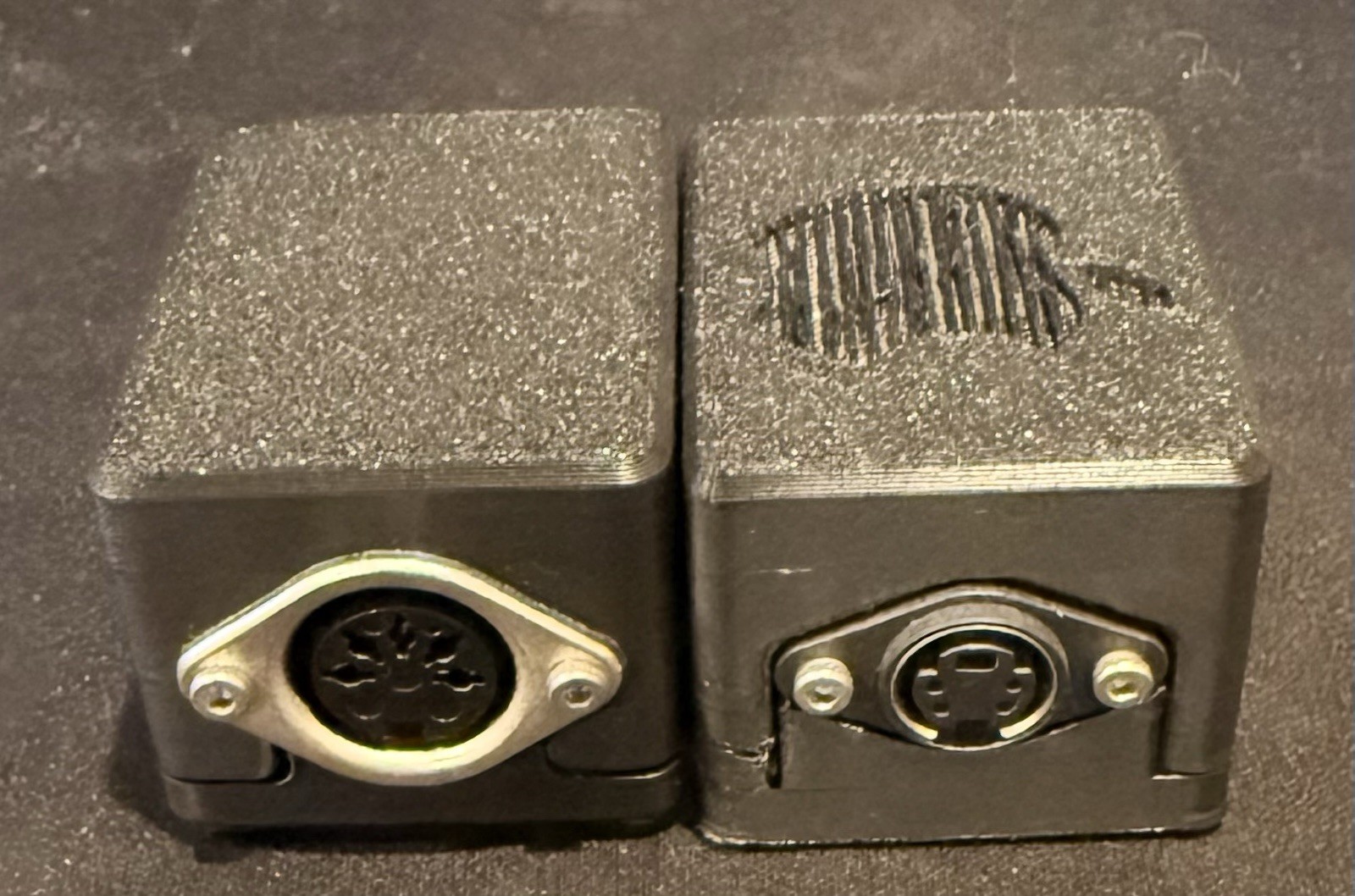
***Note: The current models only support USB-A to USB-C cables. USB-C to USB-C cables are NOT compatible.***
Both Converters Are Plug & Play, Just Supply Your Own USB-C Cable
Both Converters use QMK VIAL for effortless remapping and to add layers and macros to your favorite keyboards.
Don't bother with other brands, these are the best converters on the market.
Easier to use and more powerful than a Soarer’s converter or TMK converter.
———
2-Pack Consists of:
1. Remappable USB-C ADB Converter
This converter works for Apple ADB Vintage Peripherals, including ADB keyboards and ADB mice and is built to last as there is no stress on the wiring due to the design and will not lead to internal wear like other brands.
Easily convert and remap your vintage keyboards, including support for popular Alps keyboards:
Apple Extended Keyboard (M0115)
Apple Extended Keyboard II (M0312 / M3501)
Apple Standard Keyboard (M0116)
Apple Desktop Bus Keyboard Universal XT/AT Remappable USB-C DIN5 Keyboard Converter
This converter works for all vintage DIN5 XT/AT keyboards and is built to last as there is no stress on the wiring due to the design and will not lead to internal wear like other brands. It includes all necessary pullup resistors.
NOTE: This converter also works for PS/2 keyboards with the use of a simple Male DIN5 to Female PS/2 converter.
Easily convert and remap your vintage keyboards, including support for keyboards that are commonly not supported by other converters:
- Zenith Z-150
- Leading Edge DC-2014
- IBM Model F Notes:
- Ensure the converter is plugged directly into your motherboard's USB port, as the converter may not play nicely with USB hubs.
- Plug the DIN5 cable into the converter first and then plug the USB-C cable into the converter / computer.
- Rotate the orientation of the male end of your USB-C cable by 180 degrees.
- Try using a USB-C to USB-A cable instead of a USB-C to USB-C cable.