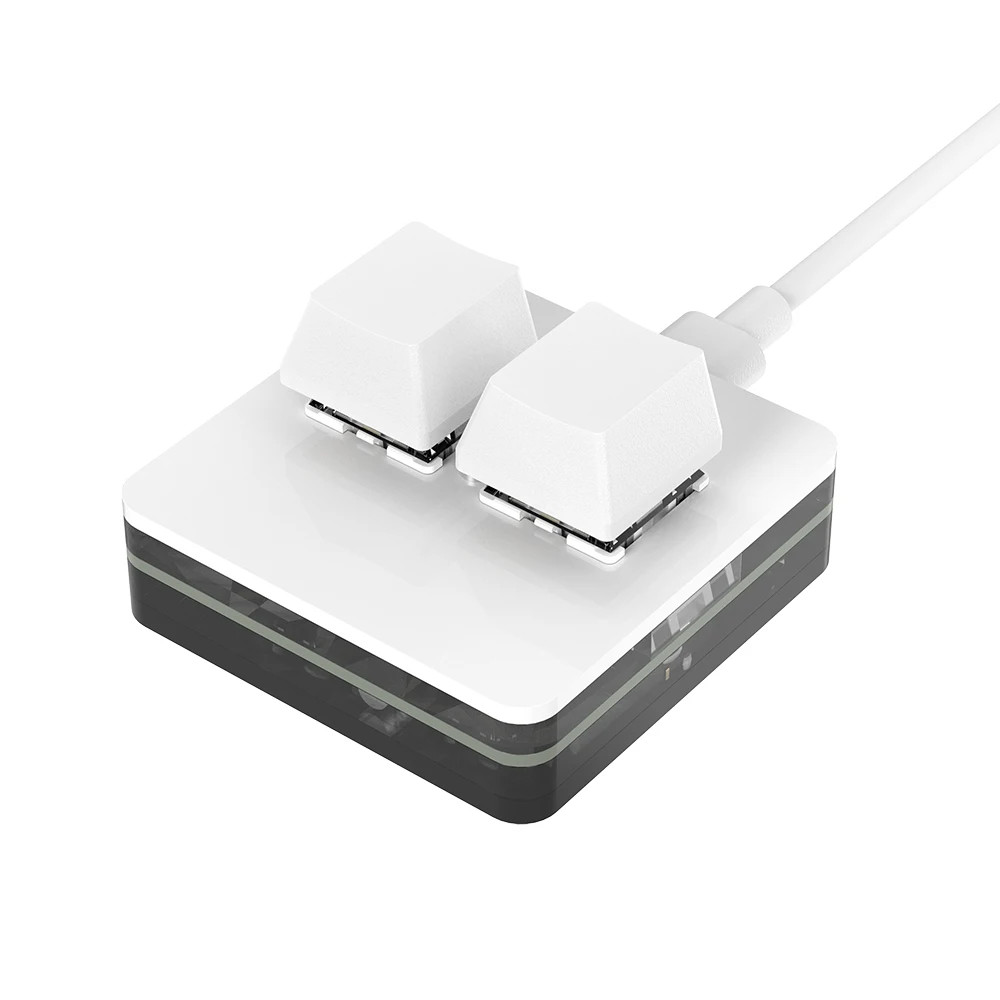
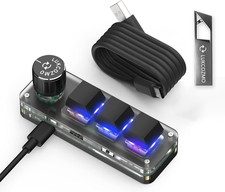
⌨️ Programmable Macro Keyboard
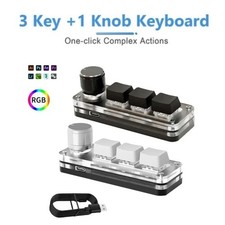
3-Key RGB Gaming Keypad with Custom Knob
🚀 Key FeaturesProgrammable Keys
Assign shortcuts, macros, or custom functions to 3 hot-swappable mechanical keys
Rotary Knob Control
Volume adjustment, scrolling, or programmable custom functions
RGB Lighting
7-color modes with gradient and press-activated effects
Hot-Swap Technology
Replace switches without soldering - compatible with MX-style switches
💻 Compatibility
Windows: Full software support (Windows 7 and above)
macOS: Compatible after initial setup via Windows computer
Mobile Devices: iOS/Android basic function support via USB-C
Universal: Works with any USB-C compatible device
⚡ Professional Applications
Content Creation: Video editing shortcuts (Premiere, DaVinci Resolve)
Design Work: Photoshop tools, Illustrator functions, CAD commands
Gaming: Custom macros, weapon switching, skill combinations
Programming: Code snippets, terminal commands, debugging tools
Live Streaming: Scene switching, audio control, chat commands
Office Work: Copy/paste automation, productivity shortcuts
📋 Technical SpecificationsConnection TypeUSB-C cable (included)Switch TypeRed mechanical switches (hot-swappable)Number of Keys3 programmable keys + 1 rotary knobLightingRGB with 7 color options and multiple modesProgrammingCustom software for full customizationBuild QualityDurable construction for heavy daily useDesignCompact and portable📦 Package Contents
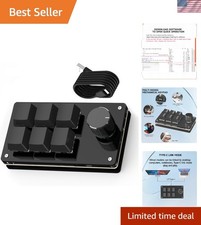
• 1x Macropad Programming Keyboard
• 1x USB-C Connection Cable
• 1x Quick Start Guide
• 1x Software Download Instructions
🎨 Product Images❓ Frequently Asked QuestionsQ: Does this work with Mac computers?
A: Yes! Initial setup requires a Windows computer to program the keys, but once configured it works perfectly with macOS. Key mapping: Command=Windows key, Option=Alt, Control=Ctrl.
Q: Can I change the mechanical switches?
A: Absolutely! The hot-swap design allows you to replace switches without any soldering. Compatible with most MX-style mechanical switches.
Q: What can I program the keys to do?
A: Anything! From simple shortcuts (copy/paste) to complex macros, multimedia controls, software-specific commands, gaming actions, and more. The included software provides full customization.
Q: Does it require software to use?
A: Default functions work immediately (copy, paste, volume control). For custom programming and full functionality, download the free configuration software.
Q: Is the RGB lighting customizable?
A: Yes! Choose from 7 colors, gradient mode, press-activated effects, and custom patterns through the software.