DetailProduct Description
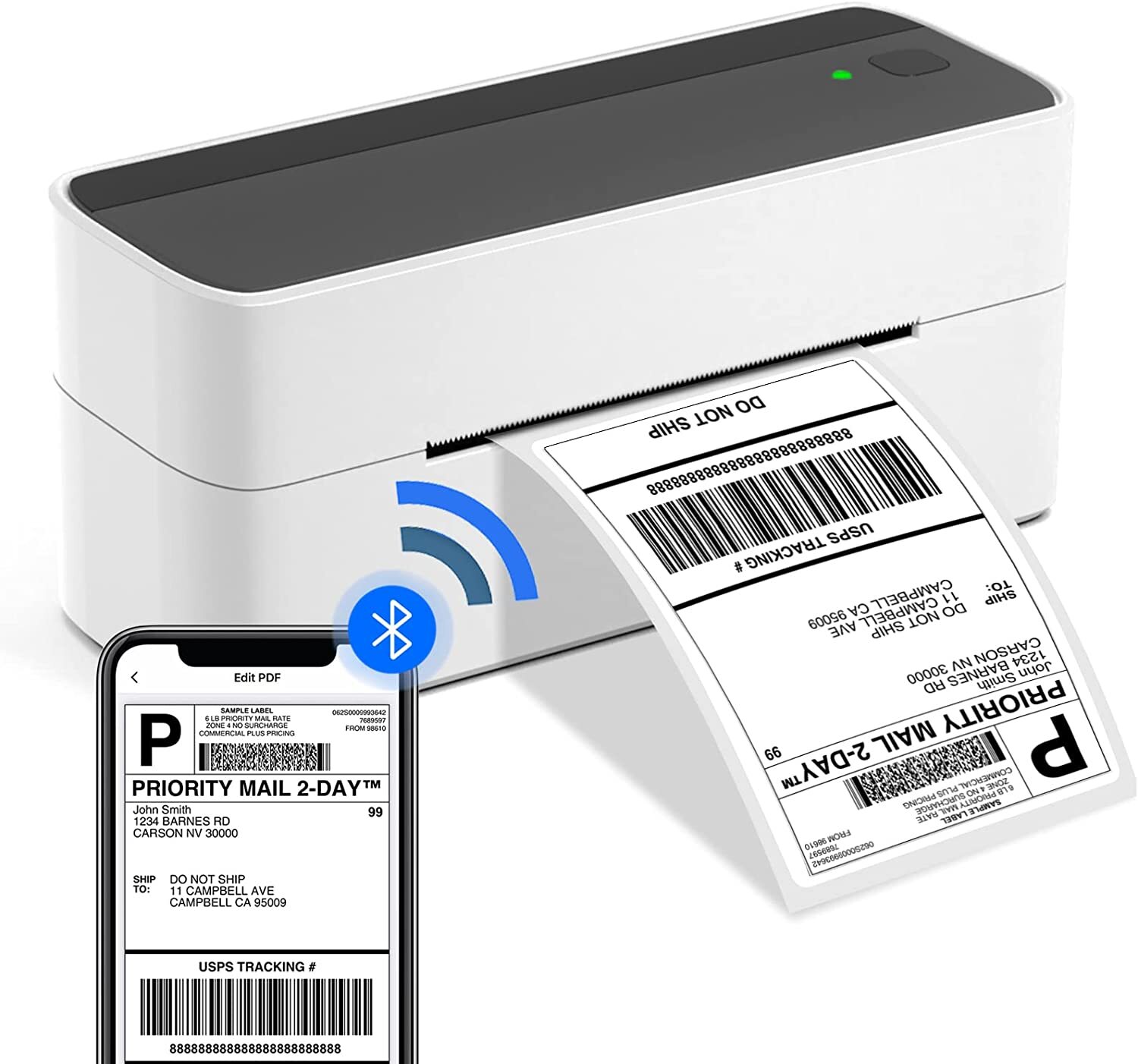
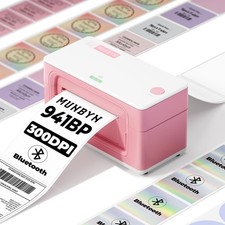
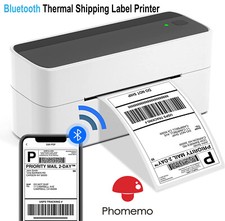
Bluetooth Thermal Label Printer, Phomemo Wireless Shipping Label Printer, Widely Used for Amazon, , Shopify, Etsy, UPS, USPS, FedEx, DHLMulti-functional Bluetooth Thermal Label Printer
Phomemo wireless label printer is a compact & portable design which will not take up much space on your desk. It’s very modern with no complicated curves and design. The right piece of equipment for offices, homes, stores and industry warehouses.
Widely used: Just with a thermal label printer, you can print various labels from all platforms. Such as box labels, FNSKU labels, Code 128 labels, and shipping labels.
Simplifies Your Work & Great choice for small businesses
Using a thermal label printer is also a cash saver as there high performance logistics printing with out ever needing to buy ink or cartridges.Phomemo provides the fastest, most reliable, and affordable way to print your labels.
Business online is a new start-up gift for an online store. People use label printers to print shipping labels online instead of going to the post office, saving thousands of dollars in shipping costs.
Get a Phomemo shipping label printer to start a small business at home now!
Phomemo label printer Support for Mac OS, Windows, Chrome OS and Linux.
Phomemo thermal printer with a unique USB flash drive including Printer driver, instruction videos, problem shooting videos and FAQ are provided for quick set up and printing
Tip: How to start your printing with Chrome OS.
1. Attach the printer and computer with USB and turn on the printer.
2. Enter “Labelife” in the Chrome Web Store and add the extension to your Google Chrome.
3. Open the Labelife extension. Click "Add" to discover your printer. And "Setting Printer" to complete the print settings.
4. Open the file in Google Chrome and "Ctrl + P" to wake up the print interface, select the printer you just included and start Print.
Nolice
1,Before printing completely ended, please don't pull the tapes in advance, to avoid any damage of the tapes. Also, don't touch the tape cutter, to avoid any error.
2,Before installing the tape cassettes, please rotate the axle in anticlockwise, to make sure the front-end PET film in tension, to avoid the fracture of loose PET film. and then, put the tape cassettes into the machines.
Contact us
Please contact us through message, we will be in 24 hoursresponses of working days. But there will be some delay in the weekend,I hope your understanding and forgiveness.
Please believe us, we will do our best to meet your requirements.
Payment Method
We are prefer pay Paypal for the payment. We can't accept bank transfer, COD, and other methods.
Returns Policy
1,If there is any quality problem, please do not hesitate to contact us with pictures and information. We will accept you return the item unconditionally. In addition, you will receive a full refund and postage,and at the same time please provide the tracking number to us when you have returned the item.
2,If you want to return it for personnal reason, please pay for the postage. When the warehouse receive the return items, we will issue you a full refund. Many thanks.
response
We're providing the best service and the good items for every customers.Hope you give us the 5 star positive response. If you have any questions and dissatisfied,please contact us before leaving response. Many thanks.
(NO) ★★★ Three stars is LOW star, NO 1,2,3 stars PLEASE!
(YES) ★★★★★ Please give us Five-star!