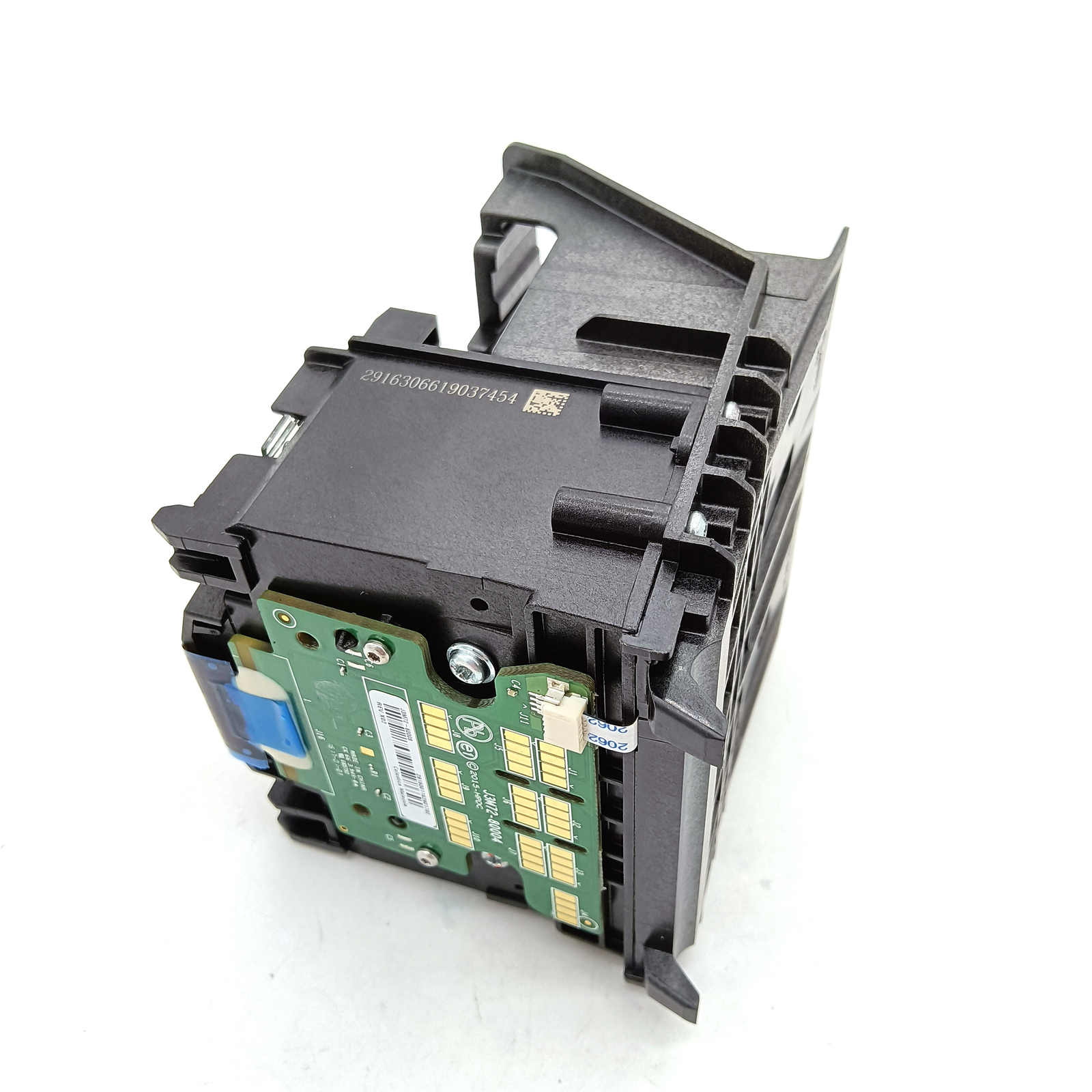
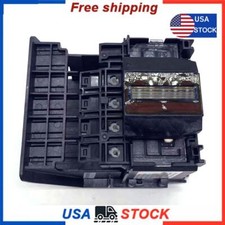
Printhead Printer Nozzle 952 Fits For HP style="font-size: medium; text-wrap: wrap; font-family: 'Microsoft YaHei'; text-align: center;"> note!Used Part, not new, removed from used and working printer
The following are the notes for the printhead you purchased in our store.
1.All the printheads is put a protective film by us to avoid being dried off.
Before you install the printhead,please tear off the protective film on the nozzle.
2.Some of the printheads will be equipped with the plugs on the position connected the ink cartridge,somes are not.Both 2 versions can work 100%,sent by our 2 different factories.
Please take off the plug before installation.
Most importantly,
After you install the printhead,please do the cleaning set up on your printer.
Please try 1 time deep cleaning firstly. then let the printhead in the printer for 24 hours. After that,please try to print a test page.
If the print quality is not perfect,then try next time cleaning. Because the printhead is cleaned in our factory, it only can work properly when all the ink come to the printhead.
Don't do too many cleanings in short time, which can cause short circuit.
If you printer shows error message belows,
1.The printhead appears to be missing, not detected, or incorrectly installed.
Here are some tips you can try to solve the problem.
1.If you use a compatible ink cartridge, install the genuineink cartridge before installing the printhead. Because the compatible ink cartridge has been used for a long time, only the old print head can berecognized.
2.Please check the accessories, please try to replace the bracket inside the print head with the old print head to see if it can work normally.
3.Use an eraser to wipe the electrical contactson both sides of the printhead.