ONLY US SHIPPING!!
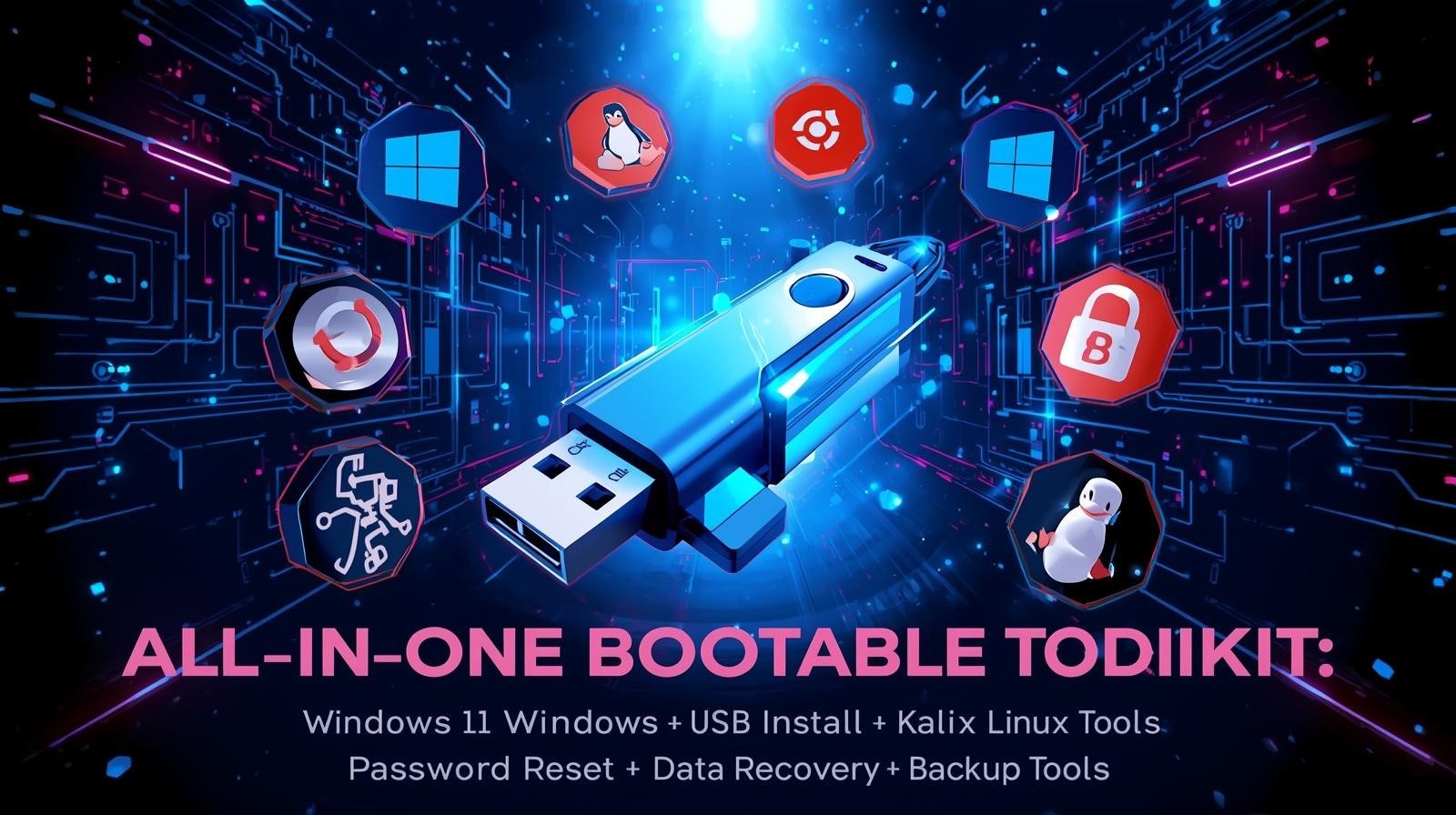
All-In-One Bootable USB Toolkit for PC Installation, Repair & Recovery
This powerful multi-boot USB toolkit is designed for PC installation, troubleshooting, and system recovery. Whether you're installing a new operating system, repairing a damaged computer, recovering lost files, or resetting forgotten passwords, this all-in-one bootable USB drive provides essential tools for IT professionals, technicians, and everyday users.
Simply plug the USB drive into your computer, boot from USB, and access a complete collection of Windows installers, Linux operating systems, antivirus rescue tools, system diagnostics, backup utilities, and data recovery software.
💻 Operating Systems Included
✔ Windows 11 Enterprise 64-bit
✔ Windows 10 22H2 64-bit
✔ Ubuntu Linux 24.04 Desktop & Live Edition
✔ Kali Linux (Security & Penetration Testing Tools)
These operating systems allow you to install, test, or run a system directly from the USB drive without installation.
🛠 Windows PE Repair & Maintenance Toolkit
Includes WinPE environments for system troubleshooting and repair:
✔ Windows PE 11
✔ Windows PE 10
✔ Windows PE 8 (x86 & x64)
Powered by Sergei Strelec WinPE, providing a comprehensive PC repair toolkit.
These environments allow you to boot a damaged computer and access powerful recovery tools.
🧰 Backup & Disk Imaging Tools
Create backups or restore damaged systems with included software such as:
Acronis True Image
Norton Reflect
Perfect for system cloning, backups, and full disk recovery.
💾 Disk Management & Partition Tools
Manage and repair hard drives using professional utilities including:
MiniTool Partition Wizard
Macrorit Partition Disk tools help with disk repair, partition creation, and drive maintenance.
🔎 System Diagnostics & Hardware Testing
Analyze your computer’s hardware performance and health with tools such for diagnosing hardware issues and monitoring system performance.
🔐 Password Recovery Tools
Forgot your Windows password?
This toolkit includes utilities designed to reset or recover Windows user passwords and regain access to locked systems.
🧬 Data Recovery Utilities
Recover lost or deleted files with professional recovery tools such as:
EaseUS Data Recovery File Recovery
These tools help restore deleted files, damaged partitions, and formatted drives.
🛡 Antivirus Rescue Environment
Includes ESET SysRescue Live
This allows you to scan and remove malware from infected systems without booting into Windows.
🧪 Advanced DOS Utilities
Includes classic diagnostic tools such Bare for deep hardware diagnostics and troubleshooting.
⚡ What This USB Can Do
✔ Install Windows operating systems
✔ Run Linux live environments
✔ Reset Windows passwords
✔ Recover lost files
✔ Repair damaged systems
✔ Remove malware infections
✔ Backup and restore drives
✔ Diagnose hardware problems
All from one convenient bootable USB drive.
📦 What You Receive
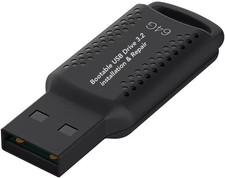
✔ 1 Bootable Multi-Tool USB Drive
✔ Pre-loaded with operating systems and repair tools
✔ Ready to use – simply plug in and boot
⚠ Important Notes
• For system repair, maintenance, and installation purposes
• Some tools may require basic computer knowledge
• Ensure your computer supports USB booting
Note:
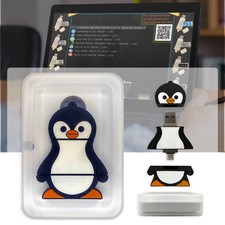
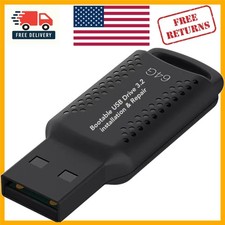
You may need to disable Secure Boot and enable UEFI/Legacy mode in your BIOS settings before you do any boot drive change. The USB drive appearance may vary depending on supply. You're paying for the service of preparing and assembling this bootable drive and not for the software which all are open-source. Seller does not take any responsibility of any software installed on the USB drive.
How to Use:
1-Turn off your PC
2-Plug in the USB
3-Power on and press one of your computer’s boot menu keys (usually F12, ESC, or F10)
4-From the boot options select the USB drive
5-Have your computer reboot
6-Computer will boot into USB drive with a menu at display
7-Choose one of the options listed on the menu
Sergei Strelec (Winpe, Backup and Recovery tools…)
Windows 11 Enterprise 64-bit
Windows 10 22H2 64-bit
Ubuntu Linux 24.04 Desktop & Live Edition
Kali Linux (Security & Penetration Testing Tools)
8- Computer will boot into the selected operation
i.e You can try Linux Mint or install it or choose other OS such as Kali or Windows