Overview
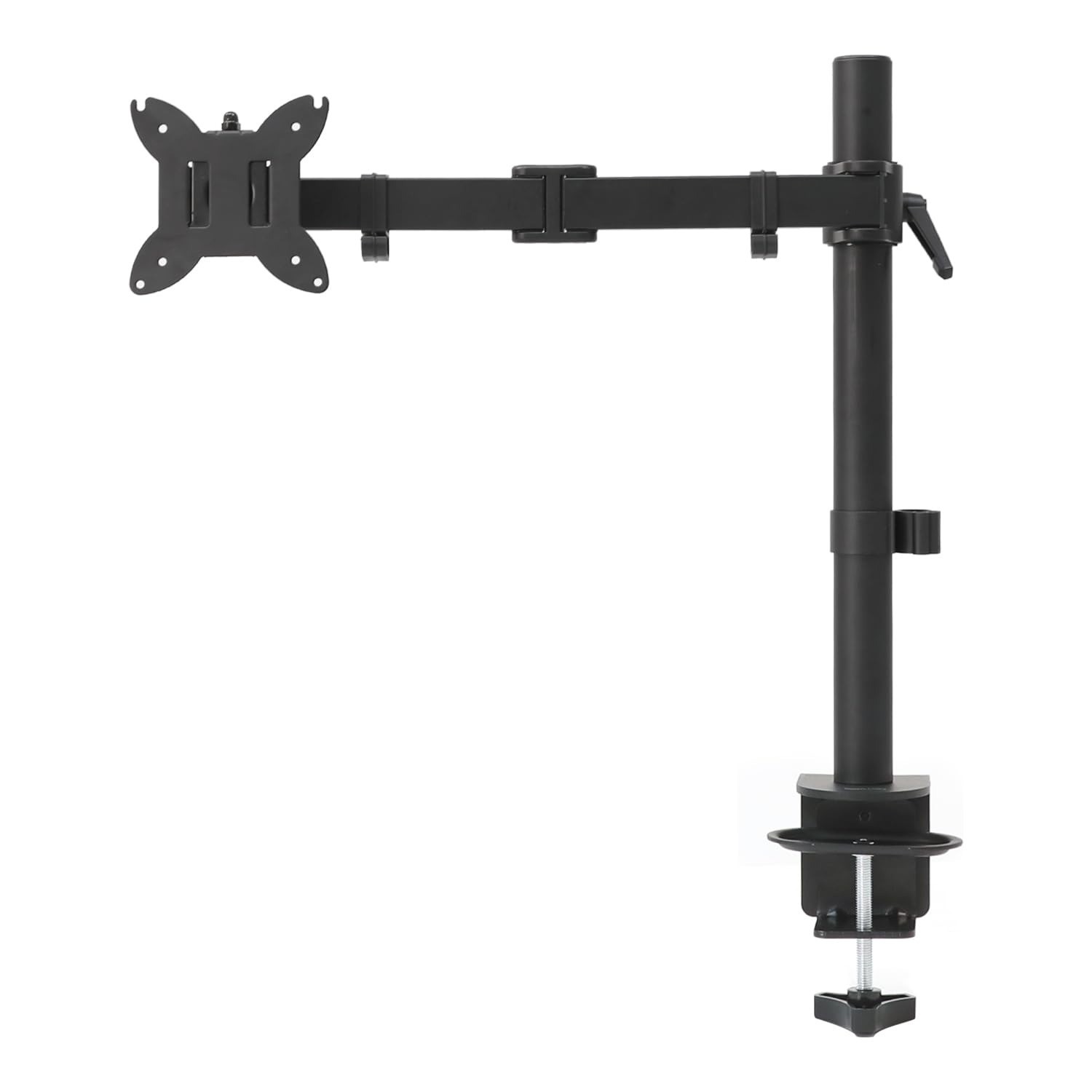
Upgrade your workspace with a gas spring monitor arm that puts your screen exactly where you need it. This desk mount is built for everyday ergonomics, letting you raise, lower, tilt and swivel your display so your neck and shoulders stay comfortable through long working sessions. The gas spring mechanism balances the weight of your monitor so it holds its position instead of slowly drifting down.
Whether you are setting up a home office, a gaming corner or a shared study desk, this arm frees up valuable desktop space and keeps cables tidy. It installs with either a C-clamp or a grommet mount, so it works with a wide range of desk thicknesses without drilling permanent holes. Choose the configuration that matches your setup from the available options.
Key Features
- Brand: Amazon Basics
- Type: Desk Mount monitor arm
- Material: Aluminum construction
- Color: Black
- Mounting Type: Tabletop mount with C-clamp or grommet
- Movement: Swivel, tilt and 360 degree rotation
- VESA Compatibility: 75x75 mm and 100x100 mm
- Weight Capacity: Supports monitors from 4.4 to 15.4 lbs
Highlights
- ✓ Adjustable gas spring tension keeps your monitor steady at the height you set
- ✓ Tilt from -90 to +85 degrees, swivel up to plus or minus 90 degrees and rotate a full 360 degrees for portrait or landscape viewing
- ✓ Extends up to 20.5 inches so you can pull the screen closer or push it back out of the way
- ✓ Two mounting options fit desks from 0.39 to 4 inches thick
- ✓ Clears clutter off your desktop and opens up room for a keyboard, notebook or second screen
Usage
Ideal for home offices, gaming setups, studios and study desks where screen position matters. The arm suits single monitor workstations, and the available size and style options let you pick the configuration that best fits your desk and viewing habits.
In the Box
- Monitor arm desk mount
- C-clamp and grommet mounting hardware
- VESA screws and spacers
- Gas spring tension must be adjusted to match your monitor weight to prevent drifting or sagging.
- Joints may feel stiff out of the box and should be adjusted as instructed before use.
- Check screw length and spacer selection against your monitor mounting depth for a safe installation.