Nearly 100% satisfied customers!
Very fast national & international postage!
responseOur itemsOur offerCables & Connectors
PC / Laptop / Tablet Accessories
Console Accessories
Mobile Phone Accessories
Car Accessories
Memory Cards & Pen Drives
Digital Scales
Gadgets & Batteries
Thermometers & Clocks
Power Tools & Hand Tools
Sport & Health Accessories
Toys & Games
Vintage Computing Accessories
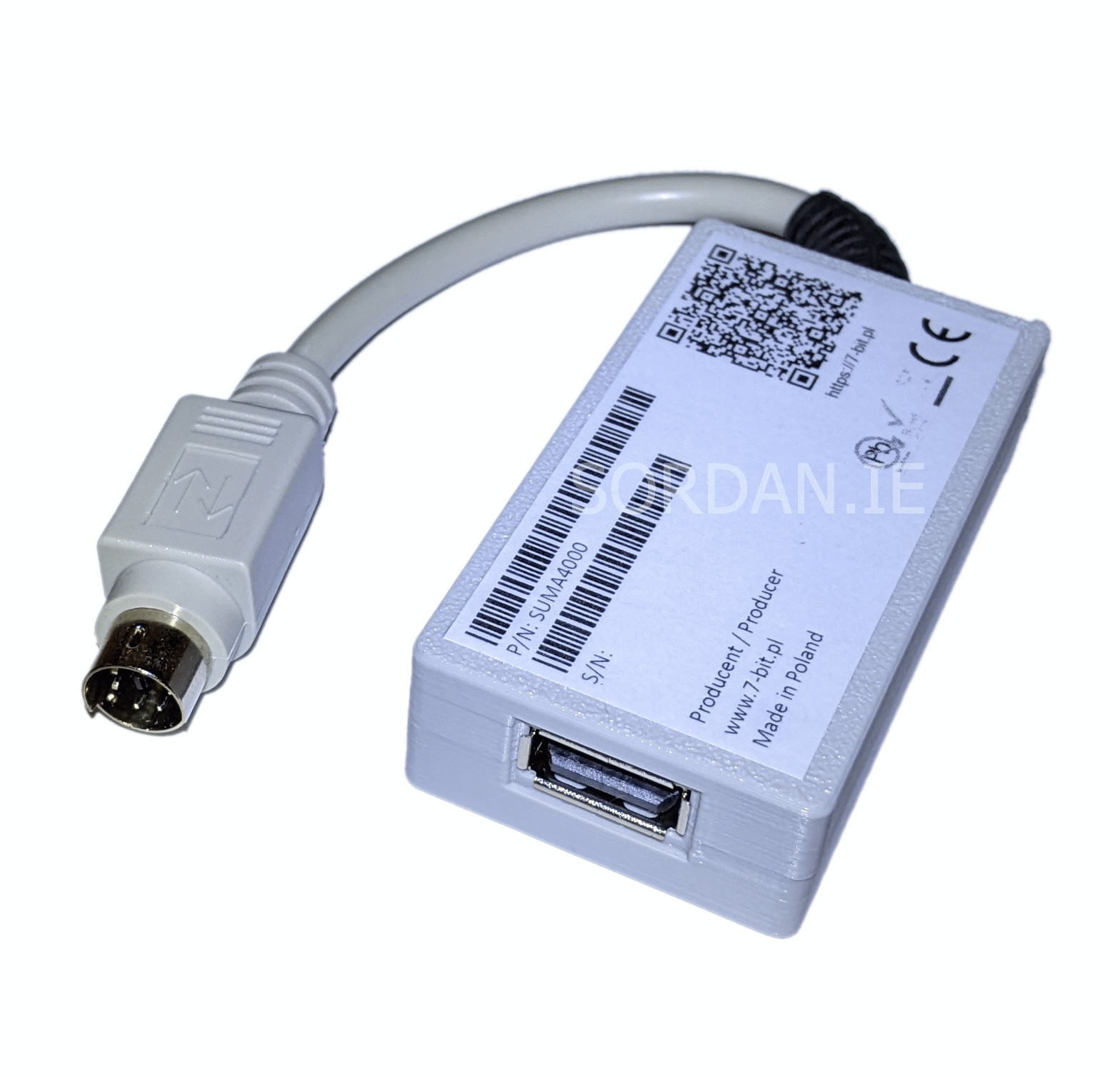
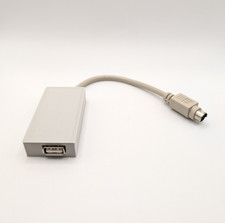
ShippingEvery package is securely wrapped with bubbles, peanuts, foams, paper, cardboard to insure the safe arrival of your new product. We understand the certainty of receiving a product the way you purchased it, that is why we have a strong, experienced packaging team to work with your every need.All parcels are shipped within 24 hours from the moment we receive the payment. We deliver worldwide.ReturnsIf you are not satisfied with this product, you can return the item within 14 days.Sum A4000 USB HID Keyboard Interface Adapter Amiga 4000 CD32
Sum adapter enables connecting USB HID keyboards to your Amiga 4000/CD32. Sum is based upon 16-bit Microchip microcontroller.
Sum provides built-in USB stack which enables USB HID keyboards support without the need for installing additional AmigaOS software drivers. The whole installation process comes down to simply connecting a Sum adapter’a plug to the keyboard port of your Amiga A4000/CD32
Additional feature of the adapter is its „Bootloader” function allowing future firmware upgrades.
Sum comes with dedicated configuration mode, which becomes available when one presses simultaneusly R-Shift + Pause keys. User preferences are saved to the built-in EEPROM memory – thanks to which when you reconnect the device – it is already configured!
Features of Sum A4000:
- support for both USB HID,
- Amiga 4000/CD32 compatibility,
- built-in USB stack,
- configuration mode for PC keyboard (activated by R-Shift + Pause key combination),
- built-in EEPROM memory enabling user preferences storage,
- „Bootloader” function allowing future firmware upgrades,
- „Status” indicator LED providing information about device’s state,
- built around 16-bit Microchip microcontroller utilizing nanoWatt technology
Entering configuration mode (R-Shift + Pause):
F1 - RESET type - software (A2000,A3000,A4000,CD32,CDTV) or hardware (A600,A1200),
F2 - mapped Amiga Right to Alt Right,
F10 - view keycode (on / off),
F12 - display configuration
Mapping keys:
Amiga keys - USB keyboard
Amiga reset - CTRL + L-Win + R-Win, CTRL + L-Alt + R-Alt, CTRL + L-Alt + Del
Help - F12
L-Amiga - L-Win
R-Amiga - R-Win