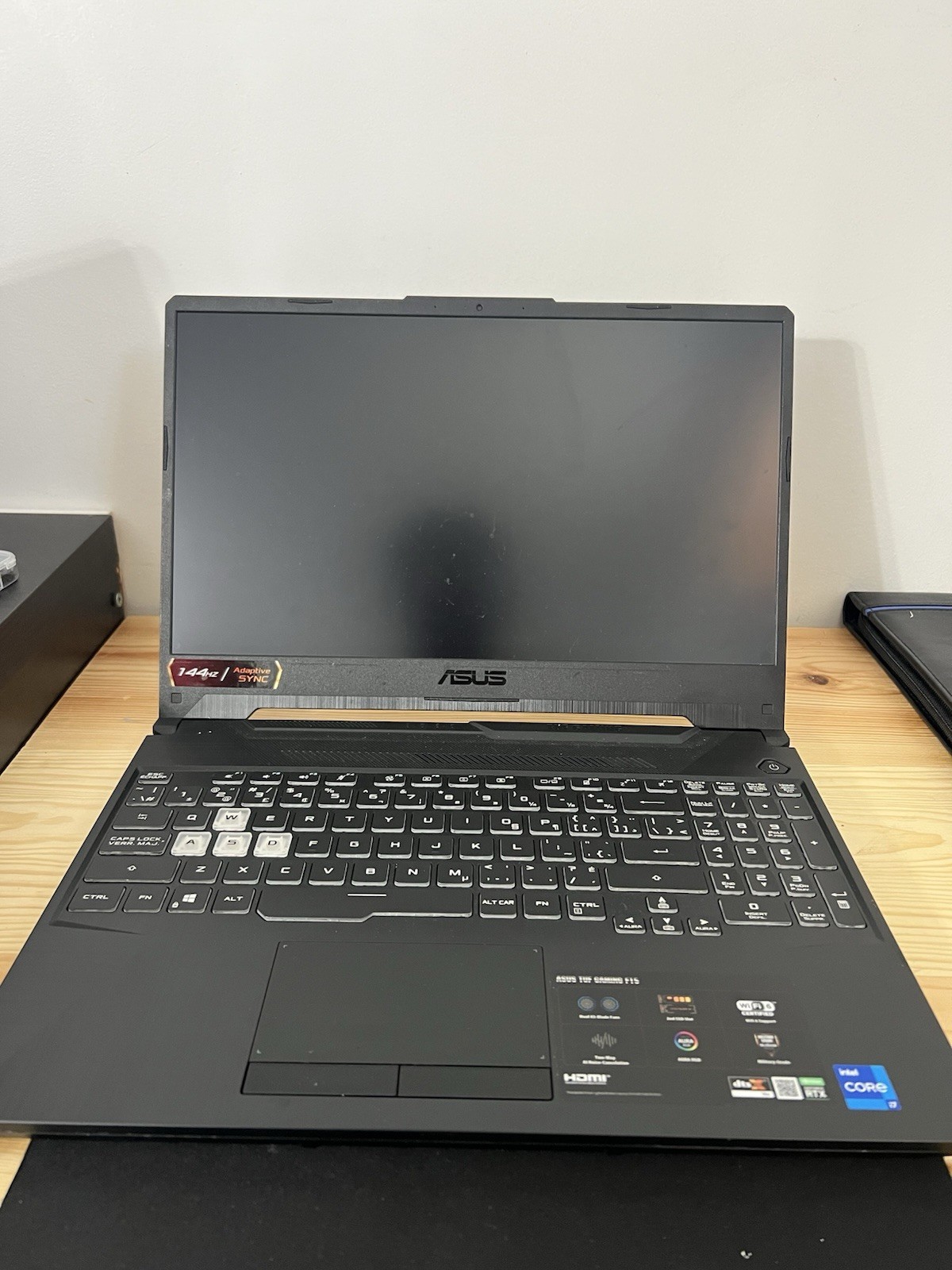
Issue Description
The laptop was inspected due to a no-power issue. Basic troubleshooting was performed to determine the cause of the problem.
Troubleshooting Performed
* Verified that the AC adapter/battery charger is functioning and providing power.
* Checked the charging connection and power input.
* Attempted to power on the laptop using the available power controls.
* Performed basic power-reset/troubleshooting procedures.
* No power or signs of startup were observed.
* Since the charger is working but the laptop shows no response, the issue was isolated to the laptop’s internal power system.
Diagnosis
Based on the basic troubleshooting performed, the motherboard is suspected to be faulty. The laptop does not power on despite having a working charger, indicating a possible failure in the motherboard’s power circuit or other motherboard-level components.
Recommendation: Further motherboard-level diagnostics or replacement of the motherboard may be required.