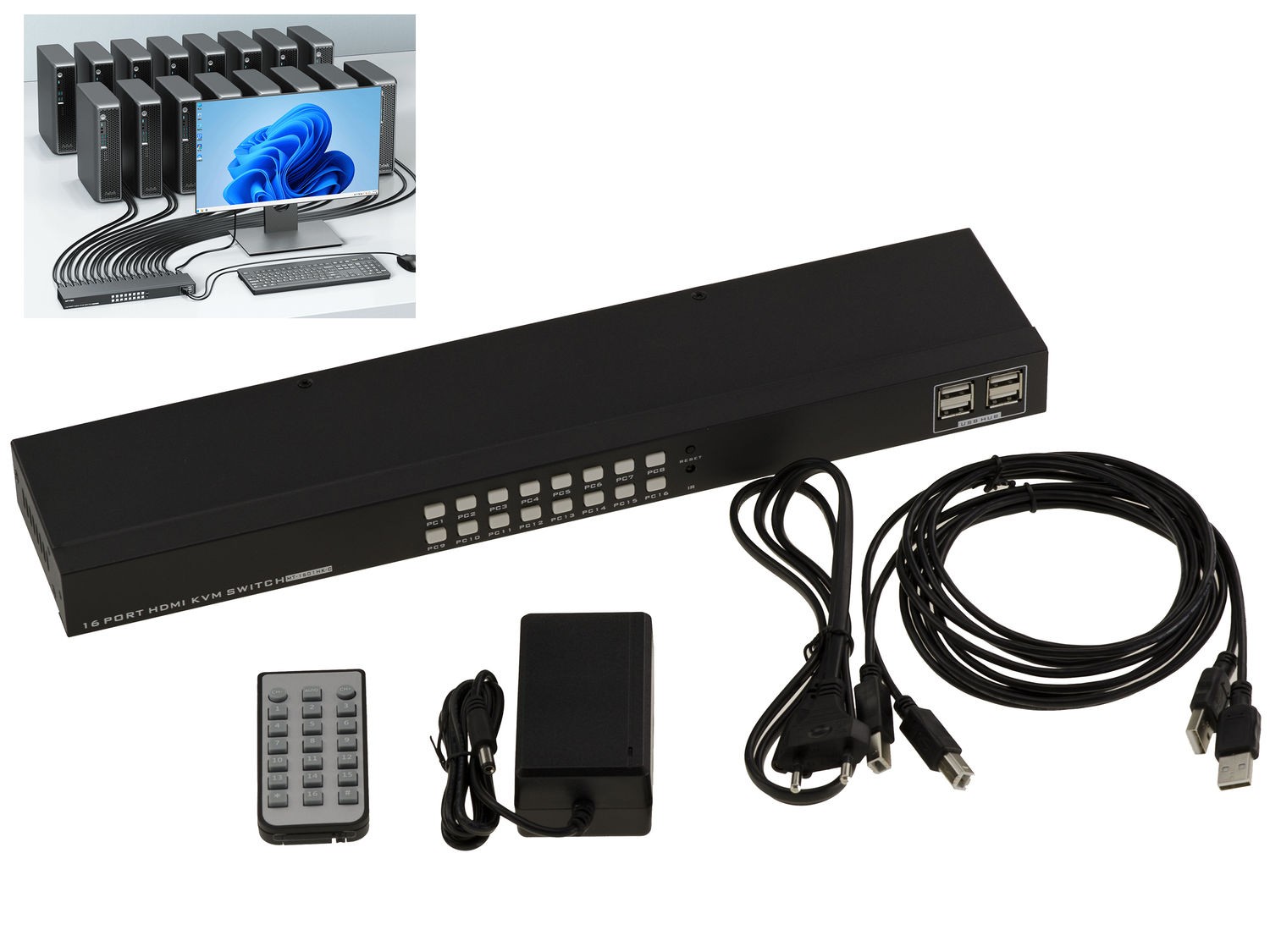
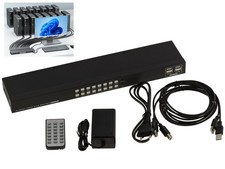
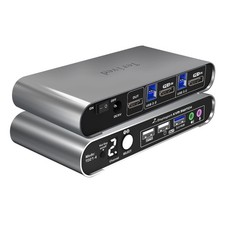
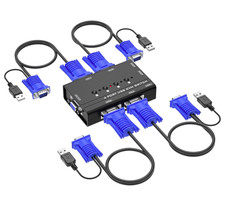
To use 16 different PCs on the same set.
Specifications:
Compatible with all USB mice and all USB type keyboards,
The KVM box is connected as follows:
On the box you will connect your screen via its cord to an HDMI port, your keyboard and your mouse to a USB port.
You will then use the cables provided to connect the KVM to each of the PCs. These cords connect to each PC to the HDMI screen output and to a USB port.
USB 1/2/3 keyboard and mouse compatible.
Compatible with screens with 19 pin HDMI output.
Compatible with all Windows, Linux, Mac.
Hot Connection (Hot Plug).
Resolution supported up to 3840x2160 (30Hz), bandwidth 2.55GHz!.
External power supplied 12V/2A.
No software required.
Switching from one PC to another by keyboard shortcut, by buttons on the front of the KVM, or by using the remote control.
LED display to view the selected PC.
Buzzer to signal switching.
Metal case 390x85x35mm.
Supplied with 16 cables to connect the KVM to the different PCs: 4x 1.5m, 8x 1.8m and 4x 2.5m.
To use 16 different PCs on the same set. Compatible with all USB mice and all USB type keyboards, On the box you will connect your screen via its cord to an HDMI port, your keyboard and your mouse to a USB port. You will then use the cables provided to connect the KVM to each of the PCs. These cords connect to each PC to the HDMI screen output and to a USB port. USB 1/2/3 keyboard and mouse compatible. Compatible with screens with 19 pin HDMI output. Compatible with all Windows, Linux, Mac. Resolution supported up to 3840x2160 (30Hz), bandwidth 2.55GHz!. Switching from one PC to another by keyboard shortcut, by buttons on the front of the KVM, or by using the remote control. Supplied with 16 cables to connect the KVM to the different PCs: