1. Please ensure that the shipping address is 100% correct.
Please ensure that your address can receive the package.
2. Please provide the correct phone number
Specifications:
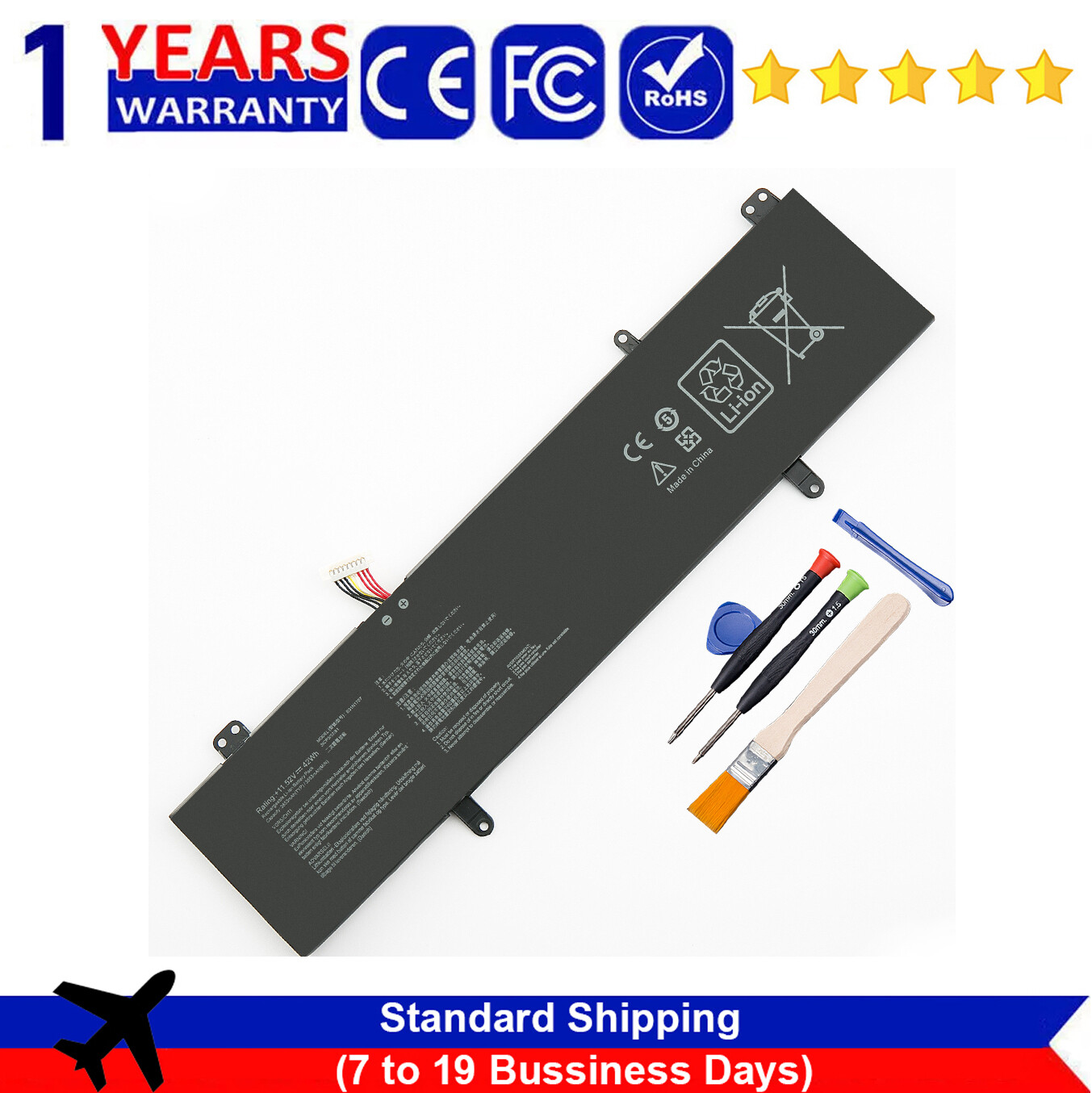
Battery Type: Li-ion
Voltage: 11.52V
Capacity: 42WH
Compatible with Part Number :
B31N1707 3ICP5/57/81
Compatible With Models:
For Asus S4100V, S4100VN, S4100VN8550UFor Asus S4200U, S4200UF, S4200UF8250For Asus VivoBook 14 X411UAFor Asus VivoBook 14 X411UQFor Asus VivoBook S14 S410UNFor Asus VivoBook S14 S410UN-EB123TFor Asus VivoBook S14 S410UN-EB229TFor Asus VivoBook S14 S410UQFor Asus VivoBook S410UQ-NH74X411UA, X411UA-1A, X411UA-1B, X411UA-3B, X411UA-3C, X411UA-3F, X411UA-BV221T, X411UA-GA070,X411UF, X411UF-1A, X411UF-1B, X411UF-3B, X411UF-3C, X411UF-BV070T,X411UN, X411UN-1A, X411UN-1B, X411UN-3B, X411UN-3C, X411UN-3F,X411UQ, X411UQ-1A, X411UQ-1B, X411UQ-3B, X411UQ-3C, X411UQ-3F, X411UQ-BV082T.
Safety
Our batteries are UL/CE-/FCC-/RoHS certified for safety protection
Over-voltage protection
High voltage protection
Short circuit protection
Over-temperature protection
How to purchase the correct replacement battery?
For purchasing the correct replacement battery, please check your original battery and also the specific laptop model. (combine step 1 and step 2)
Step 1. Remove your laptop back cover to check your original battery’s part number, shape. Then search the part number to find the replacment battery.
Step 2. Check your specific laptop model name. (method: Press [Win] + [R] key , enter [msinfo32] or [dxdiag] , then click OK to find your system model. Find the replacement battery base on your laptop model name.
Here are some warm tips:
It is recommended to fully charge the battery when using it for the first time IF the battery is not charging?
1. make sure that the battery cable and the motherboard interface are tightly inserted2. Laptop motherboard may be defective3. The battery dose not fit for your laptop(Please ensure that you have purchased the correct battery model)4. Check whether the battery drive is in normal condition, if not, download the corresponding driver software to update.5. There is a problem with the computer detection software, which usually just restart the computer.
IF "Item not received"
Almost all packages will be delivered within the expected time.
Very few packages cannot be delivered on time due to bad weather conditions and uncontrollable factors.
(If your package delivery fails, we will refund or send you a replacement)
If something goes wrong, please feel free to contact our customer service first. Our customer service will reply to you within 48 hours (there is a time difference between us, weekends are not business days) and provide you with a reasonable solution. Don't worry, your order has a protection period of several months.In order to solve the problem for you faster, it is recommended to tell customer service about the specific model of your laptop or attach a picture of your original battery when you send an email to them.