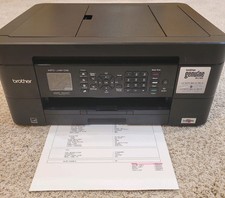
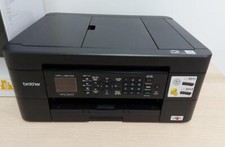
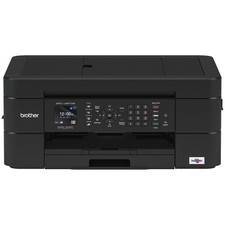
Brother MFC-J491DW All-In-One Inkjet Printer Only 1027 Pages Fax Scan Print Wifi For Sale
When you click on links to various merchants on this site and make a purchase, this can result in this site earning a commission. Affiliate programs and affiliations include, but are not limited to, the eBay Partner Network.
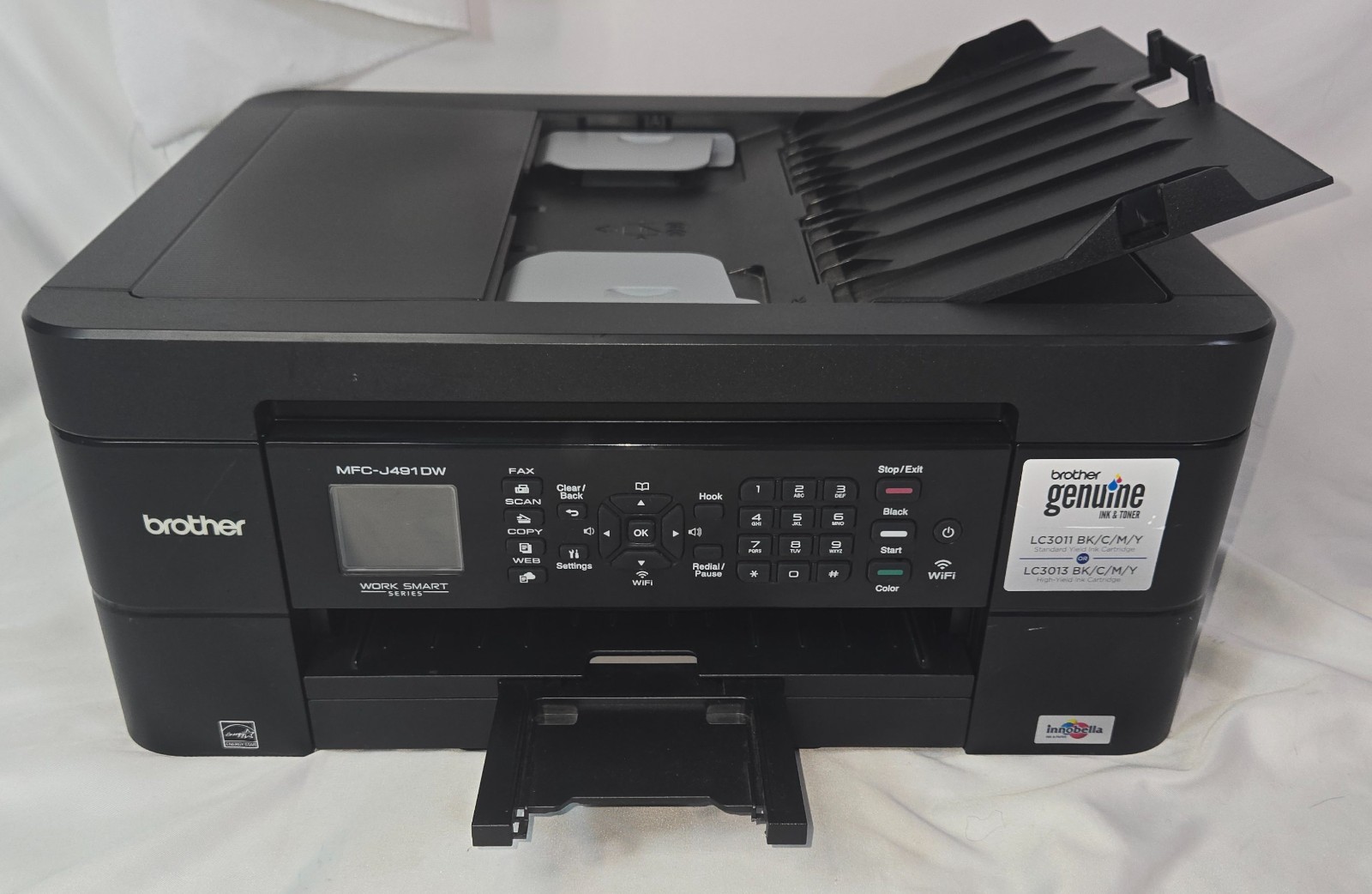
This is a Brother MFC-J491DW All-In-One Multi-Function Wifi Printer for Print, Scan, and Fax with only 1027 pages total!This printer is in very good condition with no damage or defects. It is in good working order but the black cartridge is out of ink and cyan and magenta are low.General Specifications
Printer Type: Inkjet [1]
Memory Capacity: 128 MB [1]
Display: 1.8 in. (44.9 mm) TFT Color LCD [1]
Power Source: AC 100 to 120 V 50/60 Hz [1]
Power Consumption: Copying: Approx. 17 W; Ready: Approx. 3.5 W; Sleep: Approx. 1 W; Power Off: Approx. 0.2 W [1]
Weight: 18.1 lb (8.2 kg) [1]
Noise Level: Operating approx. 50 dB (A) [1]
Automatic Document Feeder (ADF): Up to 20 pages [1]
Print Specifications
Print Resolution: Up to 1200 × 6000 dpi (Windows) / 3600 x 1200 dpi (Mac)
Print Speed: Up to 12 ppm black and 6 ppm color
Automatic 2-Sided (Duplex) Printing: Yes
Paper Tray Capacity: Up to 100 sheets [1, 2, 3, 4]
Copy Specifications
Copy Resolution: Up to 1200 × 1200 dpi
Multiple Copies: Stacks/sorts up to 99 pages
Enlarge/Reduce: 25% to 400% in 1% increments [1, 2]
Scanner Specifications
Scanner Type: Flatbed with ADF
Resolution: Up to 19200 × 19200 dpi (interpolated); up to 1200 × 2400 dpi (optical from ADF); up to 1200 × 600 dpi (optical flatbed)
Color Depth: 30-bit input / 24-bit output color processing [1, 2]
Fax Specifications
Modem Speed: 14,400 bps
Memory Transmission / Out of Paper Reception: Up to 170 pages
Address Book: 40 numbers [1]
Connectivity
Interfaces: Wireless (802.11b/g/n), Hi-Speed USB 2.0, and mobile printing support (via Brother iPrint&Scan) [1, 2]