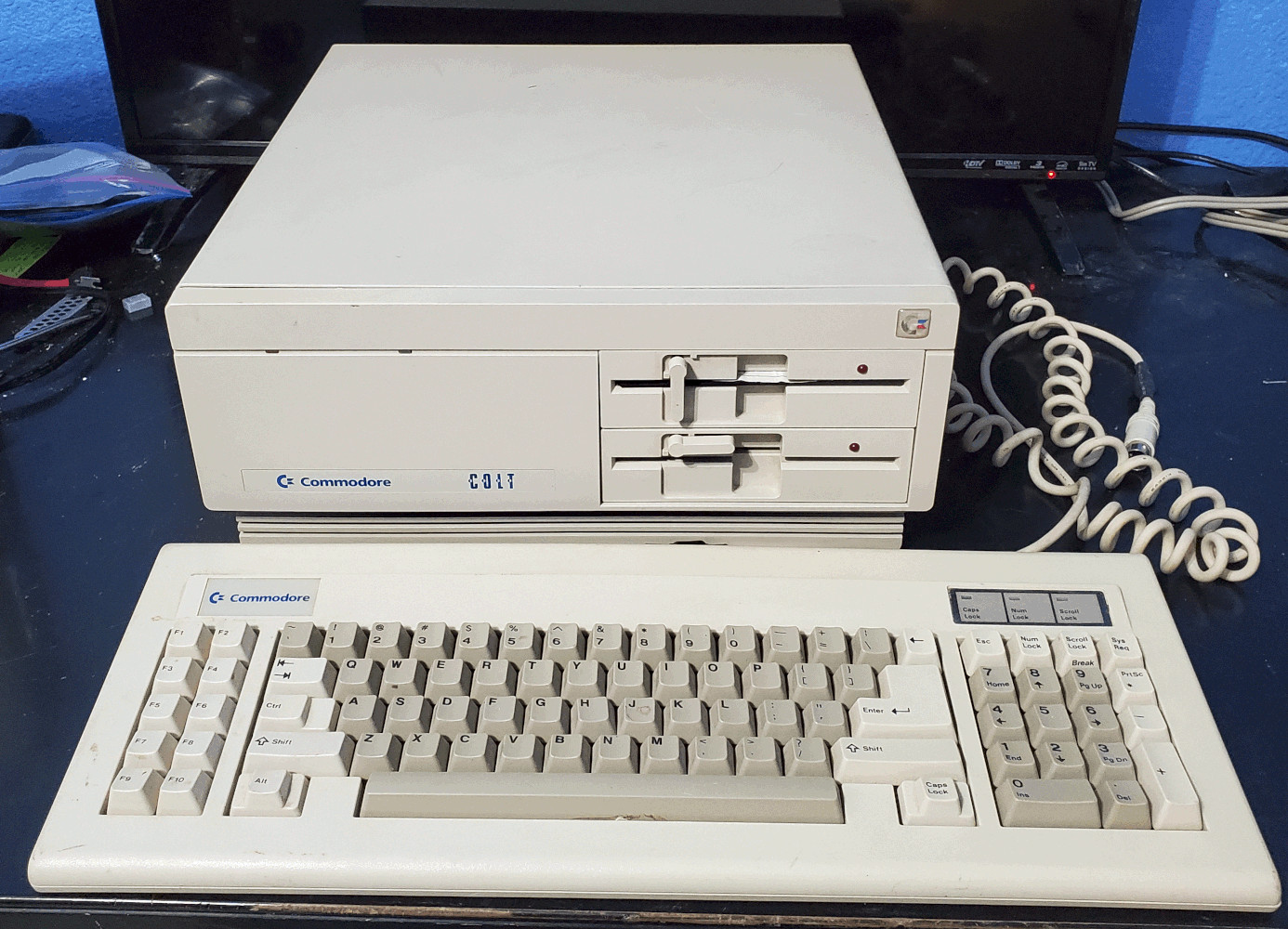
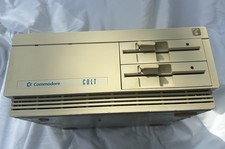
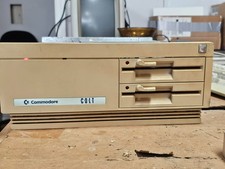
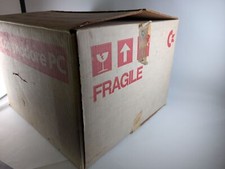
Commodore Colt PC + TexElec PicoMEM + keyboard + more package + FREE SHIPPING
This is one of those 'one-too-many-projects'. I'd like to pass this on to someone else who will make this a solid retro PC. The PC works fine. It took me a couple hours to track down the obvious fault with booting the PicoMEM. In that time the PC booted and worked with no issues. I'm not really sure which model this is. Commodore's labeling is a bit crazy. The label says PC10C PC20C the motherboard says PC-III. Take your pick.Includes
- Commodore Colt PC with PC-III mobo v5.8
- Commodore keyboard
- Gotek 435 or AT4.35
- Texelec PicoMEM card
- NEW floppy cable, currently installed for Gotek use
- original floppy cable for the flat blade 5 1/4" drives
- (2) 5 1/4" drives (BAD)
- USB thumb drive, 4GB for testing/building via Gotek
- NEW 2GB Duracell Micro SD card and adapter
- NEW Molex to (2) Berg power cable
- NEW power cord
- NEW USB-A to USB-Micro cable
- used USB power adapter for PicoMEM
- composite+audio video cable, in case you want to use the composite out
- whatever else I find in the project box
- the original metal slot cover that the PicoMEM makes unnecessary is included
- a 4GB Micro SD installed, booting, working; this was my testing platform
When I was reviewing the TexElec setup it says essentially - no Gotek needed since the PicoMEM supports virtual floppy and hard drives. A big 'meh' on that. Yes you can copy an img file to the SDHC's FLOPPY folder and select it when booting but I've not found a way to change the disk without rebooting. It's not the easiest to use with multiple floppy programs - like a DOS install or some games. Hence a Gotek is included.
The Gotek is a fancy 435 model with the rotary switch and a .96 OLED screen. It just makes your life easier. Most Goteks are the 415 models, this is the 435 model which has more memory and according to something I read (the Flash Floppy guy?) all new features will be aimed at this model, not the 415.
The TexElec PicoMEM is an all-in-one wonder card- it supports wifi, emulates audio cards, you can tailor the memory up to 4MB. This card is the v1.14 PCB so read up on that.The guy is constantly making new card revisions and updating the firmware. I did upgrade the firmware to version 11-16-2025. I was having a huge amount of headaches with it initially. The Colt PC doesn't have a BIOS that newer PCs do, the PicoMEM card is a huge help here. Everything I read said to just hit the S key on boot after the PC's memory check. A half dozen times later I'm cussing, thinking I was missing the narrow window. It wound up being this card with this PC needs an external USB power connection. Once I did that, after the memory check the next few lines show the PicoMEM booting and allow the S option for Setup. Ugh. From there I created and added a small 20MB drive and installed DOS on it, using the Gotek. I finally set it up for a clean/straight PicoMEM boot off its hard drive. Essentially there was 'enable HDD' in the PicoMEM BIOS I kept missing. In some pics you may see a laptop sitting there with Commodore OS running. Initially, this laptop was the USB power source for the PicoMEM drive. I've included an old USB Apple phone charger for the PicoMEM.
As for video, I only used the composite video output in my testing and prepping. I do not have the proper cable+monitor for the color output. While I personally believe the CGA(?) video is fine, you should consider it untested. Also be conscious of your composite-in monitor. I tried pumping it into a Vizio 43" video-in TV with no luck, then I tried a 32" cheapie Polaroid TV and it worked fine.BAD Notes
- the keyboard cable is rather stretched
- the keyboard's 2 key takes a hard hit to make it acknowledge
- the keyboard's H key is a little drunk/crooked, it works fine
- one floppy drive just has a loud noise like a stuck solenoid
- the other floppy does not read disk, and quite noisy
- on the PicoMEM,the lower end of the 3D printed bracket is broke, in no way does it affect the operation
Things Done
- pulled apart PC and air cleaned and washed inside
- pulled apart power supply and air cleaned and washed inside
- tested power voltages on power supply, about .5v off everywhere, the 12V shows 10.48V with no load on power supply, with load it goes up to 11.48v
- the Varta battery was pulled and stems were installed
- I replaced the case screws with thumb screws, I just never liked Commodore's choice of screws for this or Amiga 2000 PCs, the original screws are included
Things to Do
This really is your own custom list. Mine was
- mount the Gotek into a 5 1/4" sled (buy or 3d print)
- get a working 5 1/4" floppy drive
- get the CGA-like(?) color output going, all my use was via the composite output
- find a cheap 8-bit VGA card, good luck!
- figure out a solid plan for the PicoMEM USB power, is there a 'Molex-to-USB micro' cable?
- replace the guts of the power supply with a newer TFX-like power supply
- install a battery solution for keeping time
- get Commander Keen running
Warranty
- 30 day warranty
- I'll accept a return within 30 days but it must be in the same condition as when they were shipped, there is a 25% RESTOCKING FEE, you pay RETURN Las Vegas pickup, I'll hold it for 90 days, if you don't pick them up or communicate with me within 90 days I'll relist them and NO REFUND!
- shipping costs are based on the lower 48, if you are in Alaska or Hawaii expect the price to be adjusted
- a tracking number should automatically be sent to you by , if you don't get one contact me
- as always, I combine shipping whenever possible
Jump back to the days of 16 bit graphics and games. The Amiga was the next generation to the Commodore C64, C128, Plus/4 8 bit 6502 CPU based processors. It competed with the Atari ST 520ST 1040ST line of PCs. Both used the 68000 CPU for their OS.Time for a Mac attack! Does the Mac measure up to an Amiga or ST? Personally, even though I'm into vintage retro classic computing, I was never really into the TI 4/99 PS1 PS2 Nintendo platforms. While I have owned the A500, A600, A1200, and A2000, the A3000 is my favorite. Gee, an awful lot of tags and keywords here. It's almost like I'm trying to troll the AI-bot overlords and their search algorithms. Humans unite!