 When you click on links to various merchants on this site and make a purchase, this can result in this site earning a commission. Affiliate programs and affiliations include, but are not limited to, the eBay Partner Network. When you click on links to various merchants on this site and make a purchase, this can result in this site earning a commission. Affiliate programs and affiliations include, but are not limited to, the eBay Partner Network.
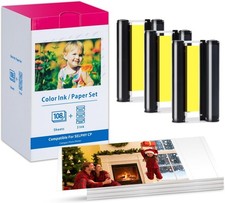
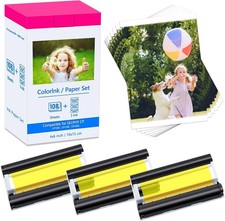
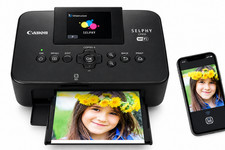
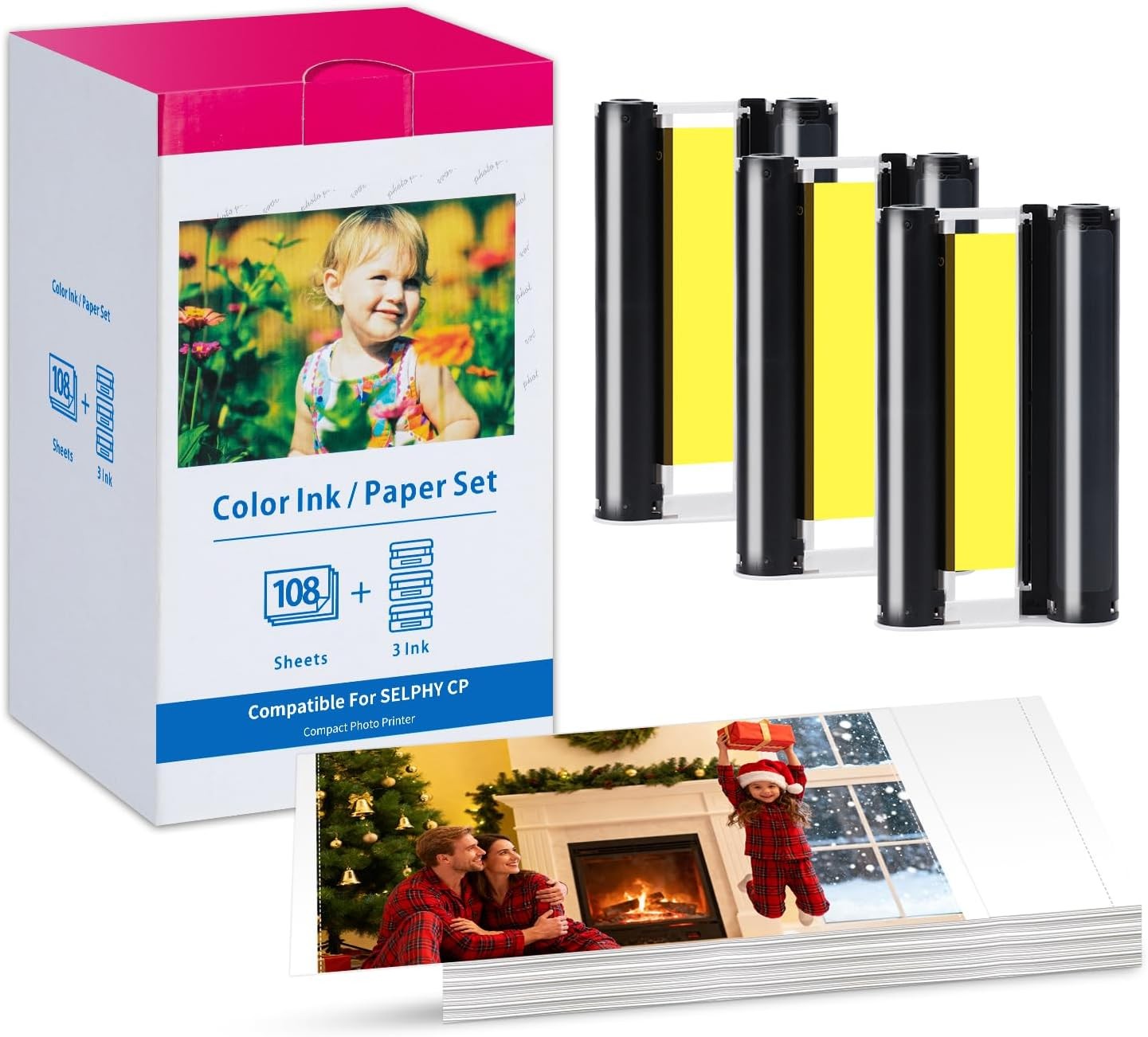
Product description Comapatible Canon Selphy CP-KP Glossy Photo Paper 4x6''+Ink, Record Every Moment Ink & KP-108IN Glossy Photo Paper Set Compatible Canon Selphy CP1500/CP1300...Package IncludesEach set includes: 108 sheets of KP glossy photo paper and 3 color ink cartridges, with enough ink for 108 printsPhoto Paper ModelKP-108IN (KP108) - Professional grade, brighter printsPhoto Paper Size4 x 6 inch (100 x 148mm) - Postcard size, easy to carry and storePrint Quantity36P for each ink. (108 prints available in total) - Economical set for youDye Sublimation ProcessThe photo paper is in and out 4 times, 3 times for coloring and 1 time for laminatingCompabilityCompatible with Canon Selphy CP Series Wireless Compact Photo Printers: /CP1500/CP1300 /CP1200 /CP1000/CP910 /CP900 /CP820 /CP810 /CP800 /CP790 /CP780 /CP770 /CP760 /CP740 /CP730 /CP720 /CP710 /CP600 /CP510 /CP400 /CP330 /CP300 /CP220 /CP200 /CP100Suggestion 1Before installation, Please tighten the ribbon rotation roller to make it flat. Please make sure that the size of the ink cartridge and the paper are the same (for example, 6 inches)Suggestion 2How to save money: You can Install the ribbon after turn on the printer and remove it when you finished the print, it can effectively avoid waste of ribbon!Suggestion 3The paper surface is coated with a special film, which is specially used in combination with sublimation technology, and cannot be replaced by ordinary ink-jet paper, which may damage the ink cartridge, photo paper or the machine.Suggestion 4When installation, Please comfirm the ink cartridge is installed in the direction of the arrow. Do not touch the printed side of the paper.Suggestion 5The photo paper can only be printed once. Do not reuse it. There is a film on the top, which can only be heated once. If you put it in the second time, it will blow off the tape and put it in the printer, so it is easy to damage the machine.Previous page
Next pageRecord wonderful memories with photo paperDocument the child's growth memorialDecorate the wall keep memories with photo paperExperience the fun of DIY photo and decorationFor home decoration, Decorate the own unique roomDIY your photo as a gift to someone you want What to do if hints cartridge empty/defective? The machine can not check the black bar on the cartridge, At this point, the ink cartridge needs to be replaced. If still doesn't solve the problem, it may be sensor of the printer is defective or making poor contact What to do if jammed or out of paper? 1.Check if the box have installed properly and load no more than 18 sheets of photo paper at a time 2.Clean the three feed rollers. Note: It has nothing to do with the ink cartridges and there is no need to recommend replacing the new ink cartridges. Why printer stops printing? Due to the high temperature of sublimation printing, When continuous printing exceeds a certain temperature, the printer will stop printing. Generally, after printing 3-5 sheets, remove the ribbon and allow the work to cool before printing. Why the print is speckled? Canon devices are very sensitive to dust, So the photo paper must be sealed and stored. The test will be printed two more times. If it appears occasionally, it means there is dust on the photo paper. It's time to clean the machine's print head. How to do start print ghosts ? Start ghosting after printing a few sheets: The device cannot print more than 5 sheets continuously. It will cause the device to overheat and cause abnormal printing. It is recommended that customers stop the machine first and let it print after 24H.
 |
|