In thebox:
- TheSmart Board SPNL-6065
- Wallmount or mobile floor mount
- HDMICable for connectivity
- USB Cable
- Powercable
- 2Interactive Pens
- QuickStart Guide.
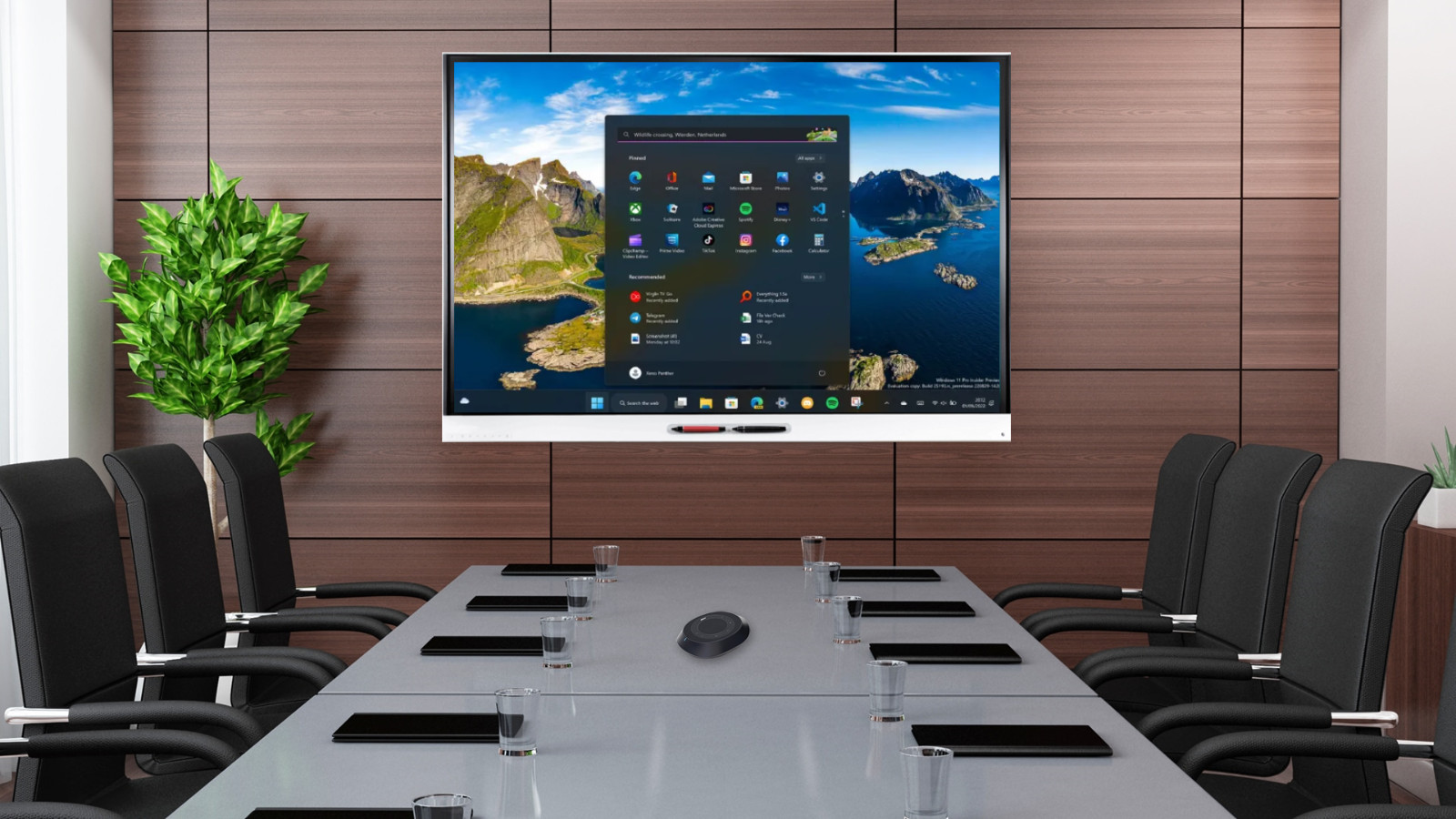
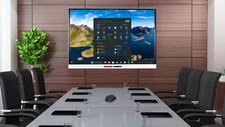
The SMARTBoard 6065 interactive flat panel with iQ is the hub of your classroom. iQtechnology connects devices, lesson content and pedagogically relevant softwareto create a cohesive educational experience. PC-free embedded computingprovides one‑touch access to a diverse suite of SMART applications—Notebooklessons, workspaces, gamification activities and whiteboard—and collaborativetools, such as wireless screen sharing and a web browser. There’s no need forwires, cables or manual software and firmware updates. The 65" 4Kultra-high-definition LED display provides optimal image clarity and wideviewing angles. With the Pen ID feature, you can assign different appearancesto the two pens and write or draw over any application in digital ink. Objectawareness allows you to perform mouse functions with your finger, write indigital ink with the pen, and erase with your palm or eraser—all withoutswitching tools or modes. You can use a variety of gestures in applications,and two users can write or draw at the same time. The SMART Board 6000 or 6000Pro series interactive display is the hub of your classroom or meeting room.PC-free embedded computing provides one‑touch access to collaborative tools,including a whiteboard, wireless screen sharing and a web browser. There’s noneed for wires, cables or manual software and firmware updates.
Fully interactive and perfect forcollaborative presentations in the classroom, the office, or the conferenceroom.
·Designed specifically for classrooms, and professionalcollaborative presentation, the SMART Board interactive flat panel combines apremium touch experience with the power of SMART Notebook collaborativelearning software.
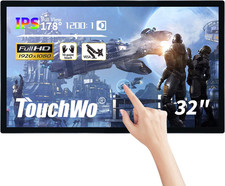
·The high-definition LED display features low-friction coatedglass that lets fingers glide smoothly over the surface, creating a naturaltouch experience.
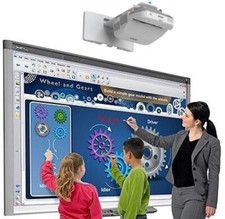
·It delivers an unparalleled viewing and writing experience, andoffers the best value for classrooms. With multiple touch points for Windowsand Mac OS, multiple students can use gestures, like zoom, rotate and flip, atthe same time.
·The SMART Board interactive flat panel eliminates glare andprovides an optimal view from any angle in the classroom.
· Enhanced Visual Communication:Smartboardsallow for dynamic and visually appealing presentations, making it easier toconvey complex information and ideas. The interactive features ofsmartboards enable presenters to engage their audienceand keep them focused.
· Real-time Collaboration:Smartboardsfacilitate real-time collaboration during business presentations. Multipleparticipants can interact with the board simultaneously, allowing forbrainstorming, problem-solving, and idea generation.
· Multimedia Integration:Smartboardsenable teachers to seamlessly integrate multimedia elements such as videos,images, and audio into their presentations. This enhances the overall impact ofthe presentation and helps in capturing the audience's attention.
· Flexibility and Adaptability:Smartboardsoffer flexibility and adaptability during business presentations. Presenterscan easily modify and update their content on the go, accommodating last-minutechanges or incorporating audience response.
· Interactive Audience Engagement:Smartboardsencourage audience participation and engagement. Audience members can interactwith the board, respond to polls or quizzes, and ask questions, creating a moreinteractive and engaging presentation experience.
· Data Visualization:Smartboardsprovide the ability to visually represent data in a dynamic and interactivemanner. Presenters can use graphs, charts, and other visual aids to conveydata-driven insights effectively, making presentations more impactful.
· Easy Annotation and Note-taking:Smartboardsallow presenters to annotate and take notes directly on the board during thepresentation. This enables them to highlight key points, emphasize importantinformation, and capture audience response in real-time.
· Seamless Integration with Other Devices:Smartboardscan seamlessly integrate with other devices such as laptops, tablets, andsmartphones. Presenters can easily share content from their devices onto theboard, making it convenient to showcase different types of content.
· Efficient Collaboration and Decision-making:Smartboardspromote efficient collaboration and decision-making during businesspresentations. The interactive features allow teams to work together, analyzeinformation, and make informed decisions in real-time.
· Professional and Modern Image: Incorporatingsmartboardsinto business presentations showcases a company's commitment to moderntechnology and innovation. It creates a professional image and enhances theoverall perception of the presenter and the organization.
· Interactive Learning:Smartboardsallow for interactive and dynamic learning experiences in the classroom.Students can actively engage with the content on the board, making learningmore enjoyable and memorable.
· Visual Representation:Smartboardsprovide a visual representation of information, making it easier for studentsto understand complex concepts and ideas. Visual aids can enhance comprehensionand retention of knowledge.
· Collaboration and Group Work:Smartboardsfacilitate collaboration and group work among students. Multiple students caninteract with the board simultaneously, allowing for collaborativeproblem-solving and brainstorming activities.
· Instant response:Smartboardsenable teachers to provide instant response to students during class. Thisimmediate response helps students understand their mistakes and makecorrections in real-time, promoting a deeper understanding of the subjectmatter.
· Access to Online Resources: Withsmartboards,teachers can access a wide range of online resources and educational materialsto enhance their lessons. This allows for up-to-date and relevant content to beincorporated into the classroom.
· Organization and File Management:Smartboardsprovide a platform for teachers to organize and manage their lesson materialsand resources. This helps in streamlining the teaching process and ensures easyaccess to materials for future reference.
· Differentiation of Instruction:Smartboardsallow for the differentiation of instruction based on individual student needs.Teachers can adapt their lessons and provide personalized learning experiencesby using the interactive features of the board.
· Increased Student Engagement: The interactive nature ofsmartboardsincreases student engagement and participation in the classroom. Students aremore likely to be actively involved in the learning process, leading toimproved academic performance.
· Preparation for the Digital Age: By usingsmartboards,students develop essential digital literacy skills that are necessary forsuccess in the modern world. They become familiar with technology and learn howto effectively use digital tools for learning and communication.
·Presenting is made easier with an interactive whiteboard. Youcan now deliver content to your audience through a large dynamic surface thatyou control. Students and professionals are able to interact with elements onscreen. Onscreen collaboration for visual and kinesthetic learners.
· It also includes SMART Board software which you can write overthe top of any computer application, write and edit notes, and save everythingin a single file.
·Project managers captureprogress notes and track decisions, then save the notes and e-mail them tostakeholders as a progress update. Designers use it to present plans to clientsand incorporate their response immediately, saving valuable time during thedesign process. Fire departments create training simulators – ensuring staffreceive realistic but safe training.
·Teachers have access tovarious sources to enhance and support their lessons with video, articles,images, learning tools, and more. Students also have a rich resource forresearch and learning.
·Allows for the integrationof various other technologies to enhance student learning. Any device you canthink of like computers, microscopes, cameras, and video cameras can beattached to the boards to enhance instruction. As a result, the possibilitiesare near endless.
·Various media types can bedisplayed on an interactive whiteboard. Whether photos, graphs, maps,illustrations, or videos- teachers have an abundance of options. You can createcreative lessons to inspire your students.
·Allow children to interactwith the learning material. They become a part of the lesson and can even teacheach other. Their understanding of the subject is seen through touching,drawing, or writing on the board.
·Students are moreattentive in the classroom. Comprehension improves. Test scores rise. Literacyincreases. Students learn better and remember it. When children engage more inthe classroom, learning always increases.