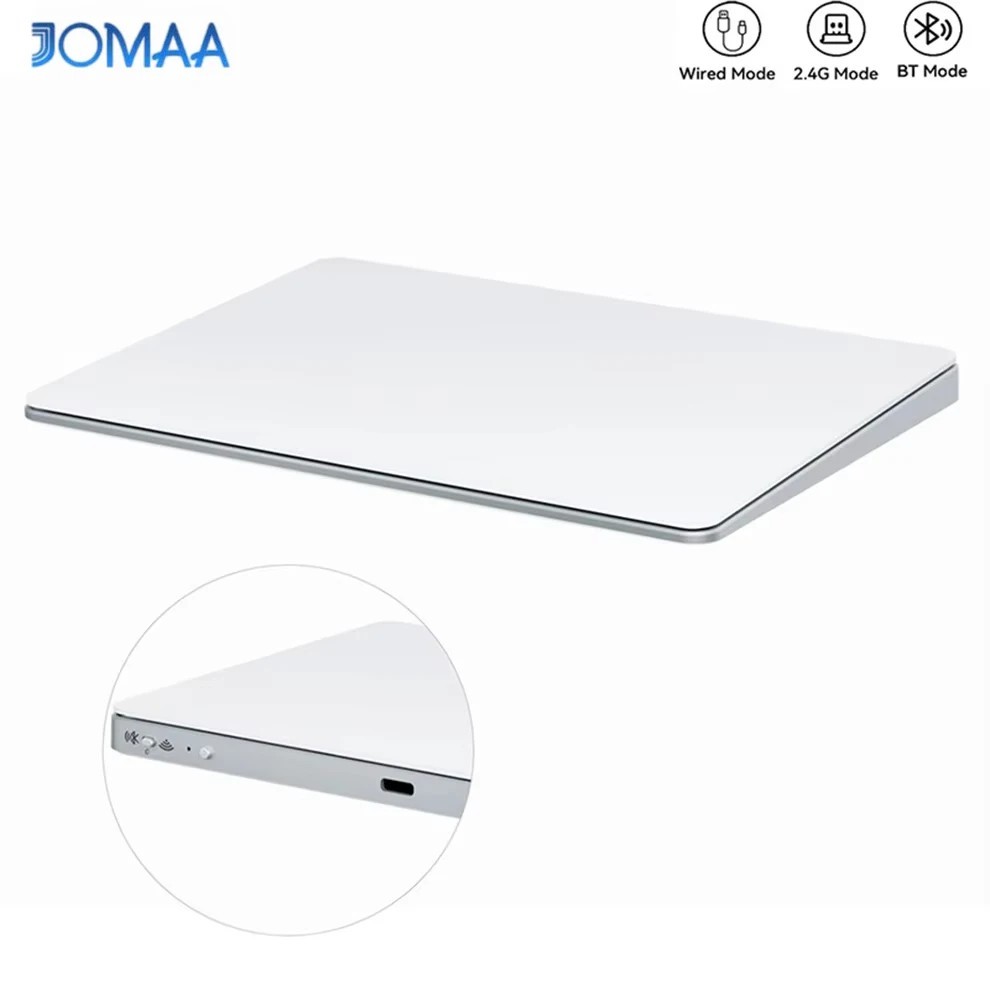
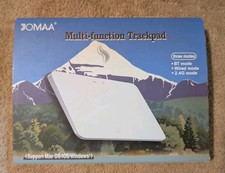
Jomaa Upgraded Wireless Bluetooth Trackpad,Smooth Glass Surface with Multi-Touch For Sale
When you click on links to various merchants on this site and make a purchase, this can result in this site earning a commission. Affiliate programs and affiliations include, but are not limited to, the eBay Partner Network.
Jomaa Upgraded Wireless Bluetooth Trackpad,Smooth Glass Surface with Multi-Touch
Price: AU $83.75
🖐️ Wireless Bluetooth Trackpad Touchpad for PC & Mac – Multi-Gesture Control
Upgrade your workflow with this ergonomic wireless trackpad, featuring a tempered glass touch surface, multi-gesture support, and multiple connection modes. Ideal for PCs, laptops, and desktops running Windows or macOS.
⭐ Key Features
💻 Wide System Compatibility
macOS 10.11 or later
Windows 8 or later
iPadOS 13.4 or later (basic use) ⚠️ Not compatible with Linux or iOS
📡 Multiple Connection Modes
Bluetooth 5.0+ (device name: Function Trackpad)
2.4G Wireless Receiver
Wired Cable Connection
Note: When switching connection modes, please delete previous Bluetooth pairing records.
✋ Tempered Glass Touch Surface Smooth, ergonomic glass surface designed for gesture control (Gesture-based operation only – no physical left/right click buttons)
🔋 Built-in Rechargeable Battery
500mAh battery
2–3 hours continuous use
Up to 15 days standby
📳 Vibration response Toggle vibration on/off by double-clicking the wake button (Subtle vibration for enhanced user experience)
🔧 Operating System Notes
For full gesture functionality, update your OS to the latest version
macOS Bluetooth mode does NOT support gesture control (use cable or 2.4G receiver instead)
Gesture functions vary depending on operating system
📦 Package Includes
1 × Wireless Trackpad
1 × User Manual
1 × Charging Cable
1 × 2.4G Wireless Receiver
1 × USB-A to Type-C Adapter
ℹ️ Important Notes
You may receive a hidden edition with two symbols on the surface
Both versions are the same product; the newer version includes an indicator light
Gesture controls differ by operating system – please refer to the user manual for instructions