MiSTer FPGA SNAC Board w/ NES, SNES, Atari, and Genesis Controller Adapters For Sale
When you click on links to various merchants on this site and make a purchase, this can result in this site earning a commission. Affiliate programs and affiliations include, but are not limited to, the eBay Partner Network.
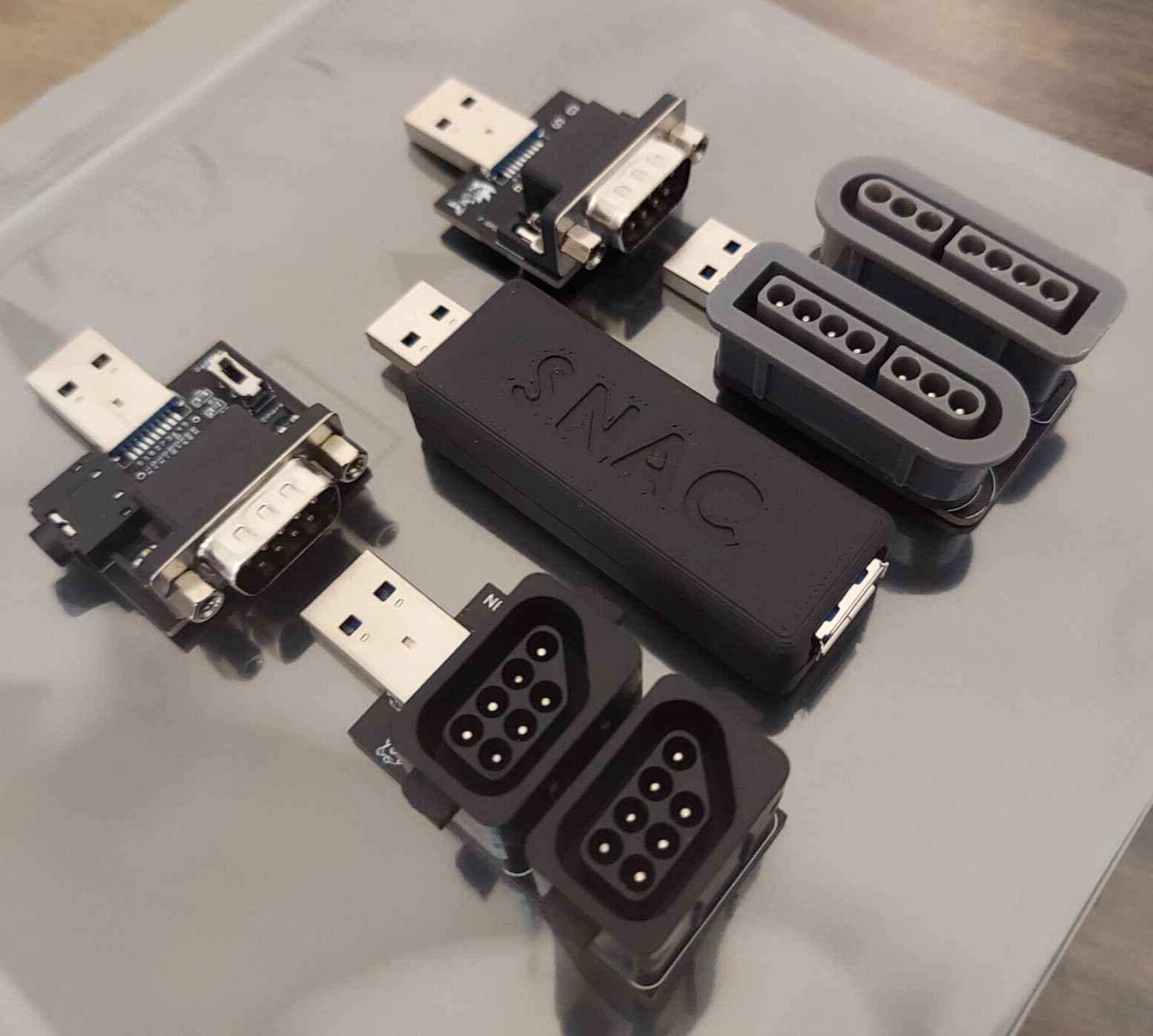
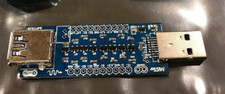
The Serial Native Accessory Converter(SNAC) board and adapters allow for interfacing cores with their native accessories(controller, zapper, etc). The SNAC also provideszero input lag for the controllers/accessories. The SNAC connects tothe USB 3.0 port on the IO board. Note: the Genesis/SEGA CD/32Xadapter requires an Analog IO Board v6.1 or Digital IO Board v1.2.
SNAC voltage level shifter board
2 player NES adapter
2 player SNES adapter
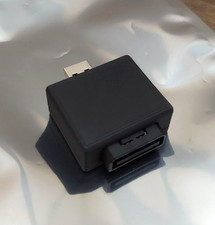
Genesis/SEGA CD/32X/Master System adapter
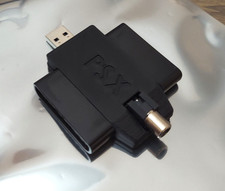
Atari adapter
10" right angle USB 3.0 extension cable
NES
SNES
Genesis/SEGA CD/32X/Master System(Analog IO Board v6.1 or Digital IO Board v1.2 required)
Atari 7800
TurboGrafx-16/TurboGrafx CD (adapter sold separately)
Unofficial cores: Atari 2600 (required for paddle controller) class="MsoNormal" working accessories:
NES OEM controllers
NES Zapper (CRT required)
NES PowerPad
SNES OEM controllers
SNES Multitap
SNES Super Scope 6 (CRT required)
SEGA Genesis 3 and 6 button controllers
SEGA Genesis Multitap
SEGA Menacer(CRT required)
SEGA Justifier(CRT required)
SEGA Master System Phaser (CRT required)
8BitDo M30 2.4GHz controller
Atari joystick controller
TurboGrafx-16 2 Button Controller
Run the update_allscript to download the latest cores
Connect the SNAC board,adapter, and extension cable to the USB 3.0 port on the IO board
Atari adapter requires a stereo cable and ADC inputfor the paddle controller
Jumper pins on the IO board should be set to IO and not 3.3V (required for Genesis/SEGA CD/32X/Master System adapter to work)