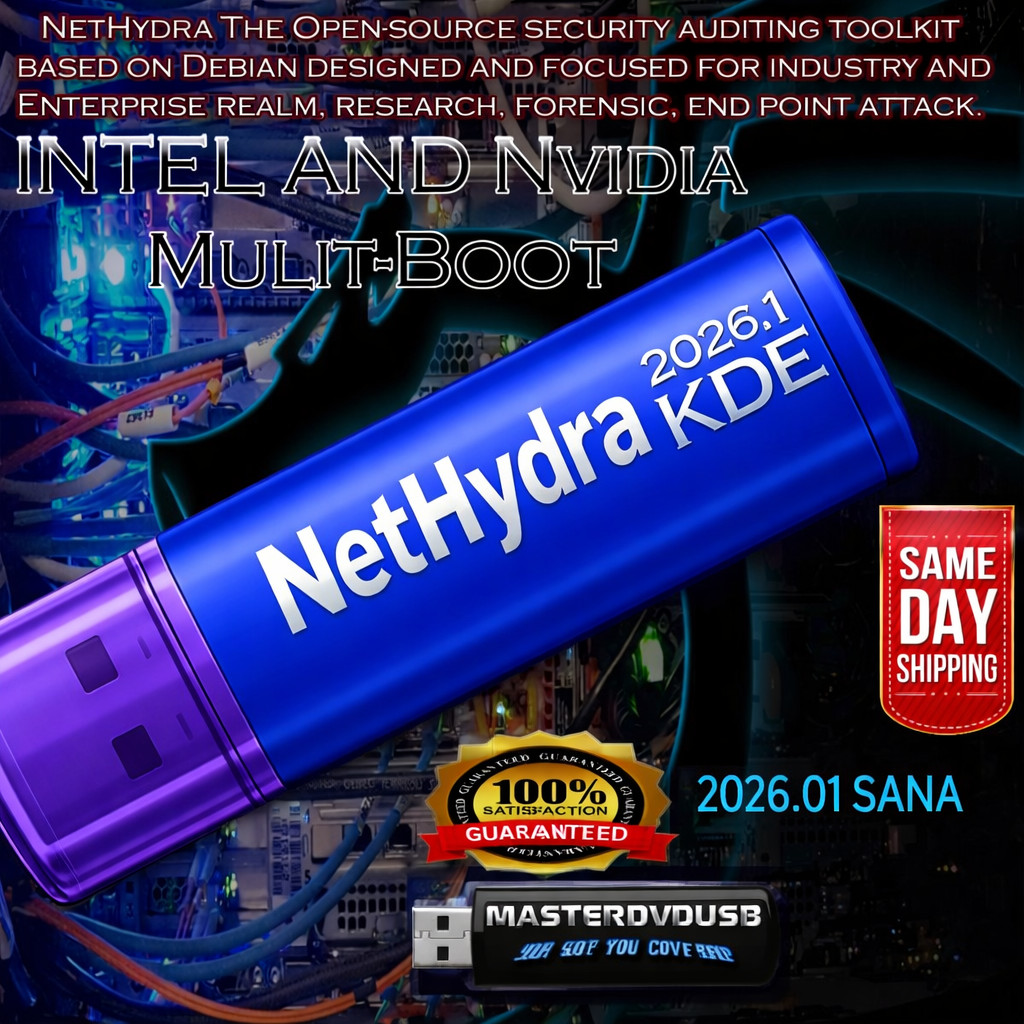
NETHYDRA KDE 2026.1 Multi‑Boot Intel & NVIDIA – Bootable Live/Installer USB NETHYDRA KDE 2026.1 – Multi‑Boot Intel & NVIDIA – Bootable Live/Installer USB Same‑Day Shipping from California Professional Bootable USB Multi‑Boot Intel + NVIDIA Product overview
This listing is for a NETHYDRA KDE 2026.1 Bootable Live/Installer USB, professionally prepared on a high‑quality USB flash drive. It is configured as a multi‑boot USB that includes both the Intel and NVIDIA‑optimized versions of NETHYDRA KDE 2026.1, so you can choose the best option for your hardware at boot time.
Boot directly into a modern, polished KDE Plasma desktop, test hardware compatibility in live mode, and then install to your system when you are ready. Ideal for technicians, enthusiasts, and anyone who wants a powerful, up‑to‑date Linux environment without the hassle of burning ISOs or troubleshooting bad downloads.
Key features of NETHYDRA KDE 2026.1
- Multi‑Boot USB: Boot menu with both Intel and NVIDIA builds of NETHYDRA KDE 2026.1.
- Modern KDE Plasma Desktop: Clean, customizable interface with advanced window management and widgets.
- 2026.1 Release: Updated kernel, drivers, and userland for improved performance and hardware support.
- Live Environment: Try NETHYDRA without touching your existing OS or drives.
- Full Installer: Guided installation to internal SSD/HDD once you are satisfied.
- Intel Build: Tuned for integrated Intel graphics and common laptop/desktop chipsets.
- NVIDIA Build: Includes support for NVIDIA GPUs (where supported) for smoother graphics and 3D.
- Pre‑loaded Software: Web browser, office tools, media players, system utilities, and more.
- Secure & Up‑to‑Date: Based on a current 2026 codebase with recent security patches.
System requirements Component Minimum Recommended CPU 64‑bit x86_64 processor (Intel or AMD) Modern multi‑core 64‑bit CPU RAM 4 GB 8 GB or more for smooth multitasking Storage 25 GB free space for installation 50+ GB SSD for best performance Graphics Intel integrated or NVIDIA GPU with basic support Recent Intel iGPU or NVIDIA GPU with supported drivers Boot mode USB boot support (BIOS or UEFI) UEFI with USB boot enabled Internet Optional Recommended for updates and extra software
Note: Exact hardware compatibility and NVIDIA driver behavior can vary by model and generation. Live mode is the best way to test your system before installing.
History and evolution of NETHYDRA KDE
NETHYDRA KDE has grown out of the long tradition of modern Linux desktop distributions that focus on a balance of performance, aesthetics, and control. Earlier NETHYDRA releases laid the groundwork with a stable base, curated packages, and a strong emphasis on usability for both newcomers and power users.
Over time, the KDE edition became the flagship desktop experience, leveraging the flexibility of KDE Plasma to deliver a highly customizable environment. Each release refined the integration between the desktop shell, system tools, and underlying kernel, improving responsiveness, memory usage, and hardware detection.
The 2026.1 release continues this evolution by embracing newer kernels, updated graphics stacks, and improved multi‑GPU handling. The decision to provide separate Intel and NVIDIA boot options on a single USB reflects the real‑world needs of users who move between laptops, desktops, and workstations. This multi‑boot approach makes NETHYDRA KDE 2026.1 especially attractive for technicians, IT professionals, and enthusiasts who support multiple systems.
With each generation, NETHYDRA KDE has focused on delivering a polished out‑of‑the‑box experience while still respecting the core values of Linux: transparency, control, and community‑driven development. The 2026.1 edition represents a mature, modern snapshot of that journey.
What’s new in NETHYDRA KDE 2026.1
- Updated Kernel & Drivers: Newer Linux kernel for better CPU, GPU, and storage support.
- Refined KDE Plasma: Smoother animations, improved Wayland support (where applicable), and better multi‑monitor handling.
- Enhanced NVIDIA Path: Dedicated NVIDIA boot option for systems that benefit from discrete graphics.
- Improved Power Management: Better laptop battery life and thermal behavior on supported hardware.
- Refreshed Application Set: Updated browser, office suite, media tools, and system utilities.
- Installer Improvements: Clearer partitioning steps and better response during installation.
- Accessibility & Localization: Expanded language support and accessibility options in the live environment.
What you will receive
- 1x Bootable USB Flash Drive with NETHYDRA KDE 2026.1 (multi‑boot Intel & NVIDIA).
- Pre‑configured boot menu to choose Intel or NVIDIA version at startup.
- Live environment for testing and troubleshooting.
- Full installer to install NETHYDRA KDE 2026.1 to your internal drive.
Physical USB only – no retail box, no license key is required for this Linux distribution.
Same‑day shipping from California
Orders placed and cleared before our daily cutoff time ship out the same day from California, USA. This is ideal if you need a bootable USB quickly for a repair job, a new build, or a time‑sensitive project.
- Ships from: California, United States
- Handling time: Same‑day on qualifying orders (business days)
- Packaging: Protective packaging to help prevent damage in transit
Why buy from us
- Professional preparation: USBs are created using verified images and tested for bootability.
- Multi‑boot convenience: Both Intel and NVIDIA versions on one drive—no juggling multiple sticks.
- Customer satisfaction is our number one priority: We stand behind every USB we ship.
- Fast California shipping: Same‑day handling on qualifying orders for quick delivery.
- Clear communication: If you have questions about compatibility or usage, you can reach out before or after purchase.
- Ideal for technicians & enthusiasts: Great for labs, repair benches, and multi‑system environments.
- No hassle setup: Avoid the time, bandwidth, and trial‑and‑error of making your own boot media.
This product provides a convenient physical installation and recovery medium. All trademarks and names belong to their respective owners and are used here for identification purposes only.
Important notes
- Open‑source software: NETHYDRA KDE 2026.1 is a Linux distribution based on open‑source components.
- No affiliation: This USB is a curated installation medium and is not an official boxed product.
- Hardware differences: Some systems may require additional tweaking or drivers after installation.
- Data safety: Always back up important data before installing or modifying partitions.
NETHYDRA KDE 2026.1 bootable USB, multi‑boot Intel and NVIDIA Linux installer, live desktop operating system, professional Linux USB drive, California same‑day shipping, modern KDE Plasma distribution, 64‑bit Linux OS, open‑source desktop environment, advanced Linux toolkit, repair and recovery USB, technician‑grade boot media, enthusiast Linux installer, custom multi‑boot menu, Intel graphics optimized build, NVIDIA graphics optimized build, hybrid graphics laptop support, workstation‑ready Linux, SSD‑friendly file system options, secure modern kernel, updated drivers for 2026 hardware, USB boot for BIOS and UEFI systems, Linux for laptops, Linux for desktops, Linux for workstations, alternative operating system for Windows users, privacy‑focused computing, customizable KDE Plasma themes, virtual desktop workflows, tiling and floating window management, panel and widget customization, Linux terminal tools, development environment, coding on Linux, web development on Linux, system administration tools, network troubleshooting utilities, disk imaging and backup tools, live environment for data recovery, partition management utilities, encrypted storage options, full‑disk encryption support (where available), multi‑monitor support, high‑resolution display support, 4K monitor friendly desktop, Wayland and X11 session options (where provided by the distribution), audio and multimedia support, video playback, music playback, podcast listening, office productivity suite, word processing, spreadsheets, presentations, PDF viewing and annotation, email client options, web browsers with modern standards support, password management tools, secure browsing practices, firewall configuration, update management, software center for installing additional applications, package manager tools for advanced users, command‑line package management, scripting and automation on Linux, cron jobs and scheduled tasks, SSH client and server tools, remote administration, remote desktop options, virtualization support, running virtual machines, container tools (where available), Docker and similar technologies (if supported by the user’s setup), developer‑friendly environment for Python, C, C++, JavaScript, and other languages, text editors and IDEs, Git and version control tools, collaboration workflows, open‑source community resources, documentation and wikis, forums and user groups, long‑term learning value of Linux, experimentation with different desktop layouts, keyboard shortcuts and productivity enhancements, accessibility features for users with different needs, screen reader support (where available), high‑contrast themes, font scaling, input method support for multiple languages, localization for international users, time zone configuration, regional formats, printing support, network printer discovery, home network integration, file sharing between Linux and other operating systems, Samba and NFS options, external drive support, USB hard drive and SSD support, SD card and microSD card access, smartphone and tablet file transfer (where supported), photo management tools, basic image editing, screenshot utilities, screen recording tools, streaming and content creation possibilities, gaming on Linux (where compatible), Proton and compatibility layers (if the user chooses to install them), retro gaming emulation (with appropriate legal use of ROMs), educational software for students, STEM learning tools, programming tutorials, math and science applications, note‑taking applications, personal knowledge management, journaling tools, calendar and task management, time‑tracking tools, focus and productivity utilities, distraction‑reduction workflows, minimalist desktop setups, power‑user KDE configurations, panel layouts for ultrawide monitors, laptop‑docked workstation setups, home office Linux workstation, small business Linux workstation, secure browsing kiosk setups, public access terminals (with proper configuration), lab and classroom environments, IT training labs, certification study environments, sandboxed experimentation with system settings, snapshot and backup strategies, rolling vs fixed release concepts (as relevant to the NETHYDRA base), kernel tuning for advanced users, performance monitoring tools, CPU and GPU temperature monitoring, fan control utilities (where supported), battery health monitoring on laptops, disk health checks, SMART monitoring, log viewing and analysis, troubleshooting boot issues, GRUB and bootloader configuration, dual‑boot setups with other operating systems, migration from older Linux distributions, migration from unsupported Windows versions, extending the life of older hardware (within the 64‑bit requirement), repurposing machines as dedicated Linux workstations, media centers, or development boxes, and building a consistent, reliable workflow around a modern KDE‑based Linux desktop. This NETHYDRA KDE 2026.1 multi‑boot Intel and NVIDIA USB from a California‑based seller with same‑day shipping is designed to give users a fast, convenient, and professional way to experience a current Linux operating system without the frustration of creating their own boot media.