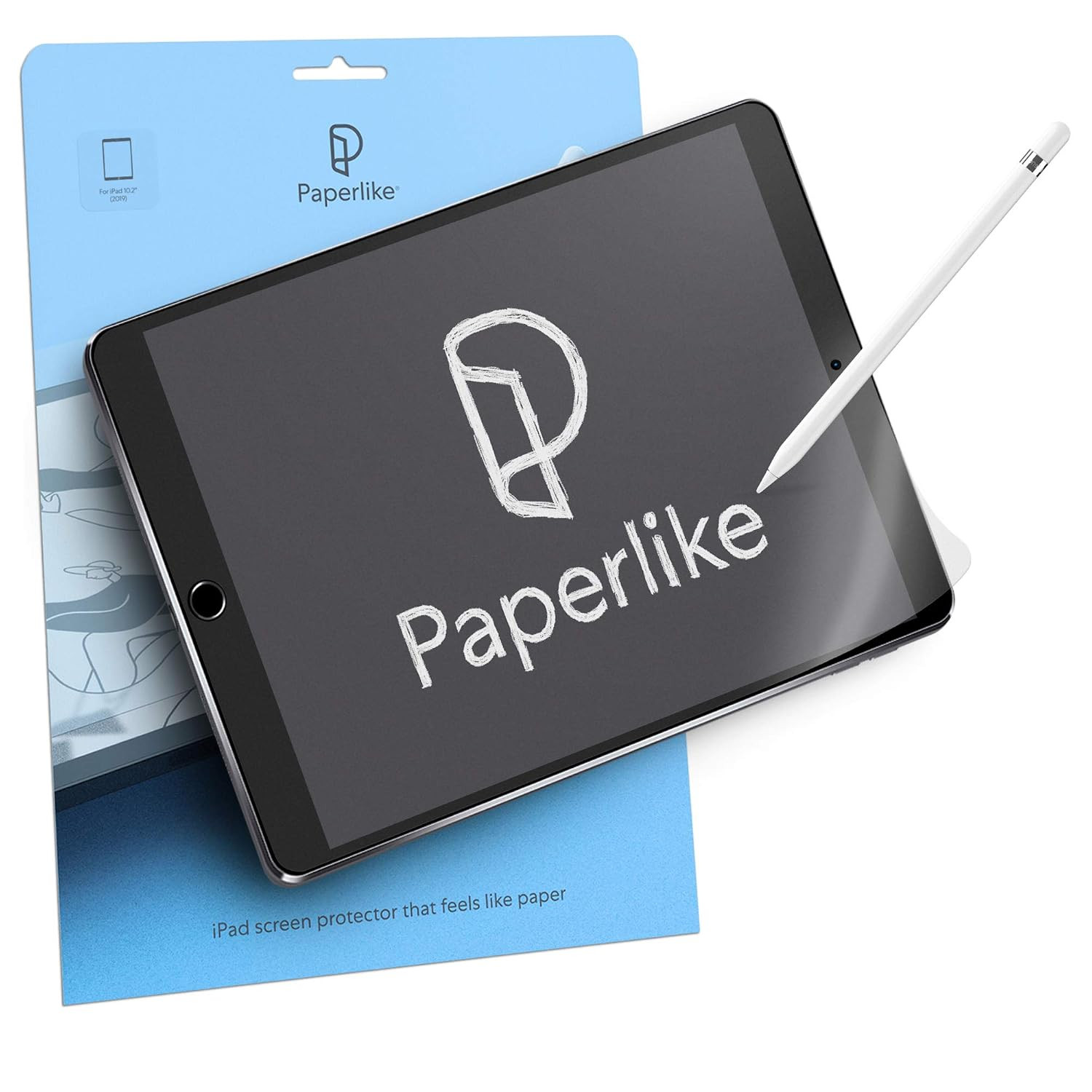
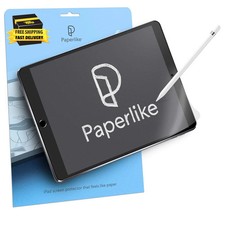
Paperlike 2.0 (Previous Model) for Ipad 10.2"- Screen Protector for Drawing and Writing like on Paper
Product description
Paperlike
Write and draw like on paper
Paperlike helps you get the most out of your technology by bringing a paper feel to your iPad display.
Since 2017, Paperlike has made it easier for thousands of notetakers, artists, and business professionals to write and draw while using their iPad.
Our matte iPad screen protector emulates the friction and resistance of paper, eliminating glass display's drawbacks so that every stroke with the Apple Pencil feels smooth and natural.
The video showcases the product in use.The video guides you through product setup.The video shows the product being unpacked. aplus content video Empower your paperless process
- Create incredible works of art
- Take precise notes in classes and meetings
- Edit and review important documents
- Write and annotate music
- Mark up PDFs, reports, and books
Powered by Nanodots
We developed a new surface technology called Nanodots to create the necessary friction and vibration without compromising image quality.
Your Paperlike is scratch and fingerprint resistant and features anti-glare protection so that you can use it in a well-lit room or under the midday sun.
- For creators
Professional artists use Paperlike to improve precision and detail when drawing and writing.
- For doers
College students and business professionals use Paperlike to take notes with unparalleled precision.
- Enjoy
Unlike other protectors, Paperlike never disrupts the experience of watching Netflix or YouTube.
- Nanodots
Paperlike's Nanodots make your Pencil vibrate ever so slightly, so it feels like writing on paper.
1 For creators 2 For doers 3 Enjoy 4 Nanodots Unleash your creativity. Write it right - every time. Paperlike Size 10.2" Compatible with iPad 2019/2020/2021 Packaging includes (2x) Paperlike Screen Protector, (2x) Application Set (Cleaning Wipe, Guide Stickers, Help Stickers, Dust Absorber, Micro-fiber Cleaning Cloth) Surface Technology Paperlike Nanodots Surface - Perfect Paper-Feel without compromising image quality. The video showcases the product in use.The video guides you through product setup.The video shows the product being unpacked. aplus content video
We're here to help
Our support team is always ready to assist if you need a real human to help out
Jan Sapper created this product because he wanted to work paperless. Two successful Kickstarters later, Paperlike now supports thousands of creatives and professionals just like you!
We’ll show you the best way to install and care for your Paperlike. Step-by-step instructions and videos with everything you need to know are included in your purchase. Our online community is chock-full of resources to help you improve your digital art and notetaking skills.
-
How can I avoid or remove bubbles when applying Paperlike?
Trapped air can be removed by using the flat edge of a credit card to push the air pocket to the edge of the device. For best results when applying your Paperlike, be sure to follow the steps in our tutorial video which comes with your purchase.
-
Can I use Paperlike on top of my glass screen protector?
By placing your Paperlike on top of another screen protector, you could potentially see reduced responsiveness when touching your screen or working with your Apple Pencil.
-
How can I clean my Paperlike?
The best way to clean is with a bit of dish soap and a damp cloth or by using alcohol-based wipes and a lens cleaning solution. Apply liquids to the cloth and then use the damp cloth to wipe down your device. Avoid spraying your devices directly.
-
How do I avoid scratches when using the Apple Pencil?
Your Paperlike is designed to withstand friction from the Apple Pencil. If you’ve noticed scratches on your Paperlike, your Apple Pencil tip may need to be replaced. If you see a small, black dot at the end of your nib, it’s time to replace the tip!
-
How do I get the initial Paperlike roughness back?
To extend the life and usability of your Paperlike, be sure to clean it regularly. This will reduce the accumulation of oils and dust and restore the rough, textured feel of the product.
- Product Dimensions 3.69"L x 0.05"W Manufacturer Paperlike Item model number Paperlike 2.0 Label Paperlike Brand Paperlike Compatible Devices Tablet Material Polyethylene Terephthalate Item Hardness 2H Compatible Phone Models iPad 10.2" Special Feature Anti Glare, Anti-Fingerprint, Scratch Resistant, Touch Sensitive Finish Type Matte Water Resistance Level Water Repellent Unit Count 2 Count
Shipping
- Fast shipping is very important for us.
- Our standard US shipping service is FREE.
- Your order will be shipped within 2-3 business days upon full payment received.
- Your order will be delivered within 2-3 business days after the handling time.
- We only ship to the confirmed PayPal address. We reserve the right to cancel any order for any reason at any time.
- We are not responsible for undeliverable addresses.
Returns and payment
- We offer a 30 days return policy from checkout winning date.
- We allow only PayPal as payment method
response
- Your response very important to us, after you get your package and you are satisfied with our serviceplease leave us positive response
- If you have any problem with your order / any questions please before leave any type of response
For any questions, using contact system
Please visit our store to check out other items for sale!Thank you for shopping at our store.