Printhead Hospital 500ml Inkjet Printhead Cleaner Kit for Epson Canon Brother HP For Sale
When you click on links to various merchants on this site and make a purchase, this can result in this site earning a commission. Affiliate programs and affiliations include, but are not limited to, the eBay Partner Network.
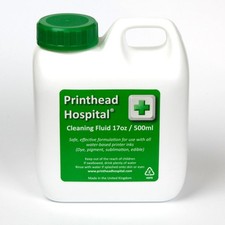
Printhead Hospital 500ml Inkjet Printhead Cleaner Kit for Epson Canon Brother HP
Price: US $25.69
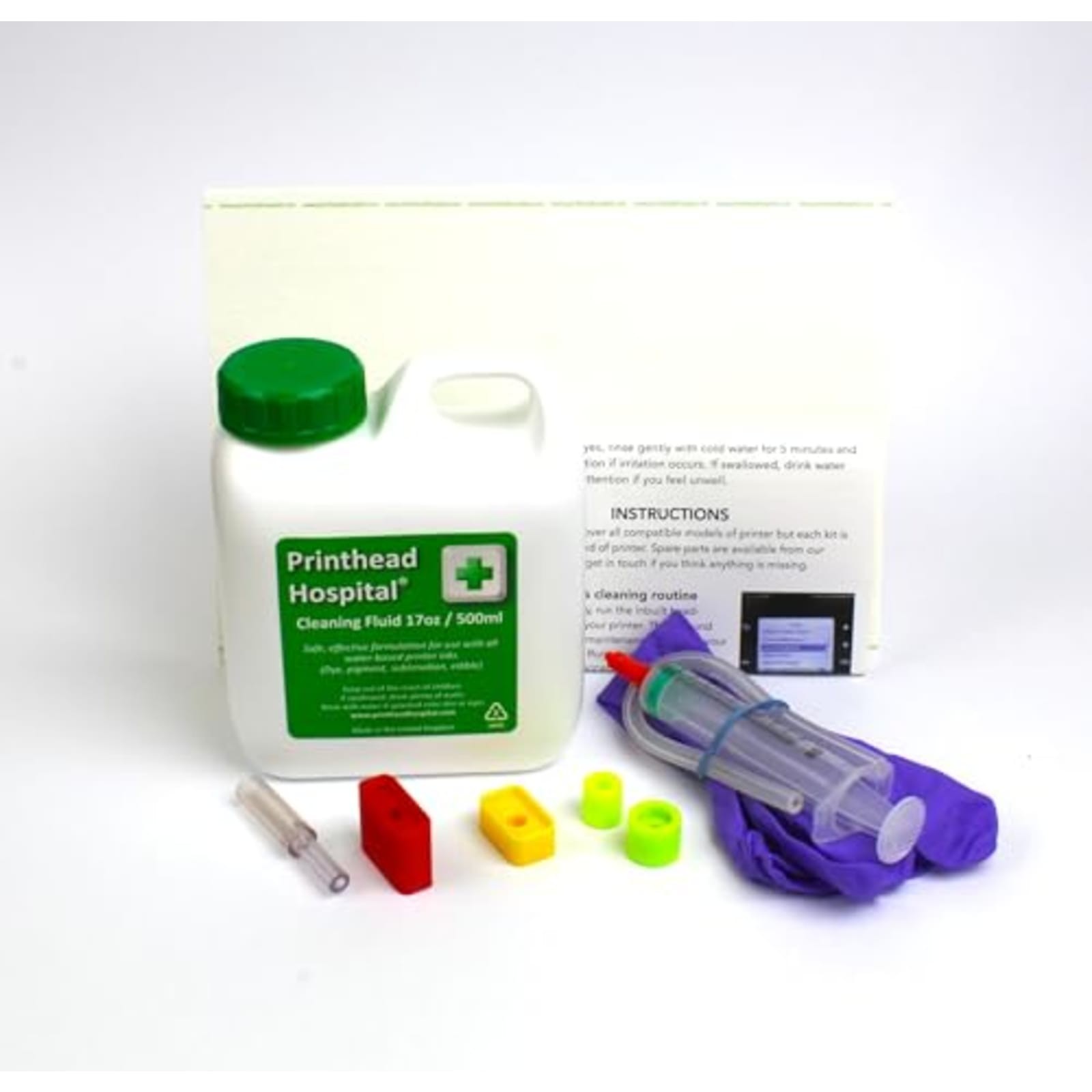
Printhead Hospital 500ml Inkjet Printhead Cleaner Kit for Epson Canon Brother HP Description: An effective and simple solution for blocked inkjet printers Compatible with all printers except professional wide-format printers or those using tank-based ink (Epson ecotank is fine). Printer must be clear of any error messages before use Printhead blockages (seen as streaky, discoloured or absent print) are caused by leaving the printer turned off for too long (causing the ink to dry up) or allowing the ink to run low (allowing air to enter the printhead). Most of the time, this can be fixed by replacing the ink and running the printer’s inbuilt cleaning routine. If this doesn’t work, the cleaning kit allows you to flush out any air or dried ink from the head and restore print quality. Hints and tips Blockages are easier to fix if they’re caught early. For old or stubborn blockages, slide the head over a wad of paper towel, wet with 10ml fluid and leave for an hour or two to soften up before injection. This is a good cleaning method in itself and can be used on printers where injection is not possible. It’s quite common to get blank pages after cleaning. This is most likely due to air in the head so repeat the clean with 0.5ml fluid and run 2 self-clean cycles. It can also happen if the cartridges run low. Blockages are caused by leaving the printer powered off (so it’s unable to run maintenance cycles) and by running cartridges for too long after being prompted to replace them. Always keep your printer powered on; if you need to store for longer than 6 months consider switching to a laser printer. Use light pressure on the syringe. Increase the pressure if the blockage is difficult to clear, but remember that this risks breaking the seal inside the head and flooding the electronics. This is the most likely cause if your printer displays error messages or refuses to power on after cleaning and cannot be fixed. For this reason, try to catch blockages early.