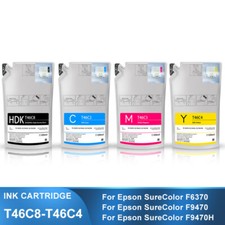
UltraChrome DS Sublimation Ink Bags for F6370,F9470,F9470H Printers dye-sublimation CMYK ink technology produces extreme color gamut with vibrant colors, intense blacks, sharp contours, and smooth gradations; provides extremely fast drying times, and with the new ink refill packs, offers a low total cost of ownership.
Product Instruction
Product Name : Dye-Sublimation Ink Pack,Sublimation Ink PackCartridge Model : T46C8 T46C2 T46C3 T46C4OEM Part Number :
T46C820 - High Density Black
T46C220 - Cyan
T46C320 - Magenta
T46C420 - YellowCartridge Color : HDK / C / M / YChip Capacity : 1100ML/PackInk Type : Full With Sublimation InkChip Type : The ink packs will send with one time use chipsCondition : Plug and Play,same as original inkWarranty : 1:1 Replace Any Defective
Compatible Printers
For Epson SureColor F6370For Epson SureColor F9470For Epson SureColor F9470H
T46C8 - High Density Black
T46C820
1100ml
T46C2 - Cyan
T46C220
1100ml
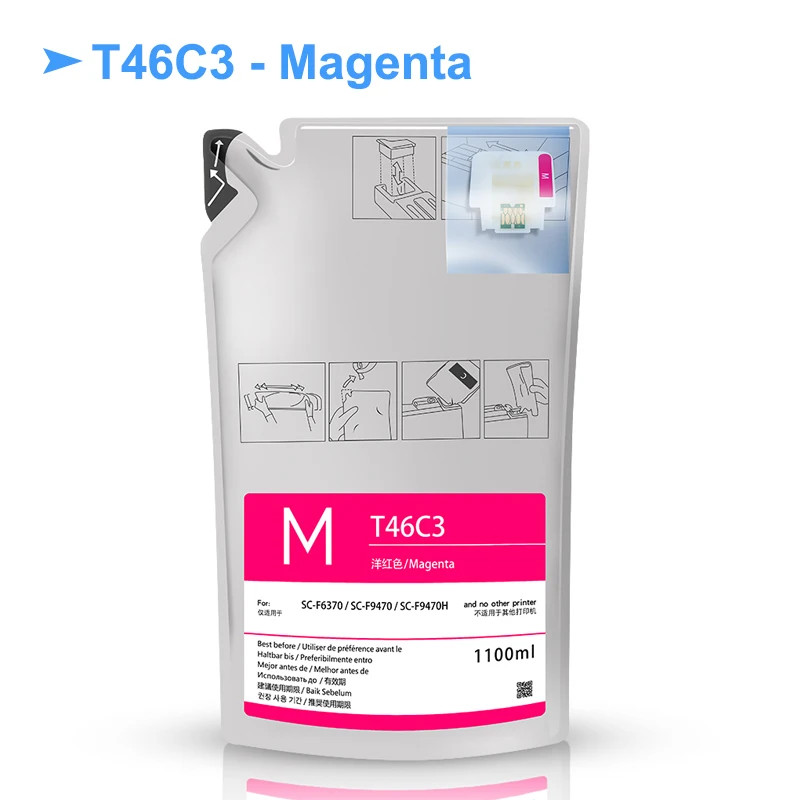
T46C3 - Magenta
T46C320
1100ml
T46C4 - Yellow
T46C420
1100ml
About Chips
The ink pack send with the new upgrade cartridge chip,the chip belongs to high quality disposable chip.One pack of ink pack will send with one piece of chip.
How to Replace Ink Tank Chip
If the message Chip unit expended is displayed on the control panel, this means that the chip needs to be replaced soon.
You will be unable to print if the chip unit for even one color needs to be replaced. Please follow these steps:1.Open the ink tank cover. Insert a finger into the groove on the top of the slider and pull straight outward.
2.Remove the chip unit from the slider.
Important: Do not tilt the slider. If the chip unit is dropped it may break.
3.Install the new chip unit.
4.Attach the chip unit (chip has been replaced) to the slider. Hold the slider level horizontally and insert it. Close the ink tank cover.Done.
How to Refill Ink to Ink Tank
Note the following points when refilling ink:
a.Gently cut or tear off the ink pack spout opening.
b.If you cut the ink pack spout too quickly, ink may splatter.
c.Do not squeeze open ink packs. Ink may spill.1.Open the slider ink inlet cover,and remove the ink inlet cap from the ink tank.
2.Cut or tear off the ink pack spout seal.
3.Fill the ink tank with the ink from ink pack.Insert the spout of the ink pack into the groove and slowly tilt it to pour out the ink.
4.Put the ink inlet cap back on the ink tank,and close the slider ink inlet cover.
What's in Package
<T46C8-HDK> Included:
1Bag T46C8 HDK Ink Pack With Chip
<T46C2-Cyan> Included:
1Bag T46C2 Cyan Ink Pack With Chip
<T46C3-Magenta> Included:
1Bag T46C3 Magenta Ink Pack With Chip
<T46C4-Yellow> Included:
1Bag T46C4 Yellow Ink Pack With Chip
<T46C8-T46C4> Included:
4bag 4colors ink pack with chip