TRENDnet TK-205i 2-Port PS/2 KVM Switch – Built-In Cables, Toggle Switch For Sale
When you click on links to various merchants on this site and make a purchase, this can result in this site earning a commission. Affiliate programs and affiliations include, but are not limited to, the eBay Partner Network.
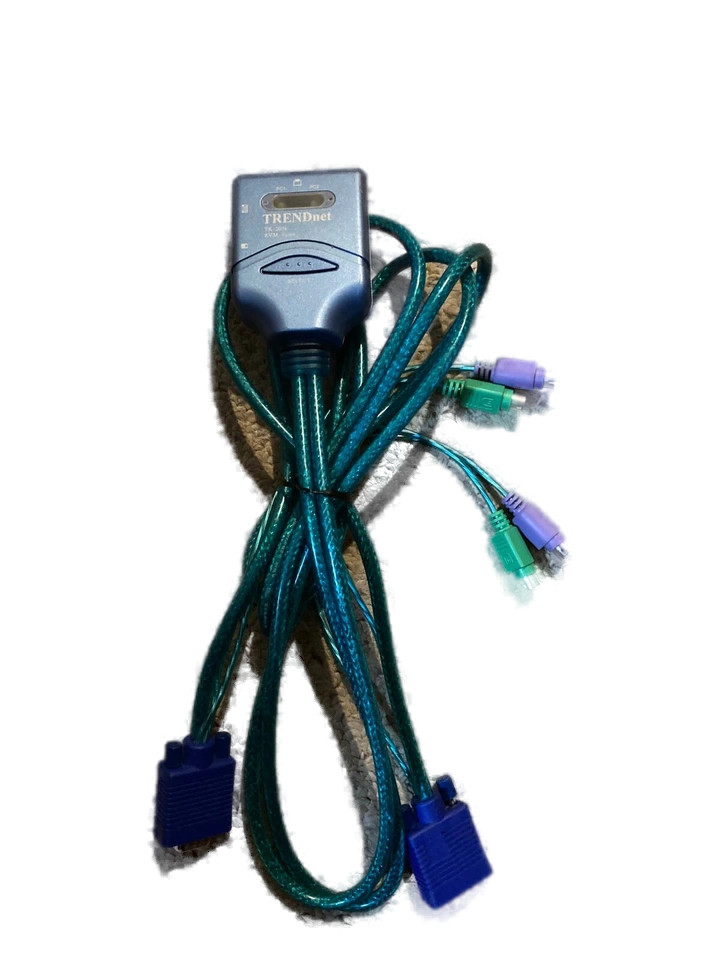
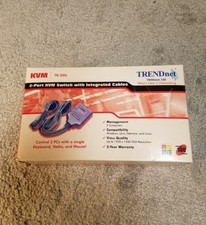
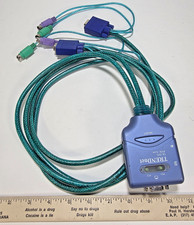
Description: Easily control two computers using one keyboard, monitor, and mouse with the TRENDnet TK-205i 2-Port KVM Switch. This compact unit features built-in PS/2 and VGA cables for quick setup, and a manual push-button switch for reliable toggling between systems. Perfect for managing older desktops, servers, or retro computing environments.
Features:
Model: TRENDnet TK-205i
Connections: Built-in PS/2 (keyboard & mouse) and VGA cables for 2 PCs
Output: PS/2 keyboard/mouse and VGA monitor ports
Manual Switch: Top-mounted push-button for quick system switching
No external power or drivers required
Ideal for legacy systems and retro setups
Condition: Used. Tested and working when last in service.
What’s Included:
TRENDnet TK-205i 2-Port KVM Switch with built-in cables (no additional accessories included)
The TRENDnet TK-205i supports keyboard hotkey switching, in addition to the manual push-button.
🔄 Keyboard Toggle Instructions for TK-205i:
You can toggle between the two connected computers using a keyboard shortcut: