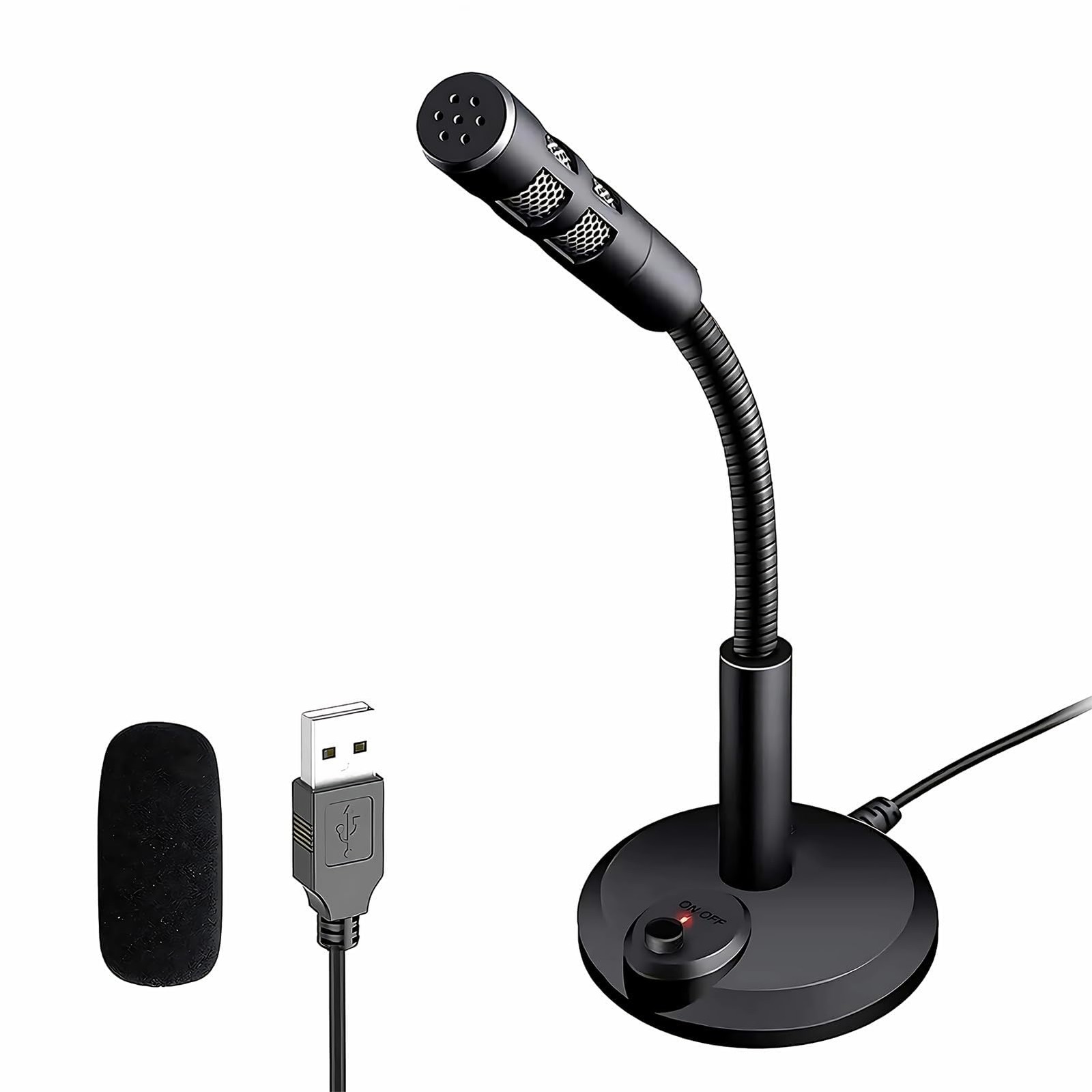
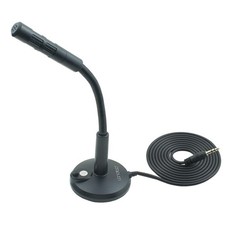
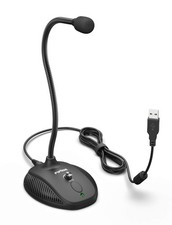
Why Choose M308 Desktop USB Microphone?
1.Mute Button with LED Indicator:
For a clear indication of the PC microphone status.
2.Best Choice for Record:
USB microphone picks up is very crisp and very clear, fast and accurate recognition.
3.Desktop Base:
Gaming microphone with heavy-duty housing &Anti-slip pads ensures firm support for the long gooseneck.
4.360°Flexible Gooseneck Design:
The gooseneck laptop microphone allows you to adjust the perfect angle,height or swivel to show your charming voice.
5.Plug & Play for Win/Mac Computer and PS4:
USB desktop microphone with plug & play compatible with Win 7/8/10/11,Mac,and PS4.Professional in
Main Features:
Color:Black
Material:ABS+Metal
USB Cable Length:1.5M/5ft
Sensitivity:-47±4dB
Impedance:≤2.2KΩ
Working voltage:4.5V
SNR:More than-67dB
Frequency Response:100-16KHZ
Type:Omni Directional Capacitance
OS Support:Win7/8/10/MAC/LINUX
Plug & play with no external drivers or power required Microphone
{Plug & Play(1.5M/5ft USB Cable)}—No Driver,Simply plug computer microphone into any available USB port,select it as your input in your software settings,and you're ready to create your own audio.Windows and Mac compatible.
{Advanced Microphone Smart Chip}—The computer microphone use updated CCS 2.0 chip to solve PoP sound quality problem and static noise problem to make your voice be more clear without any other sound.
{360 Degree Flexible Gooseneck Design}—Durable tube with metal material,PC microphone allows you to adjust the perfect angle,height or swivel to record your voice.The on/ off button setting of the steady wide stand allows you to fix the unexpected noise.
{Mute Button & Smart LED Indicator}—One-click to mute/unmute your microphone for Pc by a gentle touch,Build-in LED indicator tells you the working status at any time.So simple and convenient.
{Multifuncional & Unique Microphone}—This type of desktop microphone is good for network chatting,singing,home Recording,YouTube Recording,Google Voice Search,Steam,podcast and desktop recording.
{Important Tips}--(a)You can adjust the microphone volume in System Setting Panel. e.g for in Win 10: select “Sound” in the side bar -> choose “3- USB PnP Sound Device” as Input Device -> click “Device Properties” -> move the volume slider to 85-100.
{Important Tips}--(b)Skype:“Option”->“Audio Device” -> select “3- USB PnP Sound Device”-> move the volume slider to 100.You can do similar settings on other systems & Apps.