DevPurple - Ultimate Shotcut Pack DEVPURPLE
Premium Software Collections
ULTIMATE SHOTCUT PACK
Complete HD and 4K video editing suite that runs on Windows 7 through 11, supplied on USB Drive or DVD
Turn any Windows computer into a full video editing studio with the Ultimate Shotcut Pack. The complete Shotcut application is supplied two ways on one piece of media: the full Windows installation, so you can set it up normally, and portable builds that run from the drive itself with nothing installed on the machine. No product key, no activation, no subscription, and no device limit.
Shotcut is the open source video editor from Meltytech, developed by Dan Dennedy, one of the founders of the MLT multimedia framework that powers it. It edits video natively without a conversion step, works with hundreds of formats through FFmpeg, handles 4K and multi-format projects, and is released under the GNU General Public License version 3.
What You Can Do With It
- Edit almost any format without converting first: Shotcut reads video and audio natively through FFmpeg, so there is no import or transcode step before you can start cutting.
- Mix formats inside one project: Combine different resolutions and frame rates on the same timeline, which matters when your footage comes from a phone, a camera, and a screen recording.
- Cut with frame accuracy: Trim, cut, copy, paste, and step through video one frame at a time. Unlimited undo and redo, and the timeline does not cap how many tracks you use.
- Correct and grade colour: Eyedropper tool, colour grading filters, compositing, blending modes, and a full set of video filters and transitions.
- Work with audio properly: Loudness meters, peak meters, waveform displays, and spectrum analysers, plus a wide range of audio filters and full multi-track mixing.
- Record and capture: Capture from a screen, a webcam, or an audio device, and work with network streams. Support extends to Blackmagic Design SDI and HDMI devices for input and preview monitoring.
- Edit high dynamic range video: The 26.6 release added HDR preview and export, covering HLG HDR and PQ HDR (HDR10), with dynamic range set per project and HDR10 metadata on export.
- Preview on a second screen: Use another monitor as a full-screen preview window, including for HDR footage.
- Add subtitles: Import subtitles, edit them on a dedicated sub-track, and burn them into the exported video.
- Track and stabilise: Motion tracking and a set of stabilisation and repair filters.
- Use your own plugins: Shotcut supports external VST2 and LV2 audio plugins and OpenFX image effect plugins. Support for these is documented as limited, and none are bundled.
- Arrange the workspace your way: Panels for properties, recent files, playlist, filters, history, export, and jobs queue all dock and undock. Drag files straight in from the file manager.
- Export where you need: A wide range of export presets and full control over codec, resolution, frame rate, and quality when you want it.
Key Features
- open source: Released under the GNU General Public License version 3. No account, no sign-in, and no expiry.
- Codec independent: Shotcut carries its own codecs and does not rely on whatever your system happens to have installed.
- Up to 4K: Resolution support through to 4K, and higher on capable hardware.
- GPU aware: Hardware acceleration for decoding and encoding, and a graphics adapter setting for machines with more than one GPU.
- Offline by design: Everything runs on your own computer. No activation step and no cloud account.
- Date based versions: Shotcut numbers its releases by date and ships a new one roughly every two months.
- 64 bit: Shotcut is a 64 bit application on Windows.
New In The Current Release
- A new Elements panel: A stock asset library built into the application, covering emoji stickers, sounds, overlay transitions, animated text, and graphics. The content licenses allow commercial use and need no attribution.
- Graphics adapter setting: Choose which GPU Shotcut uses on machines with more than one.
- Shake video filter: A new generated filter for camera shake effects.
- Restored plugin support: VST2 and LV2 audio plugin support is working again in all builds, alongside fixes for noise reduction and motion tracking.
Three Release Lines Included
- The current release: The official Windows installer and the official portable archive, for Windows 10 and 11.
- The previous release: The official Windows installer, kept as a fallback.
- The Windows 7 and 8 release: Shotcut's own download page names 22.12.21 as the last version to support Windows 7 and Windows 8, and it is included here with its installer. Those machines are covered.
- Shotcut Portable: The official PortableApps build, which runs from the media itself with nothing installed on the machine.
- Windows on ARM: The official installer for Windows 10 and 11 on ARM are included as well.
What's Included
- One Physical Media: Your choice of a Premium USB Drive or DVD, pre-loaded with the complete pack
- Current Release: The official installer and the official portable archive for 64 bit Windows
- Windows On ARM: The official ARM installer
- Previous Release: The official installer, kept as a fallback
- Windows 7 And 8 Release: The last version Shotcut supports on Windows 7 and 8, with its installer
- Portable Build: Shotcut Portable with its launcher, for running it with nothing installed
- Step By Step Setup Notes: A Read Me file covering which build to pick for your version of Windows
Shipping & Delivery
- Fast Processing: Orders typically ship within 1-2 business days
- Tracked Shipping: Delivery confirmation included on all orders
- Secure Packaging: Your disc or drive arrives protected and ready to use
- Worldwide Shipping Available: Check listing for rates and estimated delivery times
Satisfaction Guarantee
If there is an issue with your order, contact us and we will make it right (including replacements for defective media).
Why Buy From Dev Purple? Windows 7 Through 11
Three release lines are included, so older machines and current ones both have a build that runs.
Install or Carry
Run the official installer for a normal setup, or use either portable build on any machine without administrator rights.
Windows On ARM Included
The official ARM installer are part of the pack as well.
No Subscription
A complete video editing suite with no monthly fee, no product key, and no expiry.
Dedicated Support
Contact us with any questions before or after your purchase. We are here to help.
Worldwide Shipping
No matter where you are, we can get your pack to you. Check the listing for shipping details.
Compliance
This listing complies with 's software policy. This is a lawful compilation of redistributable software. No paid, commercial, or copyrighted software is included. Every program fits one of these categories:
- GPL / LGPL / MPL licensed: These open-source licenses explicitly grant anyone the right to copy, distribute, and redistribute the software in any medium, provided the license terms are preserved. This is a core feature of copyleft licensing. Shotcut is released under the GNU General Public License version 3, and the full licence text ships inside the application folder as COPYING.txt.
- Apache / MIT / BSD licensed: These permissive open-source licenses grant unlimited reproduction and distribution rights, with minimal attribution requirements which are met here.
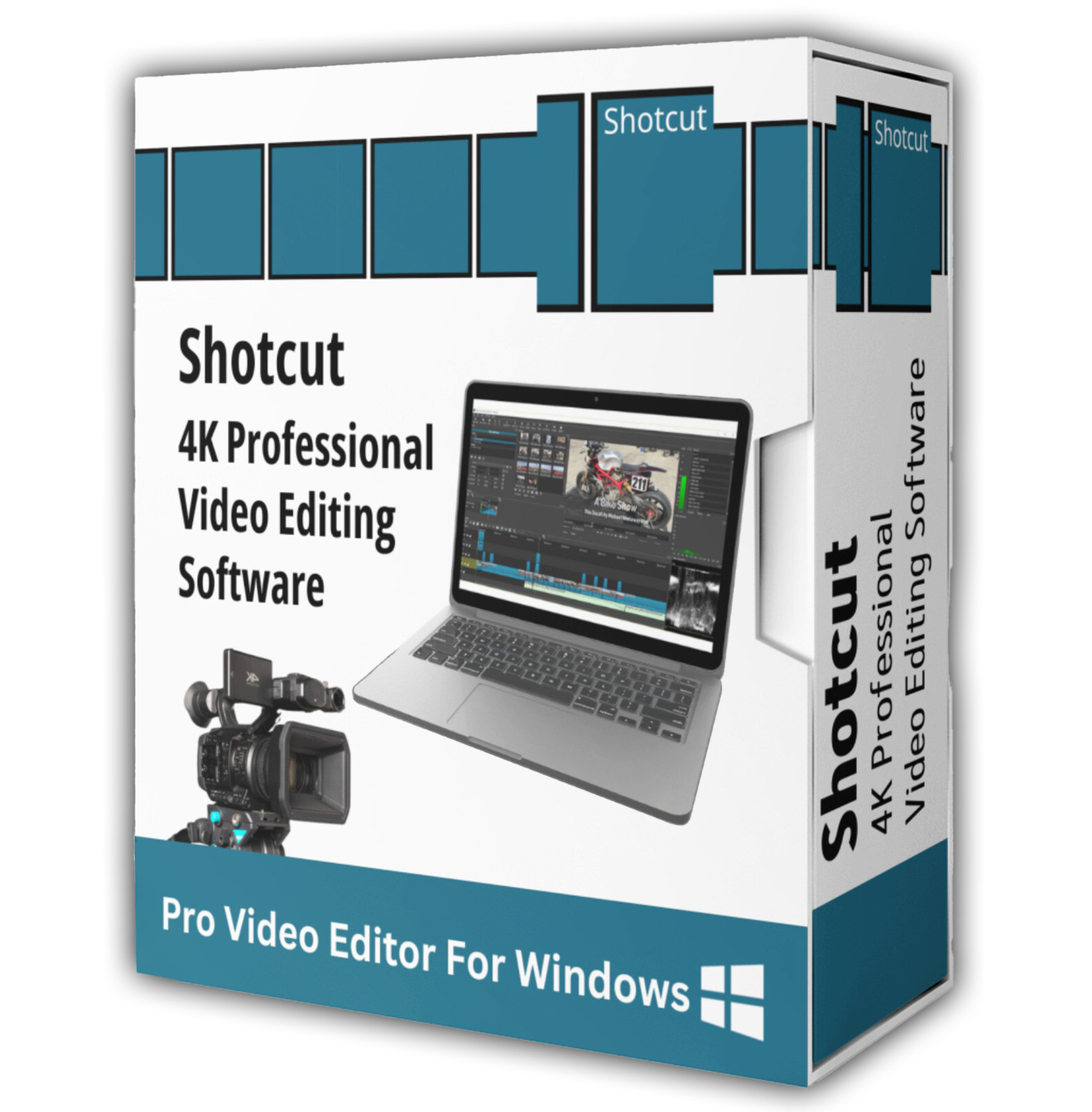
Shotcut is a trademark of Meltytech, LLC. This pack is an independent compilation and is not endorsed by or affiliated with Meltytech, LLC or with PortableApps.com. The software box shown in any product images is a display image only and is not included. You receive the media only.
's Verified Rights Owner (VeRO) program targets listings that infringe intellectual property. This listing does not fall into that category because every program's license already authorizes the copying and redistribution being done here. Buyers receive only the rights each program's original license grants.
Frequently Asked Questions
How is this item delivered?
This is a physical item (USB drive or DVD) that will be shipped to you. Choose your format when you order.
Do I have to install anything?
You have the choice on the same media. Run an installer to set Shotcut up normally, or use one of the two portable options to run it directly from the drive with nothing installed. Full setup notes are included on the media.
Does this software need a product key or activation?
No. Shotcut is open source software released under the GNU General Public License, so there is no product key, no activation step, and no registration. Install and start editing right away.
Does it work on Windows 7 or Windows 8?
Yes. Shotcut's own download page names 22.12.21 as the last version to support Windows 7 and Windows 8, and that release is included here with both its installer and its portable archive. Note that it is an older build, kept for the systems that need it.
What about Windows 10 and 11?
Both are supported by the current release. The minimum Windows 10 build is 1809. Windows on ARM has its own installer in the pack.
Do I need to convert my videos before editing?
No. Shotcut edits natively and does not require an import step, and it supports hundreds of formats and codecs through FFmpeg. You can also mix different resolutions and frame rates on the same timeline.
Can I edit 4K and HDR video?
Yes to both. Shotcut supports resolutions up to 4K and beyond on capable hardware, and the 26.6 release added HDR preview and export covering HLG HDR and PQ HDR (HDR10). HDR depends on having a suitably configured display and the right processing mode set.
Will it run on my computer?
Shotcut draws its interface and effects through your graphics card, so a working OpenGL 2.0 driver is required (Direct3D 11 on Windows). If the application does not start, check your graphics driver first. For HD editing, a modern multi-core processor and 8 GB of RAM is a sensible working floor.
Can I use my own plugins?
Shotcut supports external VST2 and LV2 audio plugins and OpenFX image effect plugins. The developers document this support as limited, and none are bundled with the pack, so install them separately if you want them.
Do I need to copy the pack to my computer first?
The USB version runs the portable build directly from the drive. For DVD orders, copy the pack folder to your computer (e.g., your Desktop) first for best performance, then run the portable build or an installer from there.
Important Notes
- This is a PHYSICAL ITEM (USB DRIVE OR DVD) that will be shipped to you. Choose your format when you order.
- Three release lines on one media: The current release, the previous release, and the last release supporting Windows 7 and 8. Most people want the current one.
- Shotcut is a 64 bit application. The Windows 7 and 8 release is 64 bit as well.
- Administrator rights are needed for the installers. The portable builds run without them.
- Contact us with any questions before or after your purchase.
Thanks for Shopping with DevPurple!
Your premium software collection is here.
© 2026 DevPurple. All rights reserved.