DevPurple - Ultimate VirtualBox Pack DEVPURPLE
Premium Software Collections
ULTIMATE VIRTUALBOX PACK
Oracle VirtualBox, the general purpose virtualization program, in four release lines for Windows, macOS and Linux, with the complete source code for every one of them and the project's own user guide, on one disc or drive.
This pack carries four release lines of Oracle VirtualBox. For each one there is the installer or disk image the project itself publishes for Windows, for macOS and for Linux, copied from the project's own download pages and renamed nowhere.
VirtualBox makes a virtual machine: a complete computer inside a window, with its own processor count, memory, disk, network cards and display, running its own operating system. The machine is held in ordinary files on your disk, so nothing is repartitioned and the operating system your computer already runs is left alone. A machine can be started, paused, saved with its state kept or closed, a snapshot can be taken at any point and returned to later, and several machines can run side by side.
What You Can Do With It
- Run another operating system beside the one you have. A machine for Windows, Linux, BSD or Solaris, and also for older systems such as DOS, OS/2 and earlier Windows releases.
- Try something and put it back. A snapshot can be taken at any point and returned to later, which is the way to test an update, a setting or a piece of software without keeping the consequences.
- Test software on a clean machine. Build a machine once, and take a snapshot before each experiment.
- Keep old programs working. An older Windows in a machine gives an application the system it expects, on a computer that has moved on.
- Give a machine up to 32 virtual processors, and as much memory as you choose to hand it.
- Pass USB devices through to a machine, and share folders between the computer and the machine.
- Move machines between computers. Appliances export and import in the OVF format, including ones written by other virtualization programs.
- Run several machines at once, controlled together or one at a time.
- Script it. VBoxManage does everything the window does from a command line, and a software development kit is published for the API.
Four Release Lines, And The Systems Each One Serves
- The current stable release, 7.2.20, for 64-bit Windows 10 and Windows 11, for a Mac with Apple Silicon or an Intel processor on macOS 13 Ventura and newer, and for 64-bit Linux.
- The 7.1 series, 7.1.18, the release to use on macOS 11 Big Sur and macOS 12 Monterey, on both Apple Silicon and Intel.
- The 7.0 series, 7.0.26, which is the release to use on macOS 10.15 Catalina.
- The 6.1 series, 6.1.50, the oldest line here, and the release to use on Windows 8.1 and on macOS 10.13 High Sierra and 10.14 Mojave.
Windows, Mac, And Linux In One Pack
- Windows 10 and 11, 64-bit: the current stable release, 7.2.20, which the project lists for Windows 10 and 11 and for Windows Server 2022 and 2025.
- Windows 8.1: 6.1.50, the last release of the 6.1 series and the newest release that runs on it. The developer lists Windows Server 2012 and newer for this line.
- Mac with Apple Silicon, macOS 13 Ventura or newer: the native Apple Silicon disk image for 7.2.20.
- Mac with Apple Silicon, macOS 11 Big Sur or macOS 12 Monterey: the native Apple Silicon disk image for 7.1.18.
- Mac with an Intel processor, macOS 13 Ventura or newer: the Intel disk image for 7.2.20.
- Mac with an Intel processor, macOS 11 Big Sur or macOS 12 Monterey: the Intel disk image for 7.1.18.
- Mac with an Intel processor, macOS 10.15 Catalina: the Intel disk image for 7.0.26.
- Mac with an Intel processor, macOS 10.13 High Sierra or 10.14 Mojave: the Intel disk image for 6.1.50.
- Linux, 64-bit, any distribution: the .run installer the project publishes for all distributions, for each of the four lines.
- Both Mac architectures are covered natively on the two newest lines, so the correct build is supplied whichever processor your Mac has.
The Developer's Own User Guide Is Included
- The complete user guide for every release line, as a finished PDF in the Documentation folder, named after the release it describes.
- It is the same document the project serves from its own download page beside each release, under the name UserManual.pdf.
- It covers installation, the interface, every setting for a virtual machine, the Guest Additions, networking, storage and the VBoxManage command line.
- Nothing to download afterwards. The guides are on the media and open on the computer you are reading them on.
System Requirements
- Windows: Windows 8.1 and newer for the 6.1.50 line, and Windows 10 and newer for 7.0.26, 7.1.18 and 7.2.20, all 64-bit. Windows Server 2012 and newer is listed for 6.1.50, and Windows Server 2019 and newer for the 7.x lines.
- macOS: 10.13 High Sierra and newer for 6.1.50, 10.15 Catalina and newer for 7.0.26, 11 Big Sur and newer for 7.1.18, and 13 Ventura and newer for 7.2.20. Apple Silicon needs 7.1.18 or 7.2.20.
- Linux: a 64-bit distribution. The developer's guide lists the distributions each release is tested on, and it also publishes the generic installer for all of them, which is the one here.
- Processor: an Intel or AMD processor with SSE2, which every processor of the last two decades has. A 64-bit machine also needs hardware virtualization, which is switched on in the firmware settings of the computer.
- Administrator rights: needed to run the installer on Windows, and the password is needed on a Mac.
- No internet connection needed for the program itself, for the user guide on the media, or for the source code.
The operating system figures above are the project's own statements, taken from its download pages and from the user guide of each release line. Nothing has been added to them.
What's Included
- One Physical Media: Your choice of a Premium USB Drive or DVD, pre-loaded with the complete pack
- Windows: the official installers for all four release lines, 7.2.20, 7.1.18, 7.0.26 and 6.1.50
- Mac, Apple Silicon: the official disk images for 7.2.20 and 7.1.18, needing macOS 13 Ventura and macOS 11 Big Sur respectively
- Mac, Intel: the official disk images for all four lines, from macOS 13 Ventura down to macOS 10.13 High Sierra
- Linux: the official .run installer for all four lines, which the project publishes for all distributions
- Source Code: the complete source archive for all four release lines
- User Guides: the developer's own user guide as a finished PDF for every release line
- Setup Notes: a Read Me covering which file to pick for each system, and what to expect on the first run
Shipping & Delivery
- Fast Processing: Orders typically ship within 1-2 business days
- Tracked Shipping: Delivery confirmation included on all orders
- Secure Packaging: Your disc or drive arrives protected and ready to use
- Worldwide Shipping Available: Check listing for rates and estimated delivery times
Satisfaction Guarantee
If there is an issue with your order, contact us and we will make it right (including replacements for defective media).
Why Buy From Dev Purple? Three Systems Covered
Windows, macOS and Linux, with the correct build supplied for each, including a native build for both Mac processor types on the two newest lines.
Older Systems Still Covered
Every release line the project published for an older system is here: Windows 8.1, macOS 10.15 Catalina, and macOS 10.13 and 10.14 are each served by the release published for them.
The Complete User Guide
The developer's own user guide for every release line, as a finished PDF, readable on the computer you are reading it on.
The Source Code Is Included
The complete source archive for each of the four release lines, which is what the license asks of anyone who passes the software on.
No Subscription
The platform packages are open source under the GNU General Public License, with no product key, no activation, no account and no expiry.
Fair Pricing For A Complete Set
One purchase, no subscription, and no expiry date.
Compliance
This listing complies with 's software policy. This is a lawful compilation of redistributable software. No paid, commercial, or copyrighted software is included. Every file fits one of these categories:
- GPL licensed: The Oracle VirtualBox platform packages are released under the GNU General Public License. The developer's own download page states version 3 for the 7.0, 7.1 and 7.2 series, and its old builds index states version 2 for the 6.1 series. That license explicitly grants anyone the right to copy, distribute and redistribute the software in any medium, provided the license terms are preserved. This is a core feature of copyleft licensing. The developer publishes the source code for every release, and that source code is included on the media, which is what the license asks of a distributor.
- Official releases, unmodified: Every file on the media is the official release as published by the VirtualBox project, unchanged. Nothing has been patched, cracked, rebuilt or renamed.
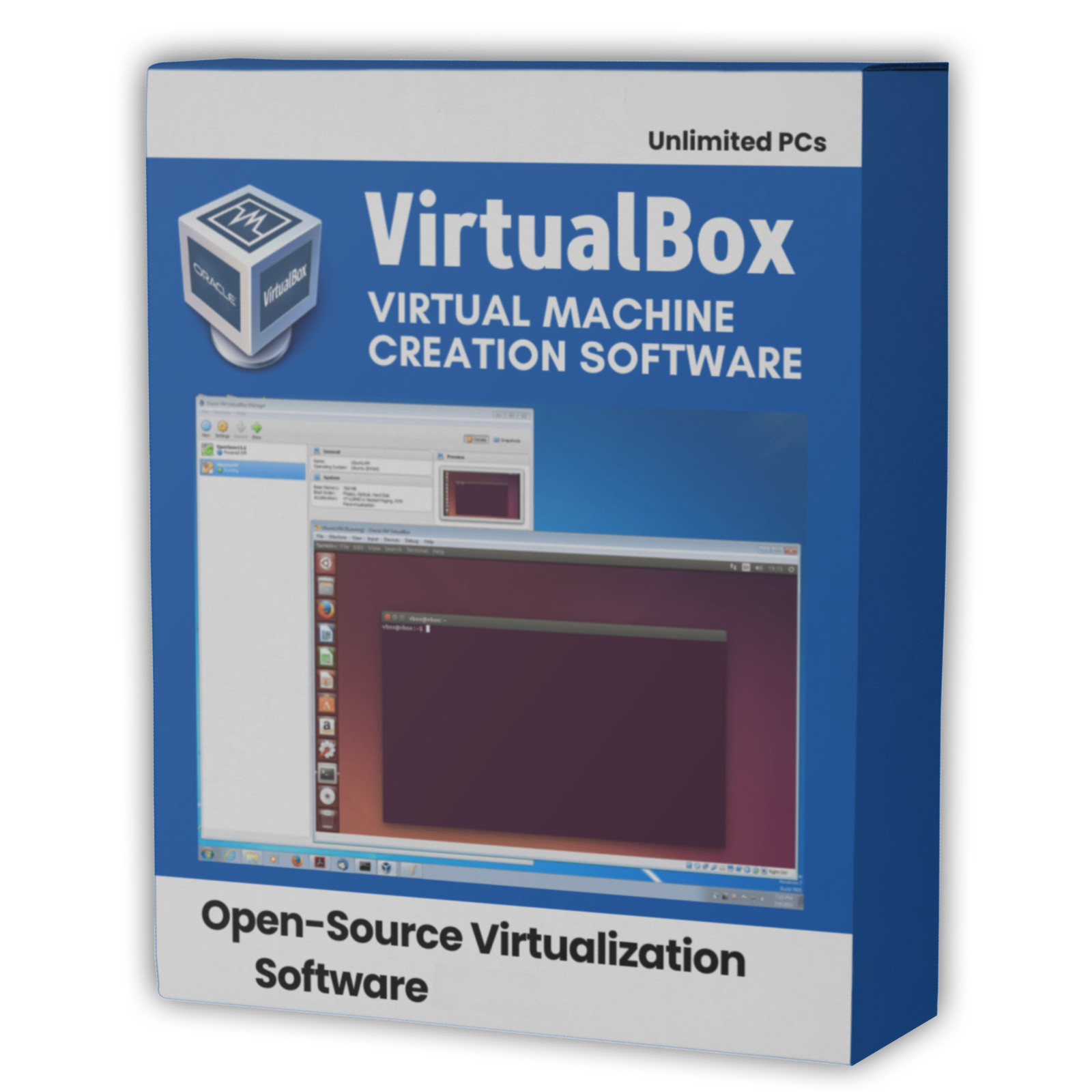
The Oracle and VirtualBox names are used here to refer to the software itself. This pack is an independent compilation and is not endorsed by or affiliated with Oracle or with the VirtualBox project. The Oracle VirtualBox Extension Pack is a separate Oracle product under a license of its own and is not included. The software box shown in any product images is a display image only and is not included. You receive the media only.
's Verified Rights Owner (VeRO) program targets listings that infringe intellectual property. This listing does not fall into that category because the VirtualBox platform packages are already licensed for the copying and redistribution being done here. Buyers receive only the rights the original license grants.
Frequently Asked Questions
How is this item delivered?
This is a physical item (USB drive or DVD) that will be shipped to you. Choose your format when you order.
What is VirtualBox, and what is a virtual machine?
VirtualBox is a general purpose virtualization program. It makes a virtual machine: a complete computer inside a window, with its own processor count, memory, disk, network cards and display, running its own operating system. The machine is held in ordinary files on your disk, so nothing is repartitioned and the operating system your computer already runs is left alone. It is used to run another system beside the one you have, to test software without keeping the consequences, and to keep older programs working.
Which file should I install?
On Windows 10 or 11, the current stable release 7.2.20. On Windows 8.1, the 6.1.50 release. On a Mac, pick by processor and by your version of macOS: 7.2.20 for macOS 13 Ventura and newer on either processor, 7.1.18 for macOS 11 Big Sur or macOS 12 Monterey on either processor, 7.0.26 for macOS 10.15 Catalina on an Intel Mac, and 6.1.50 for macOS 10.13 High Sierra or 10.14 Mojave on an Intel Mac. On Linux, the .run installer for the current release.
Does this work on a Mac?
Yes, and both Mac processor types are covered. Apple Silicon is the M1, M2, M3 and M4 family, and it has a native build from 7.1.18 onward. An Intel Mac has a build on all four release lines. To check which yours is, open the Apple menu and choose About This Mac: a Chip line means Apple Silicon and a Processor line means Intel. The 7.0 and 6.1 series have no Apple Silicon build, so on an Apple Silicon Mac the oldest line here that runs natively is 7.1.18.
Is the user guide included?
Yes. The developer publishes its user guide as a finished PDF beside every release, and all four are on the media in the Documentation folder, each named after the release it describes. The guide covers installation, the interface, every setting for a virtual machine, the Guest Additions, networking, storage and the command line.
Is the Extension Pack included?
Yes. The Extension Pack is a separate Oracle product under a license of its own, sold by Oracle. It adds the remote desktop server, webcam pass through, the Intel PXE boot ROM, disk image encryption and integration with Oracle Cloud Infrastructure. The user guide on the media explains what it adds and how to install it.
Does this software need a product key or activation?
No. The VirtualBox platform packages are open source under the GNU General Public License, so there is no product key, no activation step, no registration and no account. The license places no limit on how many computers it is used on.
Will a 64-bit machine start on my computer?
A 64-bit machine needs hardware virtualization, which has to be switched on in the firmware settings of the computer. The setting is usually called Intel VT-x or AMD-V, and it is switched on by default on most machines. If a 64-bit system does not start in a machine, that setting is the first thing to check.
Can I run VirtualBox at the same time as another virtualization program?
The developer's own user guide asks that a virtual machine in VirtualBox is not run at the same time as a virtual machine in another hypervisor on the same computer, because two of them reaching for the hardware virtualization features at once can crash the machine. Installing both is not the problem; running both at once is.
Why does the Windows installer ask about the folder it installs into?
The installer accepts only a folder whose security settings meet the requirements listed in the project's own user guide: the folder and its parent folders must have inheritance disabled and must deny ordinary users the right to write, create or delete files. The folder it offers by default already meets those requirements, so there is nothing to change unless you want VirtualBox somewhere else.
Do the older release lines still receive updates?
No. The developer's own old builds index records that support for the 7.1, 7.0 and 6.1 series has ended. They are on the media because they are the releases that run on the older systems listed above, and the 7.2 series is the maintained one.
Does the program need an internet connection?
No. VirtualBox installs and runs offline, the user guide is on the media as a PDF, and the source code is on the media as well. An internet connection is used when you ask VirtualBox to check for updates, and by the Extension Pack if you add it.
Can I use this on more than one computer?
Yes. The GNU General Public License places no limit on the number of computers the platform packages are used on, at home or in a business.
Thanks for Shopping with DevPurple!
Your premium software collection is here.
© 2026 DevPurple. All rights reserved.