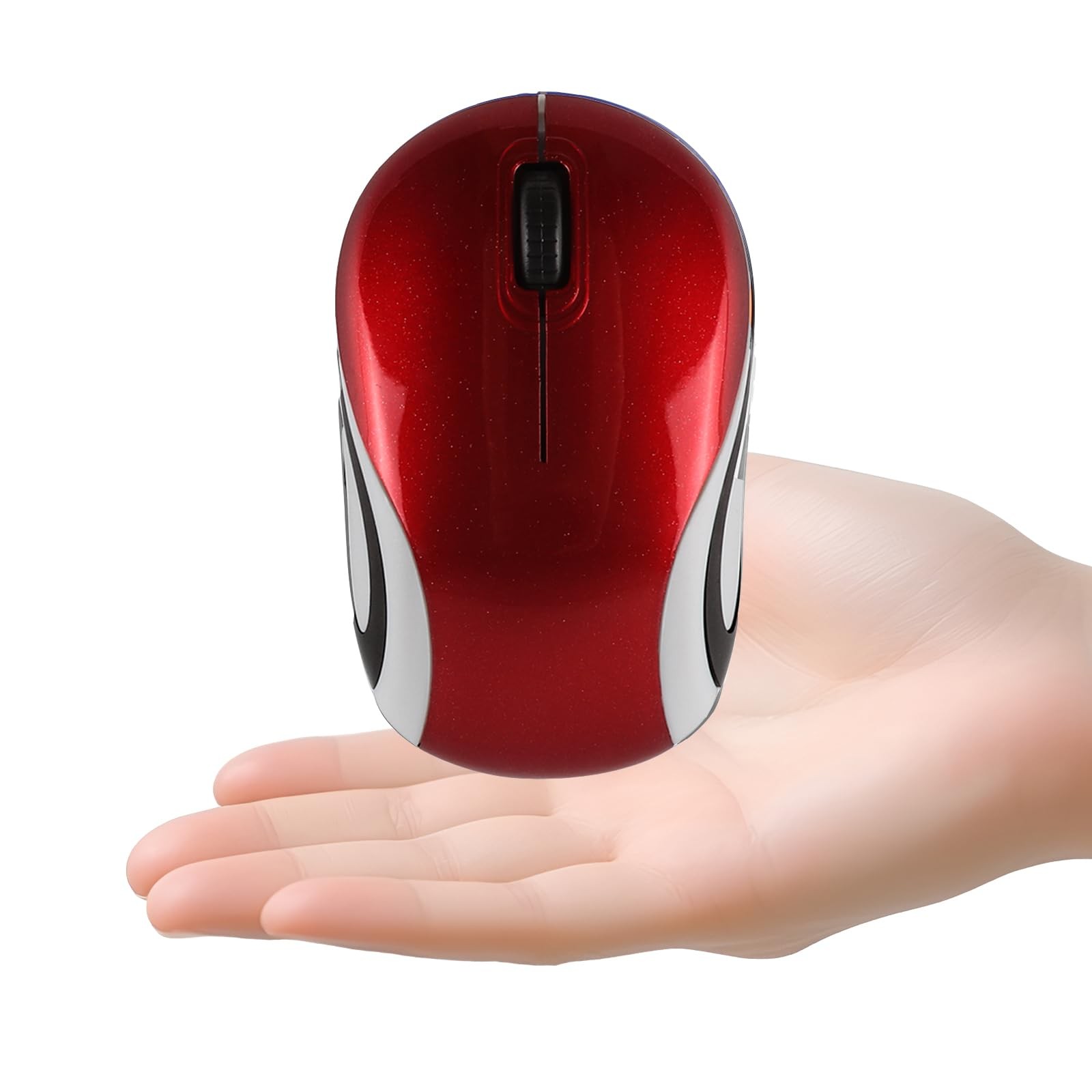
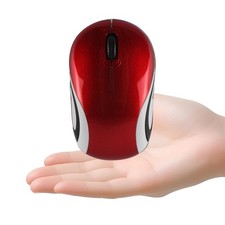
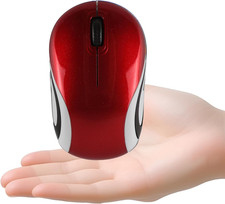
Mini small size wireless Portable pocket for travel
Note: The is really small and mini, can put in your pocket, Please confirm the size again before purchase.Super mini small tiny cordless , light-weight and easy to carry;Dimension 3.23*1.97*1.26inch How to use:
1.Take out the USB receiver, plug the USB into computer,the USB receiver is plugged in the bottom of the .
2.Prepare 1* AAA battery when you first use it(not );To find the battery slot,please open the top cover gently from the back side,
there is a small gap between the housing,open from down to up direction
3.The and receiver will connect automatically in a few seconds
4.If not connect,please turn off the switch,pull down the USB receiver,then plug the USB receiver and turn on the switch again,
press the 3 buttons(left button,right button,scroll wheel) together at same time for about 3-5 seconds.
Features:
1.Interface: USB 2.0;Plug and play mode, no need driver.
2.Powered by 1 * AAA battery (Not ),Dimension:3.23*1.97*1.26 inch, Net Weight:1.4 oz,1600 DPI,3 Buttons.
3.2.4G Wireless Transmission:Enjoy the fast data transmission at the convenience of the wireless technology.Operation distance is up to 10 meters.
4.Compact Receiver:The tiny USB receiver can be inserted into the slot in the bottom of the , allowing ease storage when not used
5.Wide with Windows XP, Vista, Win 7, ME,2000,For Macbook,Linux and more.
Package :
1 * Small wireless Portable pocket
1 * USB receiver (placed in the bottom of the )
Please before you review the product, we will help you solve the problem and try to bring you a better experience.:)Mini small Portable pocket computer for travel; 3.23*1.97*1.26inch, net weight: 1.4 oz
Optical wireless for laptop with USB receiver,Powered by 1*AAA battery(Not ),1600DPI,3 buttons
The USB receiver is placed in the bottom of the ;To find out the battery slot,please open the top cover gently from the back side
2.4GHz fast wireless transmission,operation distance is up to 10 meters;with Windows XP, Vista, Win 7, ME,2000,Mac,Linux and more
If not connect,please turn off the switch,pull down the USB receiver,then plug the USB receiver and turn on the switch again,press the 3 buttons(left button,right button,scroll wheel) together at same time for about 3-5 seconds