 When you click on links to various merchants on this site and make a purchase, this can result in this site earning a commission. Affiliate programs and affiliations include, but are not limited to, the eBay Partner Network. When you click on links to various merchants on this site and make a purchase, this can result in this site earning a commission. Affiliate programs and affiliations include, but are not limited to, the eBay Partner Network.
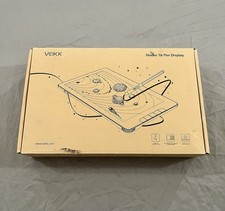
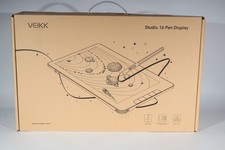
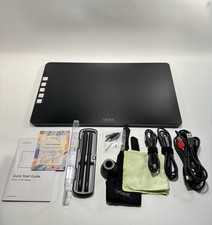
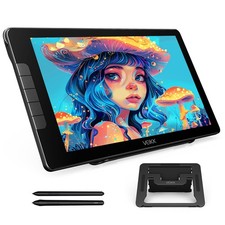
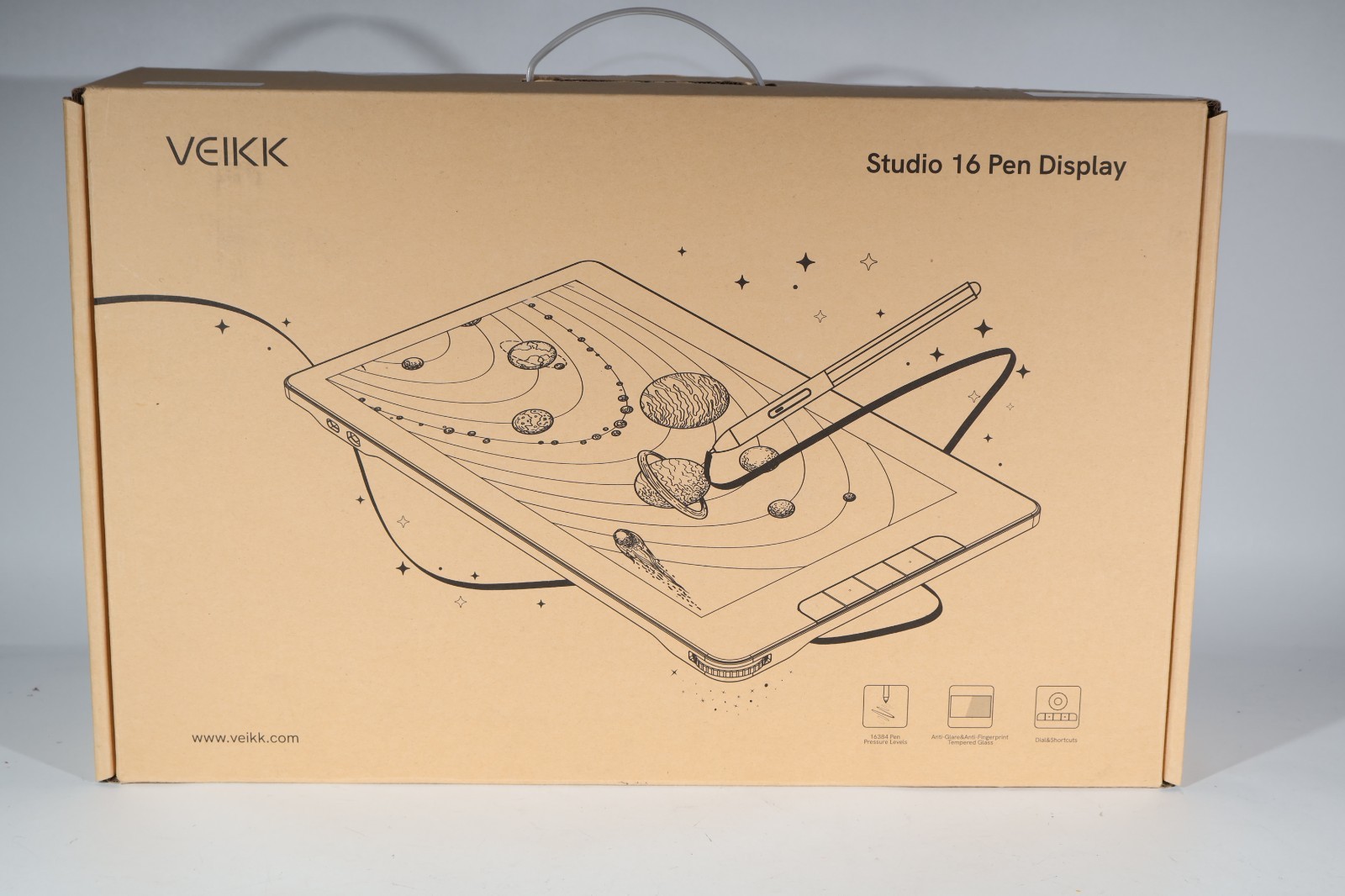
VEIKK Studio 16 Drawing Tablet with Screen 15.6",16K Levels Pen Pressure125% sRGB Graphics Tablet,Digital Drawing Pad for PC,Adjustable Stand,2 Battery-Free Stylus,Compatible with Windows Mac LinuxAbout this item - Full-Laminated Anti-Glare and Anti-Fingerprint Screen:The Studio 16 digital drawing pad features a 1920x1080 full HD screen with 125% sRGB color coverage, 178° wide viewing angle 5080 LPI resolution delivering stunningly vivid images and vibrant colors
- 16K Advanced Pressure Sensitivity:The Studio 16 features upgraded 16384 levels of pressure sensitivity, delivering an exceptionally smooth, natural, and precise drawing experience. It comes with two battery-free pens (slim and standard sizes) ergonomically designed to accommodate different hand sizes and drawing preferences,60° tilt support
- Customized Quick Dial and Shortcuts Keys:The sleek aerospace-grade aluminum dial offers precision control for zooming canvases, adjusting brush sizes, and more. 5 hotkeys can customized according to your drawing habit
- C to C Cable:Connect the Studio 16 drawing monitor via the 3-in-1 cable,which can help you get rid of the mess. It also supports Type-C to Type-C connection,you can conect to your computer via only one cable
- Multi-OS Compatibility:Compatible with Windows 7 and above, Mac OS x 10.12 and above, Linux. Use Studio 16 Pen display with the included adjustable S100 Stand to draw, sketch, design,animate.Compatible with most drawing software like Photoshop, Krita, MediBang, Clip Studio Paint, and so on
- Installation Tips:The drawing monitor must be connected to a computer to use. VEIKK offers a one-year of hardware service and all free driver updates.You will get professional suggestion if you meet any problem for all VEIKK drawing tablets.We are always here for our customers.
Next pageHotkeys & Quick Dial Anti Fingerprint Screen Wide Color GamutPrevious page
Next pageDrawing & Designing Online Learning EditingHow to install driver for Mac system? Mac OS users need to put the driver you downloaded into the whitelist first to normally use.  |
|