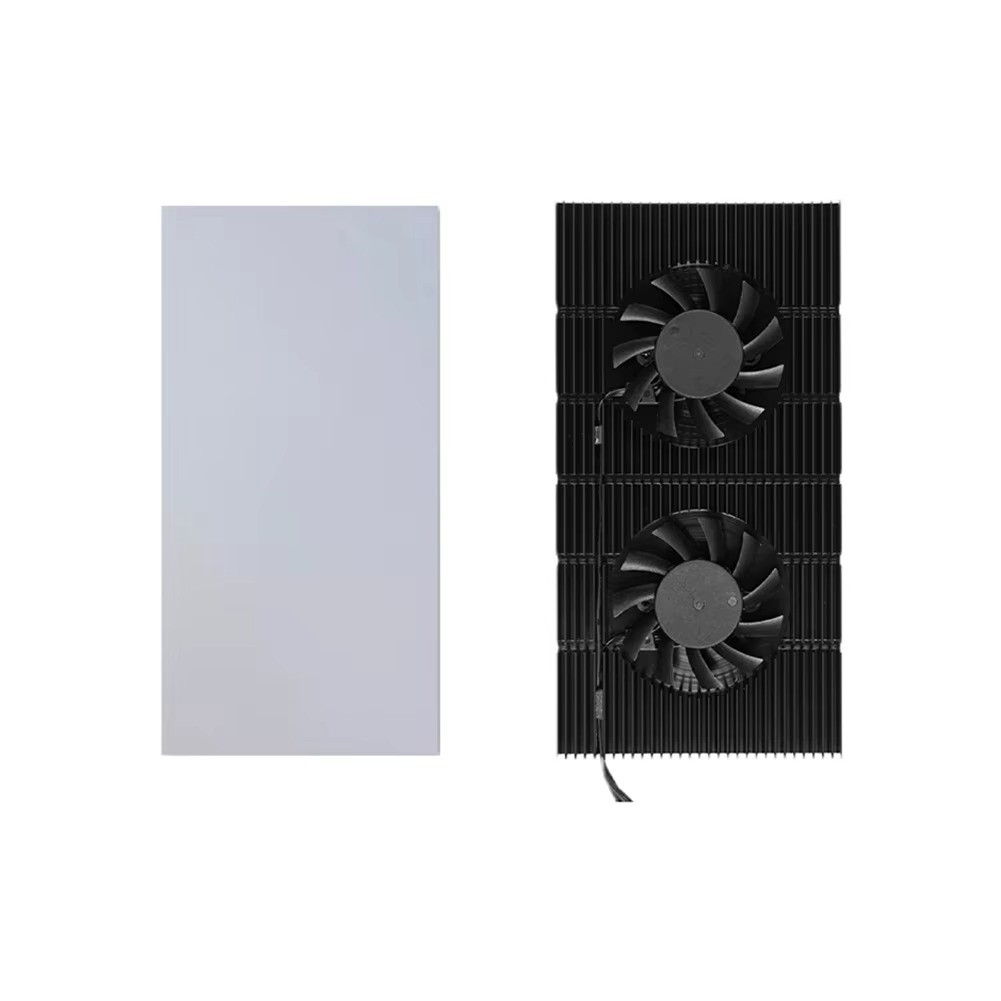
VODOOL GPU Backplane Radiator Cooling Fan
For RTX 3090 / 3080 / 3070 Series Graphics Cards
🌀 Key FeaturesIntegral Backplane Design
One-piece CNC-machined aluminum alloy backplate radiator, no assembly required. Solves high memory/VRAM temperatures on RTX 3090/3080/3070 series backplanes.
Dual Silent Fans
Standard dual 6010 fans, up to 20CFM combined airflow, oil-impregnated bearings for quiet operation, black anodized CNC finish.
PWM Adjustable Speed
4-pin PWM connector plugs into your motherboard fan header. Speed adjustable from 1500-4500 RPM via BIOS, just like a case fan.
Thermal Pad Options
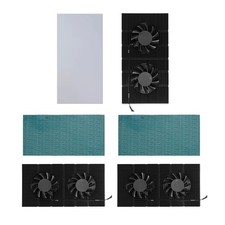
Choose between a 0.5mm or 1mm thermal pad to match your card's backplane flatness for optimal contact.
📦 Choosing Your Option
Both variations include the complete backplane radiator with dual PWM fans. They differ only in the included thermal pad thickness:
- 0.5mm Thermal Pad: Recommended for flat graphics card backplanes.
- 1mm Thermal Pad: Recommended for uneven graphics card backplanes.
📐 SpecificationsModelGK6Body MaterialAnodized CNC Aluminum AlloyColorBlackNumber of Fans2Fan Model6010Fan Speed1500-4500 RPM ±5%Fan Interface4-Pin PWMMax Noise25.5dB (single)Airflow12.2 CFM ±5% (single)Wire LengthApprox. 400mm / 15.75inBody SizeApprox. 180x90x15mm / 7.09x3.54x0.59inCompatibilityRTX 3090, 3080, 3070 Series Graphics Cards📦 Package Contents
1x Graphics Card Backplane Cooling Fan Set (includes selected thermal pad)
🖼️ Product Images❓ FAQDoes it fit my graphics card?
This backplane radiator is compatible with RTX 3090, 3080 and 3070 series graphics cards with a memory/VRAM cooling need on the backplate.
How do I control the fan speed?
Connect the 4-pin PWM cable to a fan header on your motherboard and adjust the speed in BIOS, ranging from 1500 to 4500 RPM.
Which thermal pad should I choose?
If your card's backplane is flat, choose the 0.5mm pad. If it's uneven, choose the 1mm pad for better contact.
Is installation difficult?
No. Simply clean the backplane, attach the thermal pad, and secure the radiator with adhesive or cable ties for vertical mounting.