 When you click on links to various merchants on this site and make a purchase, this can result in this site earning a commission. Affiliate programs and affiliations include, but are not limited to, the eBay Partner Network. When you click on links to various merchants on this site and make a purchase, this can result in this site earning a commission. Affiliate programs and affiliations include, but are not limited to, the eBay Partner Network.
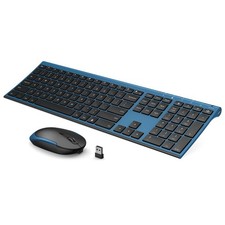
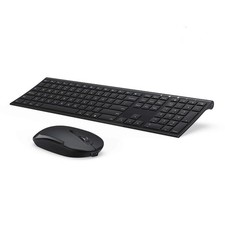
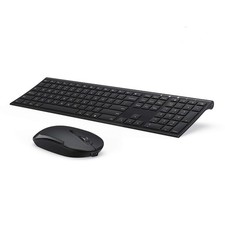
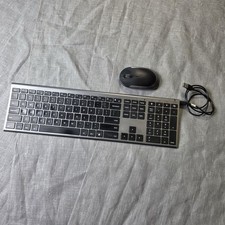
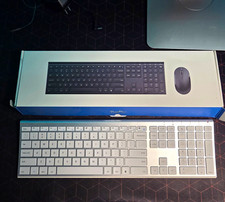
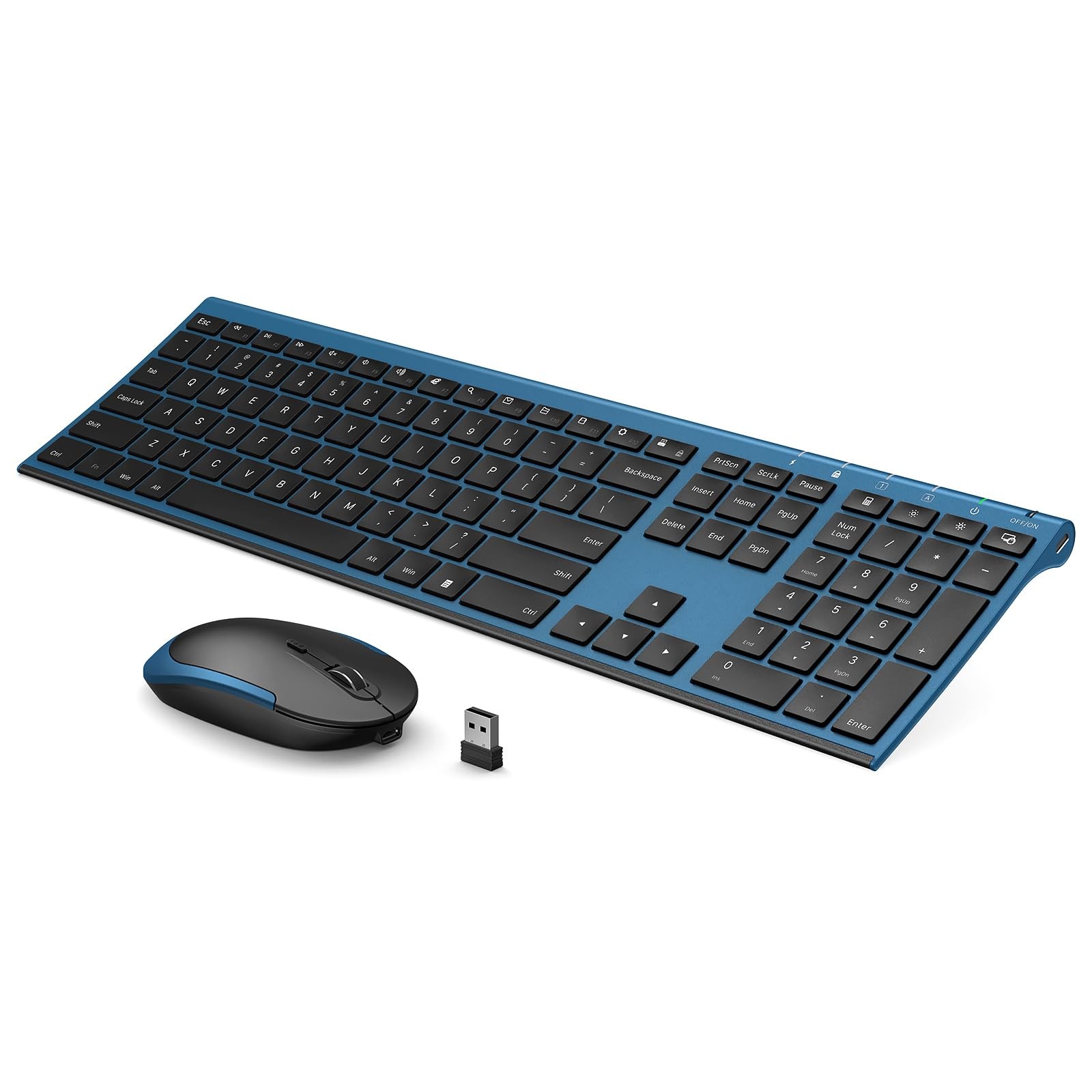
Vssoplor Wireless Keyboard and Mouse, Rechargeable Ultra Slim, Black BlueFast free shipping • Easy 30-day returns📦Quick DispatchProcessed fast🔒Secure CheckoutProtected by ↻30-Day ReturnsNo hassle☺Happy BuyersFriendly supportWhat Makes It Great - ♥Adjustable DPI & Ergonomic Design: 3 DPI levels (1000/1600/2400 DPI) allows you to change the cursor sensitivity easily and track more smoothly over a variety of surfaces. Contoured shape fits your hands perfectly, reducing hand fatigue
- ♥Rechargeable & Auto Sleep Mode: This keyboard and mouse combo can be easily charged with included charging cable. Built-in rechargeable battery supports using for over one month with a single fully charge. It can automatically enter into sleep mode in order to save energy and press any key to wake it up
- ♥Full Size & Ultra Slim: Ultra slim (5.5mm) keyboard looks more stylish and elegant. High-End Scissor Switch design provides a better tactile response and comfortable and whisper quiet typing experience
- ♥Hot Keys & Compatibility: The full size keyboard includes fast-access hot keys, versatile function keys and number pad which can improve you work efficiency. Compatible with Computer, Laptop, Desktop, PC, Notebook, Windows XP / Vista / 7 / 8 / 10 or later
- ♥How to re-pair the keyboard and receiver? Turn on the keyboard switch, hold ESC+Q to enter Pairng Mode. You will see the indicator light flashing. Insert the usb receiver to your computer, place keyboard as close as you can and wait for a bit or until the light stop flashing. And there we paired the keyboard. Pair the mouse: Hold down the mid wheel and right click button and turn on the mouse switch simultaneously, wait for 2 seconds to enter pairing mode. Place mouse as close as you can to pair. Now release the button. Note: If this doesn't work, please turn off all wireless device around you and try the entire process again. Remember to pair the keyboard first, then the mouse.
- ♥Please Note: The USB receiver is located on the back of the mouse to prevent loss
Product ImagesProduct DetailsBrandVssoPlorConditionBrand NewNotesPlease allow 1-2 business days for order processing.Shipping and Delivery - Carriers: Orders ship with reliable national carriers.
- Arrival: Expect delivery within 3-7 business days for most addresses.
- Tracking: Tracking is added to your order as soon as it's available.
Return Policy - Customer Support: Please contact us first if there is any issue with your order.
- Refund Timing: Refunds are issued after the returned item is received and inspected.
- Condition: Returned items should be in the same condition as received unless the issue was seller-related.
Get in TouchWe're happy to help. Send a message through with any question about this item or your order.Why Buy From Us?We keep things simple: accurate listings, fast handling, and real answers when you need them. Every order gets the same care, from checkout to your door.We appreciate your order!Check out our other listings for more great finds.  |
|