Elegant Product Showcase Discover Excellence at Our Shopping Store!
Your satisfaction is our promise – shop with total confidence!
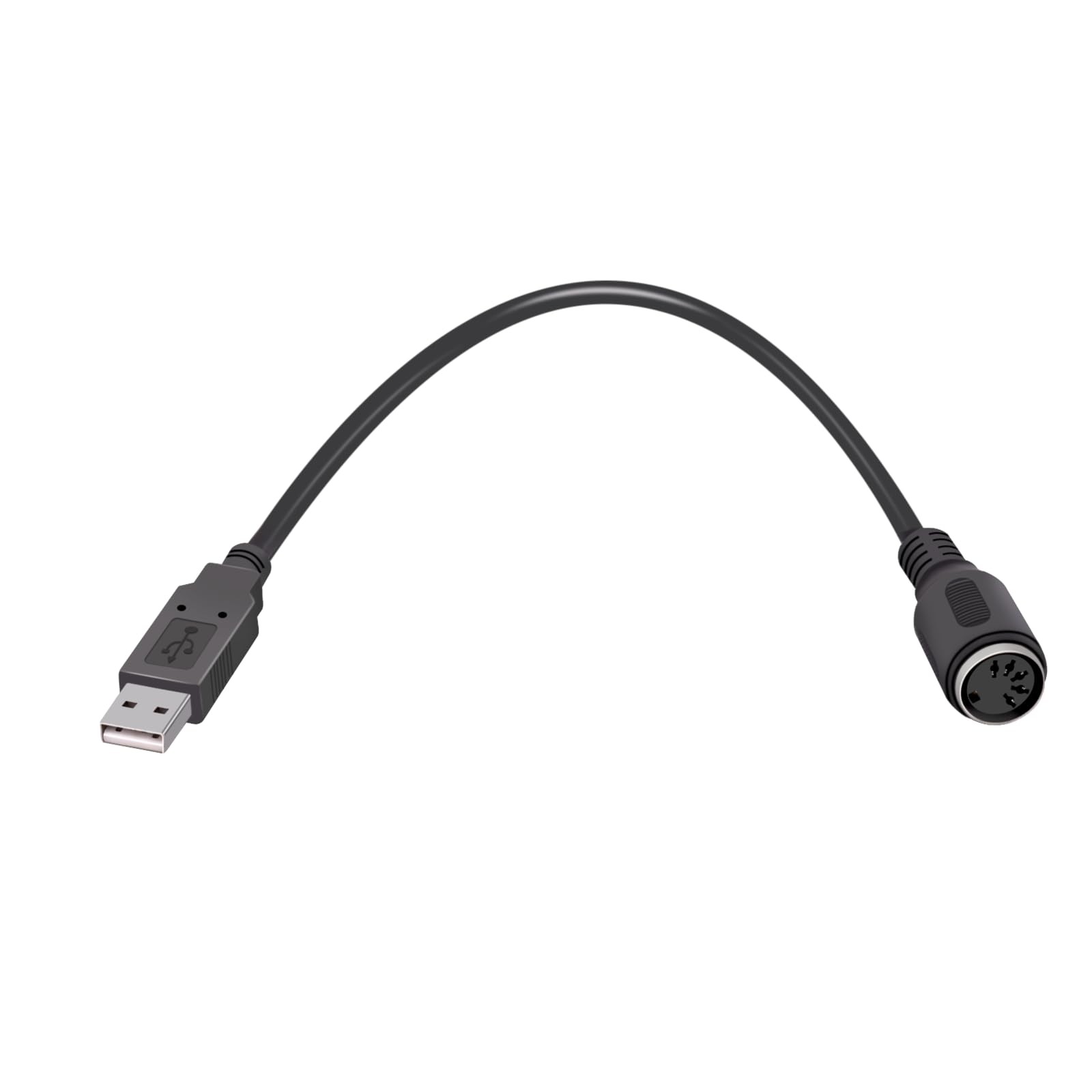
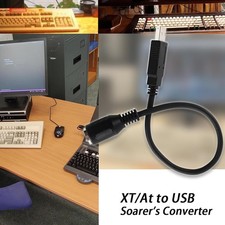
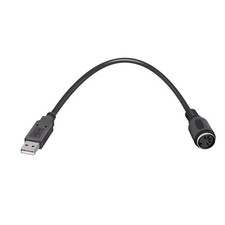
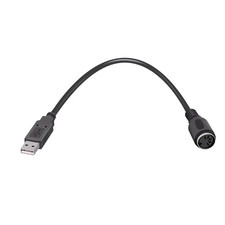
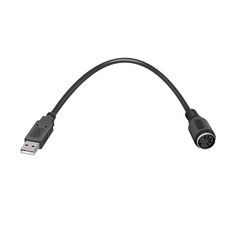
5Pin DIN to USB Converter(Soarer's Converter),Plug-and-Play,1PcProduct Overview
Soarer's converter adds the ability to remap keys, add macros, add additional function layers, and be able to toggle different layouts by pressing a single key. Please note that the following keyboards are KNOWN NOT TO WORK with because of slightly different protocols than standard XT and AT: Zenith Keyboards with XT Layout (ZKB-2 ANSI Layout Does Work), Leading Edge DC-2014 and DC-2015, Lynk terminal, and Amiga Keyboards
Special Features
- 1.Remapping - Assign any key to any other key, including ones that aren't on the keyboard, like media volume controls or the "Command/Windows" key on older keyboards like model M's.
- 2.Macros - A single key press can "play back" a series of key presses. For example, you could set F12 to send Control-Alt-Delete or set one key to represent an entire shortcut like Alt-C for "copy" when doing copying and pasting. If there's a certain combination move in gaming, you could set one key to perform the entire combination.
- 3.Function Layers - Changes the behavior of other keys when the function key is held down. Think of this like adding extra "Shift" keys to add more functions to existing keys.
- 4.IfSelect - Press a key once and it permanently changes the function of any number of keys until that same key is pressed again. Think of this like "Num Lock" which completely changes what the number pad does.
- 5.If you want to utilize the special features other than straight conversion to USB such as key remapping, macros, and layers, you will need to make a text configuration file and upload it to the converter which is most easily done in Windows. Once configured, this configuration is stored within the cable and you can use it on any computer without the need for additional drivers or software. Please Google "Soarer's Converter" to find the original threads by Soarer
- XT/AT Keyboard (180 Degree, 5-pin DIN) To USB Converter.Use XT/AT Keyboard To USB Converter,You can use your old 5-pin IBM XT or AT and compatible keyboard on a modern computer with USB support.
Shipping & Delivery
Orders shipped only to -verified addresses. Please ensure your address details are correct prior to purchase.
We dispatch items within 1-2 business days, typically arriving within 3-7 business days.
Shipping limited to contiguous United States; we do not ship to Alaska, Hawaii, Puerto Rico, or PO Boxes.
Return Policy
Returns are accepted within 30 days. Products must be in original condition and packaging.
If the product received is damaged or incorrect, contact us immediately via messaging.
Payments
Secure checkout through . We accept PayPal and major credit cards.
Customer Assistance
For questions or support, please reach out through messages. Response within 24-48 hours.