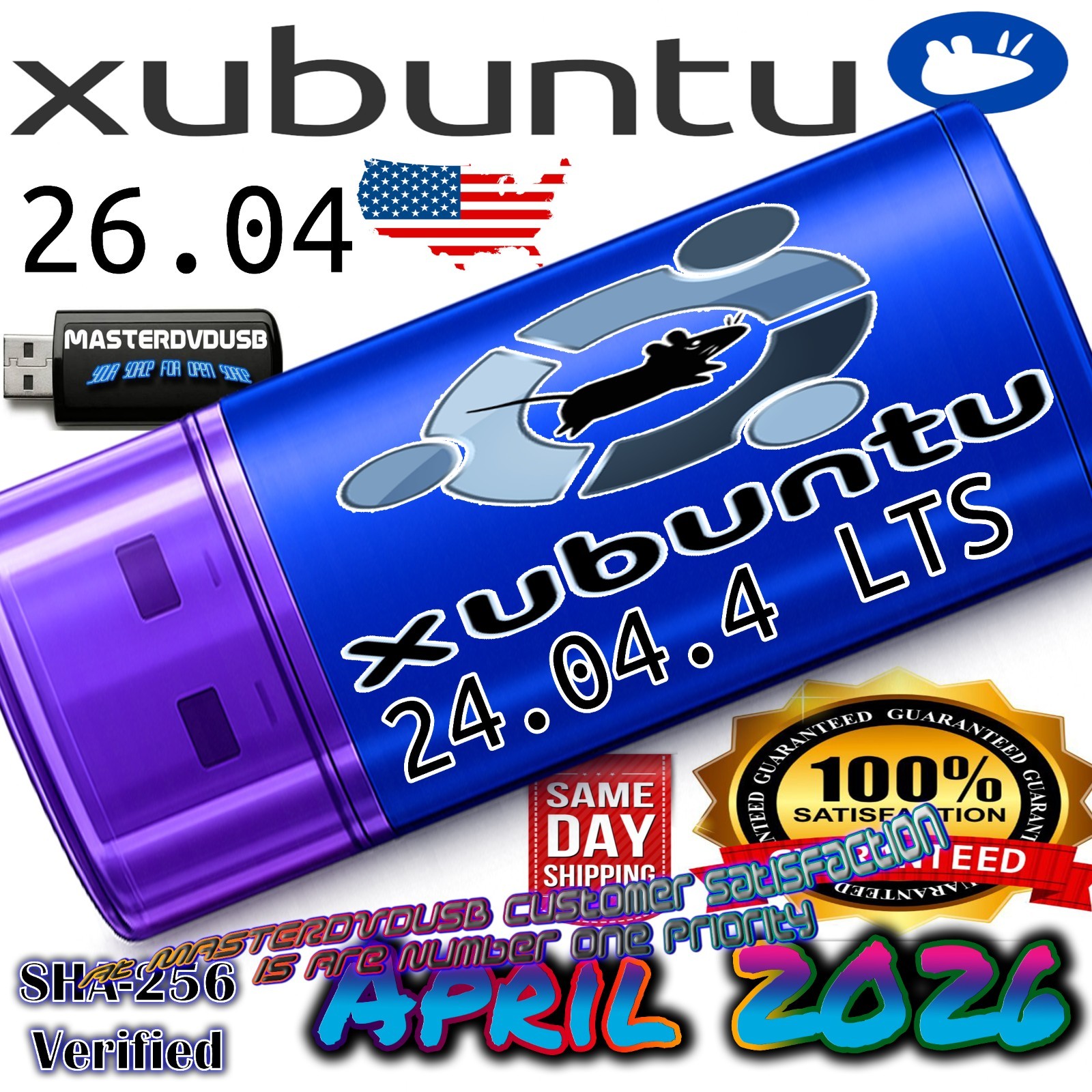
Xubuntu 24.04.4 USB Bootable Live / Installer – 64-bit – MASTERDVDUSB Xubuntu 24.04.4 USB Bootable Live / Installer – 64-bit Optimized USB by MASTERDVDUSB – Same-Day Shipping from California – Cutting Edge of Linux Technology Same-Day Shipping From California 64-bit UEFI & Legacy*
Professionally prepared Xubuntu 24.04.4 bootable USB – perfect for installing, repairing, or test-driving Linux without touching your existing system until you are ready. Product overview
This listing is for a Xubuntu 24.04.4 USB Bootable Live / Installer, created on a high‑quality USB flash drive and prepared using professional tools. Boot directly into Xubuntu’s fast, lightweight XFCE desktop, test your hardware, and install to your hard drive or SSD when you are ready—all from one convenient USB stick.
Xubuntu 24.04.4 is part of the Ubuntu 24.04 LTS family, combining the stability of Ubuntu with the speed and efficiency of the XFCE desktop. It is ideal for older hardware, compact systems, and anyone who wants a clean, responsive Linux environment without unnecessary bloat.
Cutting edge of Linux technology
Xubuntu 24.04.4 represents the cutting edge of Linux technology in a lightweight form. Under the hood, you get a modern Linux kernel, updated drivers, and a curated set of applications that balance performance and usability. You benefit from:
- Latest Ubuntu 24.04 base with long-term support and security updates.
- XFCE desktop tuned for speed, low memory usage, and a classic, intuitive layout.
- Modern hardware support for many current CPUs, GPUs, Wi‑Fi chipsets, and storage devices.
- Snap & APT package support so you can install thousands of applications from trusted sources.
- Live mode to try Xubuntu without changing your existing operating system.
Combined with a professionally prepared USB installer, this gives you a reliable, plug‑and‑boot way to experience one of the most efficient Linux desktops available today.
A brief history of Xubuntu
Xubuntu began as a community‑driven flavor of Ubuntu, designed for users who wanted the power of Ubuntu with a lighter, more traditional desktop. Instead of the heavier GNOME interface, Xubuntu uses XFCE, a desktop environment known for its speed, simplicity, and low resource usage.
Over the years, Xubuntu has evolved from a niche “lightweight alternative” into a polished, full‑featured Linux distribution in its own right. Each release tracks Ubuntu’s core base, inheriting its package repositories, security updates, and long‑term support, while the Xubuntu team carefully selects applications that keep the system lean and responsive.
The 24.04 series continues this tradition, bringing modern Linux technologies—improved hardware support, updated kernels, and a refined XFCE experience—to both older and newer machines. With this USB, you are holding a small piece of that history: a portable, bootable snapshot of a mature, battle‑tested Linux desktop that has been refined for years by a dedicated open‑source community.
What you receive
- 1× USB flash drive with Xubuntu 24.04.4 64‑bit Bootable Live / Installer.
- Live environment to test Xubuntu without installing.
- Full installer to install Xubuntu 24.04.4 to your hard drive or SSD.
- Professionally prepared media using verified ISO images.
- Basic printed instructions (or digital instructions via message) for booting from USB.
Basic system requirements
- CPU: 64‑bit processor (x86_64).
- RAM: 2 GB minimum (4 GB or more recommended).
- Storage: 20 GB free space recommended for installation.
- Boot: USB boot support (BIOS/Legacy or UEFI; settings may need adjustment).
- Internet: Optional, but recommended for updates and additional software.
How to use
- Insert the USB drive into the computer you want to boot.
- Enter BIOS/UEFI (often by pressing F2, F10, F12, ESC, or DEL at startup).
- Select USB as the first boot device and save changes.
- Choose “Try Xubuntu” to run the live environment, or “Install Xubuntu” to begin installation.
- Follow on‑screen prompts to complete the setup if you choose to install.
Same-day shipping from California
Orders placed and paid for by our cut‑off time (typically early afternoon Pacific Time) ship the same day from California, USA, Monday through Friday, excluding postal holidays. We package your USB securely to help ensure it arrives in good condition and ready to use.
If you are in the western United States, this often means very fast delivery times. Tracking information will be provided when available through the chosen shipping service.
Why buy from us – MASTERDVDUSB
We know you have options, so here is what sets this listing apart:
- Professional preparation: Media is created using reliable tools and verified ISO images.
- Tested bootability: Each batch is spot‑checked on real hardware for proper boot behavior.
- Same‑day shipping from California: Fast turnaround on most paid orders.
- Clear, honest descriptions: We describe what you are getting without hype or misleading claims.
- Customer satisfaction is our number one priority: If something is not right, contact us and we will work with you.
- Experience with Linux and installers: We understand how these tools are used in the real world.
You are not just buying a USB stick—you are buying a convenient, ready‑to‑boot tool prepared by someone who cares about reliability and clarity.
Important notes & disclaimer
This item includes the USB media and our time and materials to prepare it. Xubuntu and Ubuntu are registered trademarks of their respective owners and are provided under their original licenses. You are paying for the service of creating and shipping the bootable media, not for the software itself, which is freely available from the official project websites.
Compatibility can vary depending on your hardware and BIOS/UEFI settings. Some systems may require secure boot to be disabled or other options to be adjusted. If you have questions about booting from USB or about Xubuntu in general, feel free to message us before or after purchase.
MASTERDVDUSB – Focused on reliable, honest, and clearly described install media. Customer satisfaction is our number one priority. Xubuntu 24.04.4 USB bootable live installer, Xubuntu 24.04 USB, Xubuntu 24.04.4 64 bit, Xubuntu USB install, Xubuntu live USB, Linux USB installer, Linux bootable USB, Ubuntu XFCE flavor, lightweight Linux distribution, fast Linux desktop, XFCE desktop environment, Ubuntu 24.04 LTS base, long term support Linux, Linux for older computers, Linux for refurbished PCs, Linux for laptops, Linux for desktops, Linux for mini PCs, Linux for netbooks, Linux for office use, Linux for home use, Linux for students, Linux for developers, Linux for privacy, Linux for security, open source operating system, free operating system, alternative to Windows, alternative to macOS, switch to Linux, try Linux from USB, dual boot Linux and Windows, replace Windows with Linux, secure Linux OS, stable Linux OS, modern Linux kernel, updated Linux drivers, XFCE panel, classic desktop layout, start menu style launcher, lightweight applications, Thunar file manager, Mousepad text editor, Firefox web browser, office suite support, multimedia playback, audio and video support, image viewer, archive manager, software center, package manager, APT package management, Snap packages, Flatpak (optional), software repositories, security updates, kernel updates, driver updates, community support, documentation, tutorials, how to install Xubuntu, how to boot from USB, how to create a Linux USB, how to test Linux safely, live session, persistent session (user‑configured), install alongside Windows, erase disk and install Xubuntu, custom partitioning, encrypted home directory (user‑configured), full disk encryption (when supported), swap partition, swap file, ext4 filesystem, UEFI boot, legacy BIOS boot, secure boot options, boot menu key, F12 boot menu, ESC boot menu, DEL BIOS key, F2 BIOS key, F10 BIOS key, boot order, USB boot priority, troubleshooting boot issues, black screen on boot, nomodeset option, safe graphics mode, Wi‑Fi drivers, Ethernet drivers, proprietary drivers, open source drivers, NVIDIA drivers, AMD drivers, Intel graphics, Intel CPU, AMD CPU, SSD installation, HDD installation, NVMe installation, SATA drive installation, external drive installation, USB 3.0 port, USB 2.0 port, USB compatibility, 16 GB RAM systems, 8 GB RAM systems, 4 GB RAM systems, low RAM systems, low power systems, fanless mini PC, thin client, repurposed office PC, classroom computers, school labs, home lab, test bench, IT technician toolkit, repair shop toolkit, data recovery environment (user‑installed tools), partition manager (user‑installed tools), backup and restore (user‑installed tools), cloning drives (user‑installed tools), secure erase (user‑installed tools), privacy‑focused browsing, password managers, VPN clients, SSH clients, remote desktop clients, VNC clients, RDP clients, coding tools, Python, C, C++, Java, web development tools, text editors, IDEs, Git clients, container tools (user‑installed), virtualization tools (user‑installed), VirtualBox guest, VMware guest, KVM guest, QEMU guest, running Xubuntu in a virtual machine, running Xubuntu on bare metal, testing hardware compatibility, checking Wi‑Fi, checking sound, checking graphics, checking printers, checking scanners, checking USB devices, checking Bluetooth, checking webcams, checking microphones, checking external monitors, multi‑monitor support, HDMI output, DisplayPort output, VGA output, DVI output, 1080p displays, 1440p displays, 4K displays, scaling options, font rendering, theme customization, icon themes, panel customization, keyboard shortcuts, window manager tweaks, compositor settings, desktop wallpapers, login screen, lock screen, user accounts, guest sessions, parental controls (user‑configured), time zone settings, language support, keyboard layouts, regional formats, accessibility options, screen reader, high contrast themes, large text, sticky keys, slow keys, mouse keys, on‑screen keyboard, power management, suspend, hibernate, shutdown, restart, lid close behavior, battery indicator, CPU frequency scaling, fan control (hardware‑dependent), temperature monitoring (user‑installed tools), disk usage analyzer, system monitor, task manager, process viewer, log viewer, update manager, software updater, notification system, panel indicators, system tray, volume control, network manager, VPN connections, wired connections, wireless connections, mobile broadband (hardware‑dependent), hotspot (hardware‑dependent). Xubuntu 24.04.4 USB from California, Linux USB shipped from California, same day shipping Linux USB, fast shipping Linux installer, professional Linux USB seller, MASTERDVDUSB brand, trusted Linux media, reliable Linux bootable USB, honest Linux listing, detailed Linux description, customer satisfaction priority, support via messages, Xubuntu 24.04.4 live installer USB drive, Xubuntu 24.04.4 bootable flash drive, Xubuntu 24.04.4 installation media, Xubuntu 24.04.4 operating system on USB, Xubuntu 24.04.4 for beginners, Xubuntu 24.04.4 for advanced users, Xubuntu 24.04.4 for IT professionals, Xubuntu 24.04.4 for technicians, Xubuntu 24.04.4 for students, Xubuntu 24.04.4 for home office, Xubuntu 24.04.4 for small business, Xubuntu 24.04.4 for developers, Xubuntu 24.04.4 for content creators, Xubuntu 24.04.4 for writers, Xubuntu 24.04.4 for web browsing, Xubuntu 24.04.4 for email, Xubuntu 24.04.4 for streaming, Xubuntu 24.04.4 for productivity, Xubuntu 24.04.4 for coding, Xubuntu 24.04.4 for testing, Xubuntu 24.04.4 for experimentation, Xubuntu 24.04.4 for learning Linux, Xubuntu 24.04.4 for teaching Linux, Xubuntu 24.04.4 for labs, Xubuntu 24.04.4 for classrooms, Xubuntu 24.04.4 for training environments, Xubuntu 24.04.4 for cyber security labs (user‑configured), Xubuntu 24.04.4 for ethical hacking labs (user‑configured), Xubuntu 24.04.4 for network labs (user‑configured), Xubuntu 24.04.4 for server administration (user‑configured). This hyper‑SEO keyword block is included to help buyers searching for Xubuntu 24.04.4 USB, Xubuntu USB installer, Linux USB bootable drive, and related terms find this listing more easily.