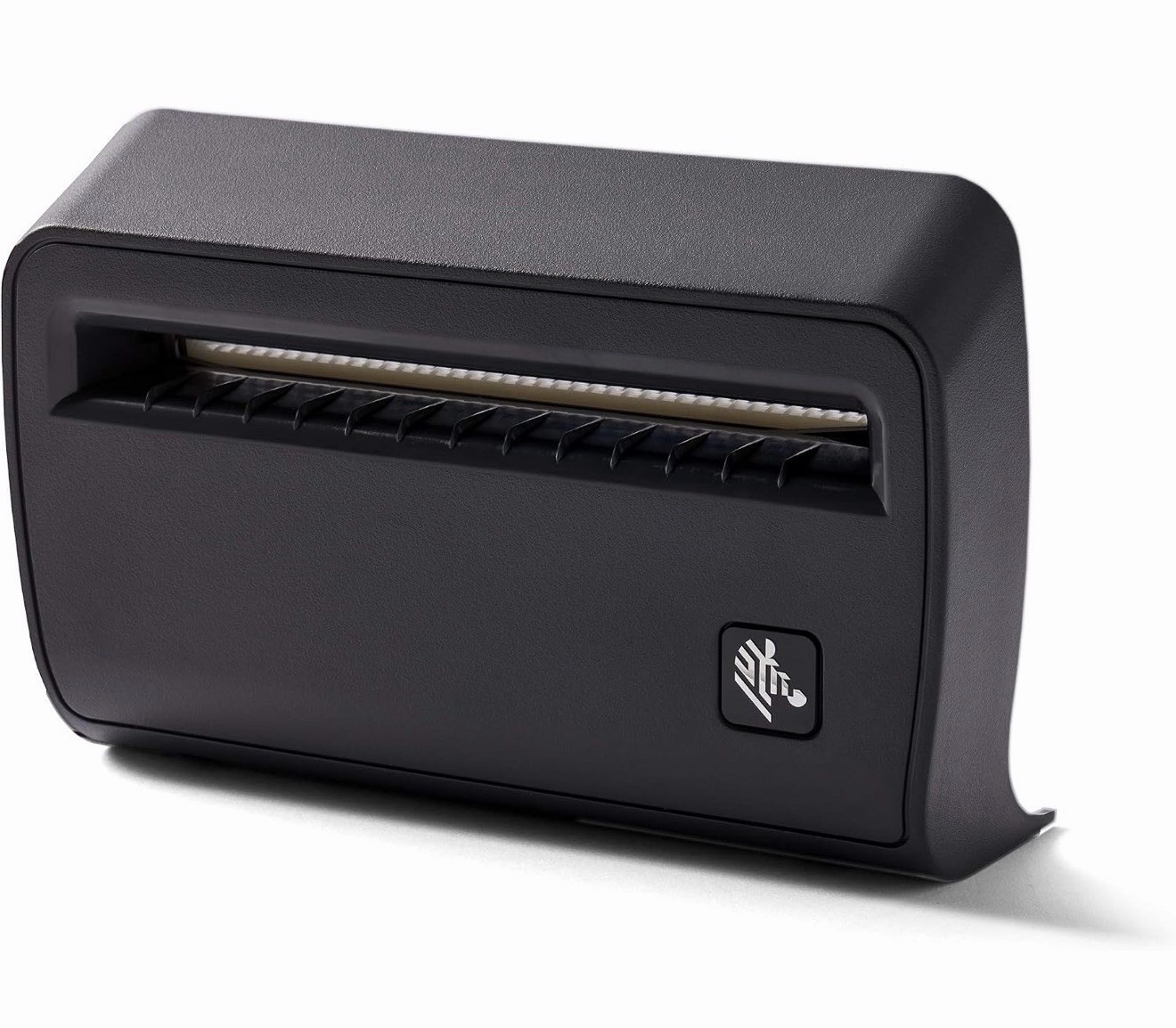
Add automatic media cutting capability to a compatible Zebra direct-thermal desktop label printer with this genuine Zebra cutter assembly.
The cutter is designed for compatible Zebra ZD420d and ZD620d direct-thermal printers and automatically cuts supported tag stock and label liner after printing, helping streamline label preparation and workflow.
What's Included
• (1) Zebra Automatic Cutter Assembly
• Only the components shown in the listing photos are included
Features
• Genuine Zebra printer component
• Automatic media cutting
• Designed for Zebra ZD420d and ZD620d direct-thermal printers
• Cuts compatible tag stock and label liner
• 4-inch full-cut configuration
• Field-installable design
• Can be enabled or disabled through compatible printer settings
• Designed to integrate with the printer’s existing media path
Product Specifications
• Brand: Zebra
• Assembly Part Number: P1090399-001
• Zebra Cutter Option / Service Part Number: P1080383-417
• Type: Automatic Printer Cutter
• Cutter Width: 4"
• Cut Type: Full Cut
• Printer Technology: Direct Thermal
• Placement: Front
Compatible Printers
• Zebra ZD420d
• Zebra ZD620d
IMPORTANT COMPATIBILITY INFORMATION
• This cutter is intended for compatible direct-thermal “d” models.
• Do not assume compatibility with ZD420t or ZD620t thermal-transfer printers based only on the ZD420/ZD620 model family name.
• Zebra uses different cutter assemblies/options across different ZD printer configurations.
• Please compare your printer's complete model designation and the part numbers shown in the listing before purchasing.
Media Information
Zebra states that the cutter is intended for compatible tag stock and for cutting through label liner.
It is not intended to cut through adhesive, and Zebra advises against using the cutter with unsupported linerless media.
Important Buyer Information
• Listing is for the cutter assembly only; printer is not included.
• Verify that your printer is a compatible ZD420d or ZD620d direct-thermal model before purchasing.
• Installation should be performed with the printer powered off and according to Zebra service/installation instructions.
• Please review all listing photos for the exact cutter, connectors, included hardware, part labels, and overall condition.