1. Please ensure that the shipping address is 100% correct.
Please ensure that your address can receive the package.
2. Please provide the correct phone number, especially for countries such as Brazil that require payment of customs duties.
Please pay the customs duties in time to avoid the package being destroyed.
3. If the package delivery fails due to incorrect address and failure to pay customs duties, you will bear the loss on your own.
Specifications:
Battery Type: Li-ion
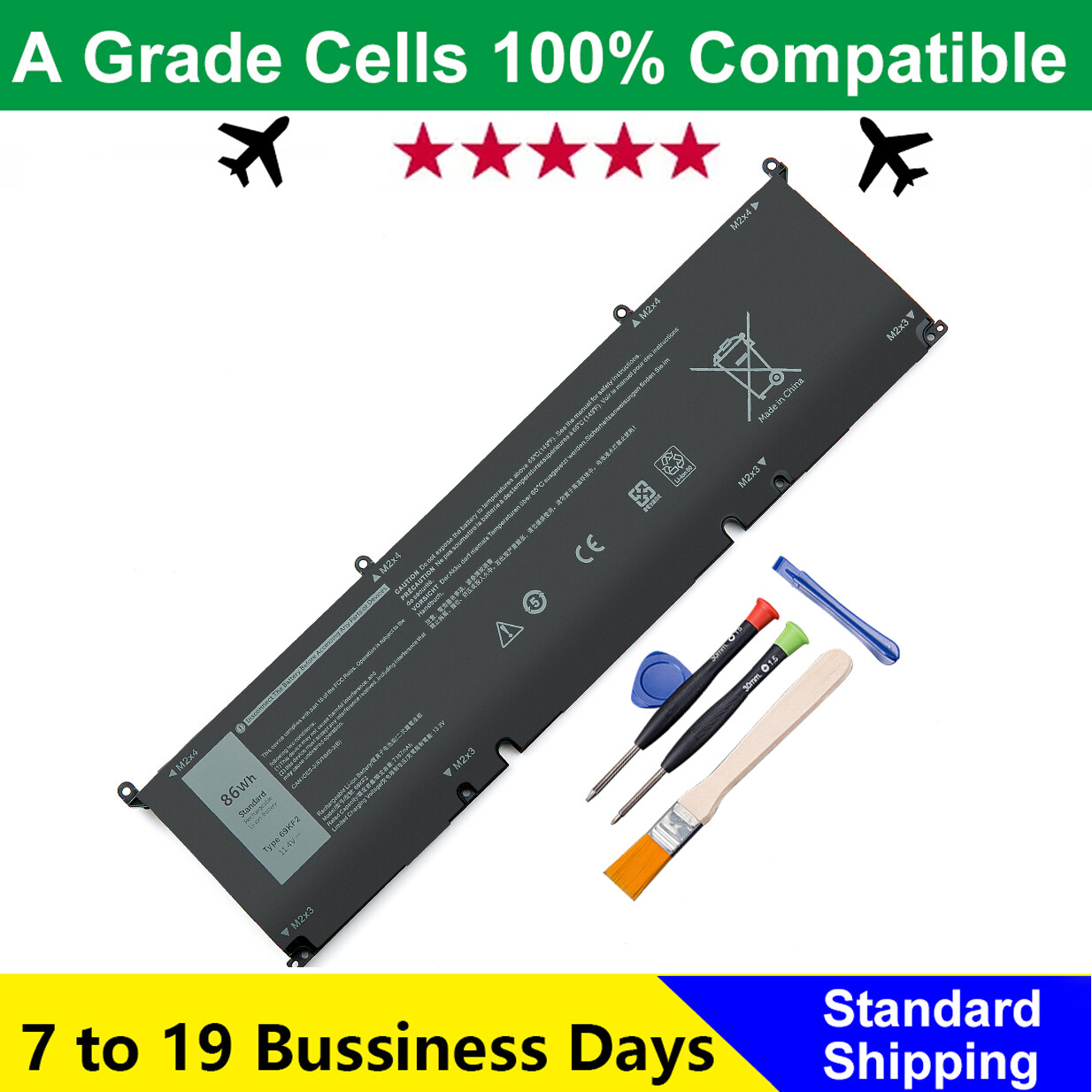
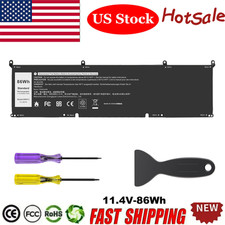
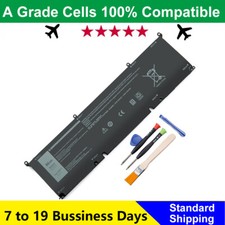
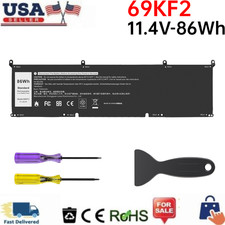
69KF2 70N2F M59JH 8FCTC 08FCTC 70N2F 070N2F
Compatible Laptop Models:
For Dell XPS 15 9500 Series,For Dell XPS 15 9510 Series,For Dell XPS 15 9520 Series,For Dell XPS 15 9500 2020 Series,For Dell XPS 15 9500 Core i7 4K UHD Series,For Dell Precision 5550 2020 Series,For Dell Precision 5550 Mobile Workstation Series,For Dell Precision 5560 Mobile Workstation Series,For Dell Precision 5570 Mobile Workstation Series,For Dell Alienware M15 R3 R4 R5 R6 R7 Series,For Dell Alienware M15 2020 ALW15M-5758W Series,For Dell Alienware M15 R3 (2020) Series,For Dell Alienware M15 R4 (2021) SeriesFor Dell Alienware M17 R3 R4 Series,For Dell Alienware M17 R3 (2020) SeriesFor Dell Alienware M15 R4 (2021) Series,For Dell G7 15 7500 Series,For Dell G7 15 7500 i7-10750H RTX 2060 (G7 15 Series),For Dell G15 5510 5511 5520 Series,For Dell G15 5515 Ryzen Edition Series,For Dell G15 5521 Special Edition Series,For Dell Inspiron 7510 Series,For Dell Inspiron 16 Plus 7610 Series,For Dell Inspiron 7620 Series,For Dell P91F P91F001,For Dell P45E P45E001 P45E002,For Dell P87F P87F002 P87F003,For Dell P100F P100F001.
Use attention:
1.Discharge the new battery use to 5%(not to 0%) and then charge to 95%, and cycle 3-4 times.
2.Do not disassemble, crush or puncture. Do not dispose of in fire or water.
3.If you remove battery for a long time, charge more than 80% at least one time within one months.
4.Don't connect adapter for a long time while using the battery. It may damage the battery.
For purchasing the correct replacement battery, please check your original battery and also the specific laptop model. (combine step 1 and step 2)
Step 1. Remove your laptop back cover to check your original battery’s part number, shape. Then search the part number to find the replacment battery.
Step 2. Check your specific laptop model name. (method: Press [Win] + [R] key , enter [msinfo32] or [dxdiag] , then click OK to find your system model. Find the replacement battery base on your laptop model name.