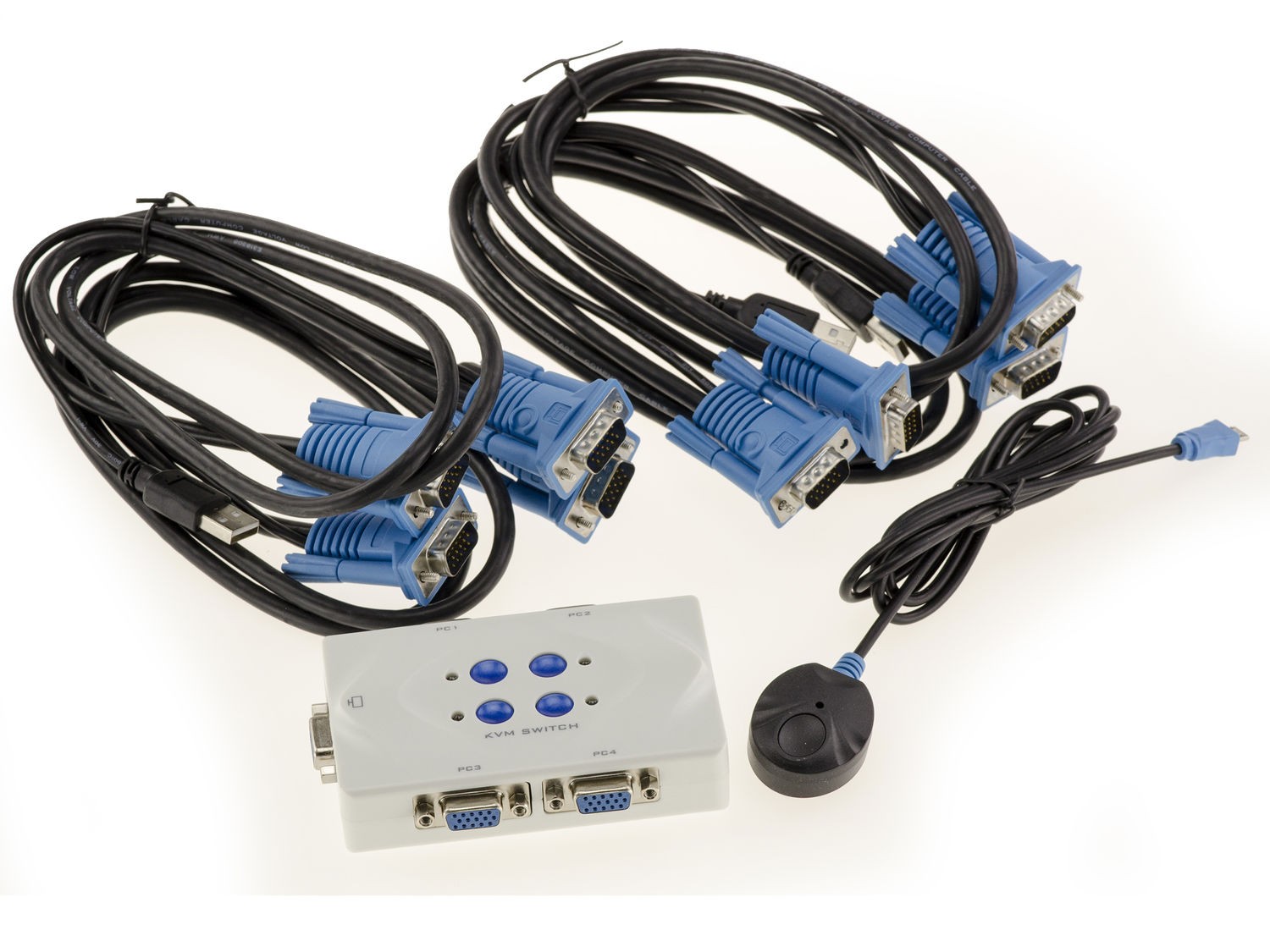
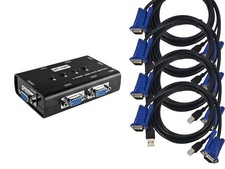
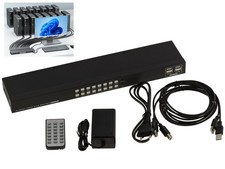
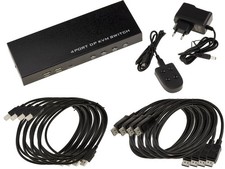
To use 2 to 4 different PCs on the same keyboard/screen/mouse set.
Specifications:
Compatible with all USB mice and all USB type keyboards.
The KVM box is connected as follows: On the box you will connect your screen via its cord to a VGA port, your keyboard and your mouse to a USB port. You will then use the provided cords to connect the KVM to each of the four PCs. These cords are connected to each PC on the VGA screen output and a USB port.
USB 2.0 / USB 1.1 compatible
Compatible with 15 pin VGA HDDB output screens.
Compatible with all Windows, Linux, Mac.
Hot Connection (Hot Plug).
Resolution supported up to 2048x1536.
No software required.
Switching from one PC to another by:
1- Keyboard shortcut, without moving, even if the PCs are in another room!. (different combinations possible. For example, to switch to PC1, you press the "def lock" key - near the numeric keypad - twice in succession, then the "1" key!). There is even an autoscan mode, which continuously switches from one PC to another (useful for monitoring!).
2- Wired remote control provided.
LED display to view the selected PC.
Buzzer to signal switching.
The KVM is powered by the cords connected to the different PCs. Plastic case.
Cord length 1.5m.
To use 2 to 4 different PCs on the same keyboard/screen/mouse set. The KVM box is connected as follows: On the box you will connect your screen via its cord to a VGA port, your keyboard and your mouse to a USB port. You will then use the provided cords to connect the KVM to each of the four PCs. These cords are connected to each PC on the VGA screen output and a USB port. 1- Keyboard shortcut, without moving, even if the PCs are in another room!. (different combinations possible. For example, to switch to PC1, you press the "def lock" key - near the numeric keypad - twice in succession, then the "1" key!). There is even an autoscan mode, which continuously switches from one PC to another (useful for monitoring!). The KVM is powered by the cords connected to the different PCs. Plastic case. Recommended products Provided by KALEA-INFORMATIQUE KVM Switch VGA USB 4 Ports Auto - Complete Kit View product KVM Switch HDMI - USB - 4 Ports Full, Comes With Cords And Remote Control View product KVM Switch HDMI - USB - 2 Ports Full, Comes With Cords And Remote Control View product KVM SWITCH HDMI 2.0 And USB 3.0 2 PORT Complete, With Cables And Remote Control View product Kvm Switch HDMI - USB /// Automatic /// - 8 Ports- With Cords View product KVM Switch Manuel 4 Ports / USB + VGA / With Cables View product KVM SWITCH 2 Ports /// USB + VGA VERSION /// - MANUAL View product USB Sharing Box / USB2.0 Switch - 2 Ports AUTO View product